


RTX 4060 Ti Throttling Under Load: SA Temperature Guide
RTX 4060 Ti Throttling Under Load: Temperature. Everything you need to know with SA pricing, step-by-step instructions & expert recommendations.
Read moreEvery spec on ASUS Pro WS Z890-ACE SE explained in plain English. What matters for gaming and creator work in 2026, what's marketing fluff, and how each number translates to real-world performance.
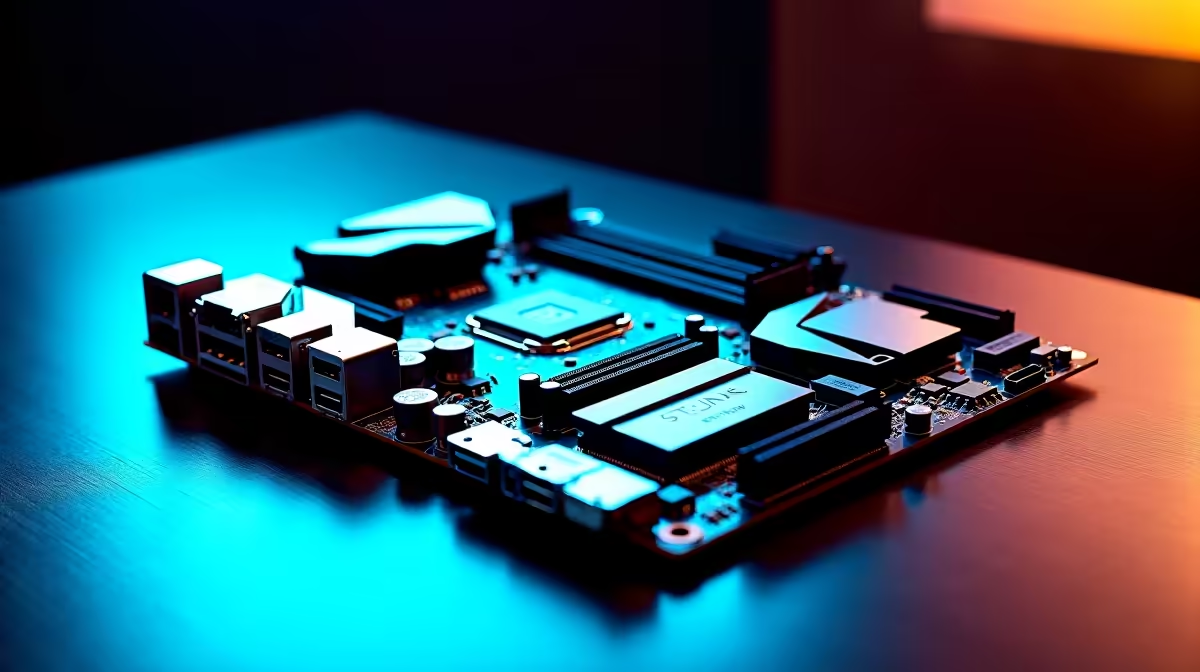
Building a workstation in South Africa used to mean sacrificing modern connectivity for basic stability. Not anymore. Whether you are rendering 4K video, training local AI models, or compiling massive codebases... your motherboard is your ultimate foundation. Today we are unpacking the complete breakdown of ASUS Pro WS Z890-ACE SE features for AI, creation and professional workloads. Let us see why this board justifies every Rand of your hard-earned ZAR.
Intel's latest Core Ultra processors require serious and sustained power delivery. The ASUS Pro WS Z890-ACE SE delivers exactly that. It ensures your rig stays perfectly stable under heavy, continuous loads. When you are pushing local AI generation or massive 3D renders... a weak VRM will simply throttle your CPU.
This board features robust power stages designed specifically for professional workloads. Load-shedding might interrupt your workflow occasionally, but your hardware itself should never be the bottleneck. You get complete peace of mind knowing your system will not crash during a 48-hour render. If you are looking to upgrade your current foundation, you can easily browse our wide selection of motherboards to see how it stacks up against standard consumer options.
Creators deal with massive files daily. Waiting for slow file transfers actively costs you money. This motherboard includes ultra-fast Thunderbolt 4 ports and high-speed Ethernet connections. You can pull assets from your studio NAS or external backup drives in seconds.
Always pair a high-end workstation board with Gen5 NVMe SSDs for your active project files. Keep your OS on a separate drive to ensure your creative apps never stutter during heavy read and write operations.
For those loyal to Team Blue, this board sits at the absolute pinnacle of premium ASUS Intel motherboards. It offers PCIe 5.0 slots ready for the most powerful modern GPUs. If you are building a dual-GPU setup for AI training... the slot spacing is specifically engineered for optimal airflow.
Prefer a different platform? We also stock a massive range of ASUS AMD motherboards suited for heavy Threadripper lifting.
AI models and heavy After Effects timelines eat RAM for breakfast. The Z890-ACE SE supports massive capacities of DDR5 memory. More importantly, it supports Error-Correcting Code memory when paired with the right processor.
Every professional knows that a system crash ruins hours of unsaved progress. ECC memory identifies and fixes tiny memory errors on the fly. This prevents silent data corruption during crucial professional tasks. To maximise this workstation potential, you will need to invest in high-speed memory kits that match your intense workflow demands.
Building a dedicated workstation from scratch can feel daunting. We know that balancing your budget while securing the best ASUS Pro WS Z890-ACE SE features for AI, creation and professional workloads requires careful planning.
Sometimes, grabbing a pre-configured system makes more financial sense for your studio. You can often find incredible value when you explore our best gaming PC deals. These frequently feature high-end components highly capable of doubling as professional workstations.
Ready to Build Your Dream Workstation? Professional workloads demand professional hardware. If you are ready to stop waiting on loading bars and start creating, Evetech has the components you need at the best prices in South Africa. Explore our massive range of PC components and build the ultimate creative powerhouse today.
ASUS Pro WS Z890-ACE SE is available at Evetech.co.za with local SA warranty, Rand pricing and nationwide delivery. Stock and pricing is updated in real time on the product page.
The article breaks down the real-world impact on gaming FPS, creator workflows and everyday responsiveness — not just raw spec numbers.
Only a handful of specs meaningfully change your experience. The guide ranks them by real impact so you spend on what counts.
We cover upgrade headroom, platform longevity and the specific features worth paying extra for if you plan to keep this build for several years.
The article includes a clear generational uplift summary so you can judge whether upgrading from your current hardware is worthwhile.
RTX 4060 Ti Throttling Under Load: Temperature. Everything you need to know with SA pricing, step-by-step instructions & expert recommendations.
Read more
Apex Legends Max Settings on RTX 4080. Tested & verified settings for best FPS and visual quality on SA hardware budgets.
Read more
GPU Buying Guide. Everything you need to know with SA pricing, step-by-step instructions & expert recommendations.
Read more
GPU Terms Guide. Everything you need to know with SA pricing, step-by-step instructions & expert recommendations.
Read more
AMD Adrenalin Download & Setup Guide: GPU. Clear setup instructions with SA-specific considerations, troubleshooting tips & recommended components.
Read more
Back-to-School GPU Buying Guide. Everything you need to know with SA pricing, step-by-step instructions & expert recommendations.
Read more
Snapdragon X2 NPU Explained: How 80 TOPS Changes. Plain-English explanation of what it means, why it matters & how it affects your buying decisions in SA.

HBM? High Bandwidth Memory Used in GPUs and AI. Plain-English explanation of what it means, why it matters & how it affects your buying decisions in SA.

How much should you spend on sim racing accessories in South Africa for a realistic setup? We break down budgets by quality tiers, so you buy smart gear and avoid overspending 🎮💸

G-Sync and FreeSync? Variable Refresh Rate. Plain-English explanation of what it means, why it matters & how it affects your buying decisions in SA.

AMD Laptop: Value. SA-focused analysis with local pricing data, real-world insights & actionable buying advice.

How MacBook Neo Handles 30+ Chrome Tabs with Only. SA-focused analysis with local pricing data, real-world insights & actionable buying advice.

Why Apple Put 8GB RAM in MacBook Neo: The A18 Pro. SA-focused analysis with local pricing data, real-world insights & actionable buying advice.

Upgrade your work laptop with a New Motherboard. Step-by-step instructions with SA-specific tips, common pitfalls to avoid & expert recommendations.

Maintain wired headset — Checklist: • inspect cables • clean earpads • store properly 🔧🎧 Practical steps to preserve sound quality and avoid premature replacements.

Fix crackling headset fast: step-by-step checks for cables, connectors, drivers, and settings to remove static or distorted audio on wired headsets 🎧⚙️

Stereo vs mono headsets: learn which delivers clearer calls, better spatial music, or simpler mono voice performance — pick the right headset for meetings, music, or gaming 🎧💬

- Compare gaming headset vs studio headphones; - Assess comfort, mic and sound; - Recommend best daily picks. Gaming headset vs studio headphones: learn which suits work, music and casual gaming. 🎧⚖️