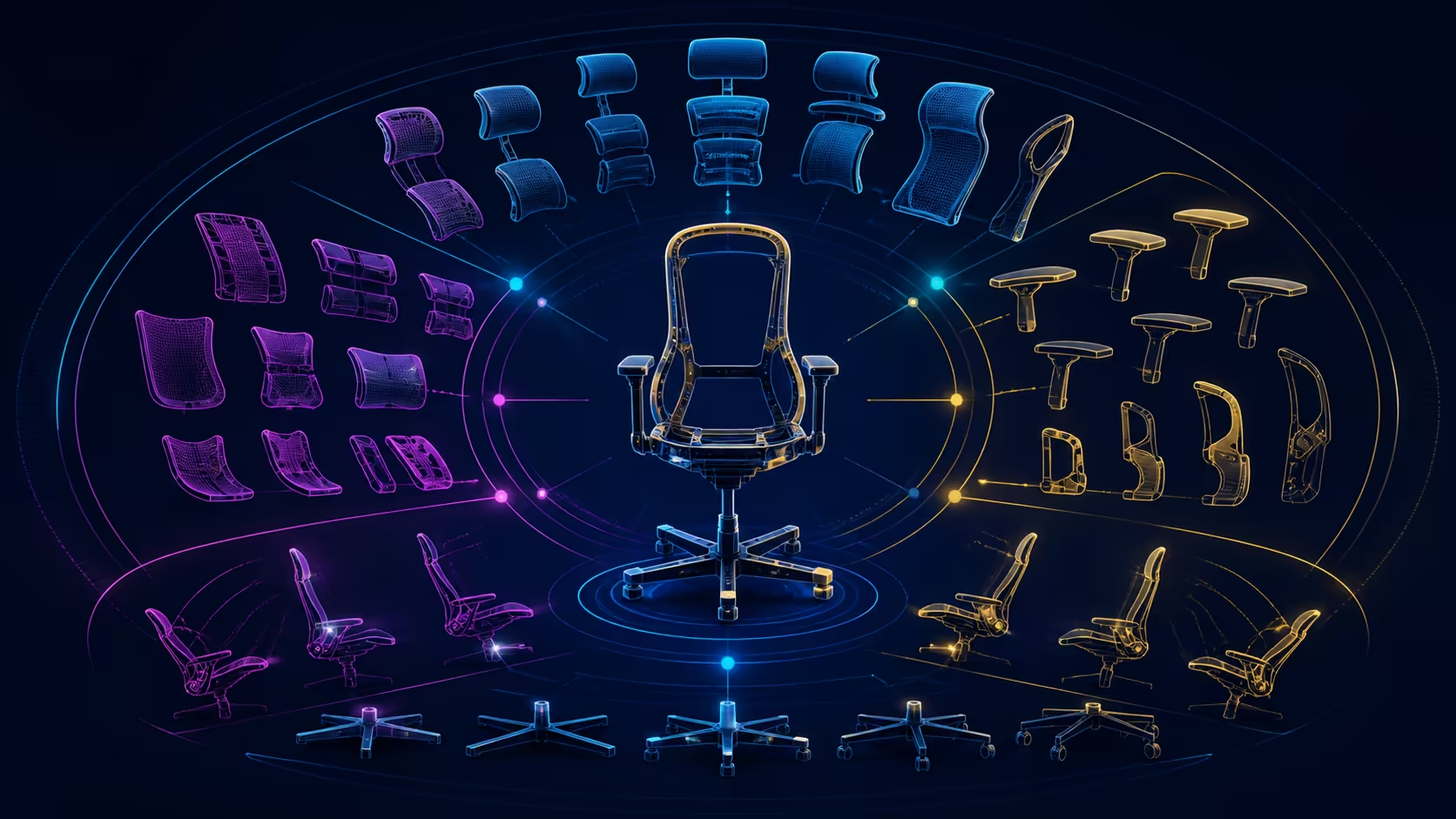
An ergonomic office chair adjustment guide is most useful when controls are set in a deliberate order. Establish the user-to-desk relationship first, then refine lower-back, forearm, head and recline positions without changing several variables at once.
Quick Answer
The E3 Ultra adjustment map includes 8D three-zone lumbar, five-way arms, a headrest with three numeric ranges, a sliding mesh seat and four recline levels.
Begin with stable feet, usable seat position and easy desk reach. Add lumbar support, tune each armrest, align the headrest to a neutral gaze, and test recline last. At R9,599, the HBADA E3 Ultra supplies examples across all four adjustment areas, while dimensions and load capacity remain separate fit checks.
🧭 Create a neutral starting position
Place the chair at the workstation before exploring advanced controls. The feet should have stable support, the thighs should meet the seat without obvious edge pressure, and the user should be able to sit against the backrest while reaching the keyboard. If these relationships fail, record the mismatch before compensating elsewhere.
Centre the main display and set its height for a relaxed gaze. Keep frequently used input devices close. The chair now has a reference posture from which individual controls can be judged.
Check fit limits early
Measure the available desk clearance, space behind the chair and the user's essential seat dimensions. Obtain an explicit model-specific load limit where it is important. Adjustment range and aluminium construction cannot safely answer capacity.
Use Evetech's HBADA office-chair collection to compare proportions and control packages before investing time in detailed tuning. Eliminate candidates that miss a non-negotiable fit constraint.
🎚️ Work from the torso to the arms
The E3 Ultra uses an 8D adjustable lumbar system. Begin near neutral, change one control modestly and perform an ordinary work task. Judge where contact lands and whether the torso remains naturally against the backrest; do not chase maximum pressure.
An 8D label does not reveal every movement or operating step. Learn the controls on the actual chair and stop if a part does not move as expected. Save a visible reference when a setting proves useful through more than a short sit.
Next, approach the 720-degree omni-adjustment armrests one side at a time. For typing, place support beneath relaxed forearms without raising the shoulders. On the pointer side, allow movement while keeping the device close. Different left and right settings are reasonable when their jobs differ.
Protect the desk relationship
Armrests should not force the chair away from the work surface. Test entry, exit and normal input while watching for collisions with the desk edge or frame. Correct the support position before accepting a forward-leaning workaround.
🔄 Add head support and recline carefully
Once the torso and arms are settled, bring the headrest toward a natural head position. HBADA equips the E3 Ultra with a biaxial 4D support; its rotation-and-tilt movement spans 70 degrees. Work through a small useful range and avoid adding undocumented motions to the label.
Head contact should not press the chin down, direct the gaze away from the display or require stillness. Try reading, typing and a call. A single position may not suit every task, so note the few settings worth restoring.
Recline comes last because it changes the relationships already arranged. The E3 Ultra's backrest reaches 140 degrees. Clear the space behind the chair, move slowly and retest screen view, arm position and lumbar contact at the angles you genuinely plan to use.
Recline cannot replace movement outside the chair. Include standing, walking and task variation in the routine rather than expecting a deeper angle to produce a health outcome.
🧱 Review construction and preserve settings
Aluminium alloy forms the five-star base and the support bar. Keep this construction detail separate from weight capacity, certification and durability outcomes. The material identifies what the parts are made from; it does not predict every finished-chair result.
Build a short setup record: seat reference, lumbar position, left and right armrest positions, headrest reference and the preferred work recline. Shared users should keep separate notes. Recheck after the desk, display, footwear or primary task changes.
For alternatives, use Evetech's office chair selection with the same order of operations. A consistent process makes it easier to see whether a feature creates a real improvement or simply a different first impression.
Audit the result after a normal week
Do not finalise the setup from the first successful afternoon. Keep brief notes across concentrated input, meetings and lighter reading, including which controls changed between tasks. If a setting repeatedly requires correction, decide whether the reference is unclear or whether another chair relationship is interfering.
Ask a second regular user to build their setup from the same neutral sequence without copying the first person's measurements. Shared-use success means each person can establish and restore support independently. It does not mean finding one average position that fits nobody well.
Clean or move the chair only according to appropriate product guidance, then verify the saved references. Reassembly, flooring changes and a relocated desk can alter the relationship even when the visible controls look unchanged.
Finally, review the R9,599 spend against the positions actually used. A broad capability that supports several recurring tasks can earn value, while controls never revisited after setup should not dominate the conclusion. Keep comfort observations separate from medical promises, and seek qualified help when symptoms are persistent or concerning.
Complete the audit by checking that every saved position still allows safe entry, exit and ordinary movement around the desk. A configuration that supports sitting but obstructs transitions is not a finished ergonomic setup. Preserve the final notes for future equipment changes. Date the accepted reference.
Start with the 1.97-inch seat-depth range, then set lumbar height and depth, forearm position and head contact. Gravity sensing and 140-degree recline come last. This order keeps an upper support from hiding a poor base seating position.
The 140-degree endpoint and four recline levels give the final stage a defined range. The aluminium-alloy base, full nylon-yarn mesh and 1.97-inch sliding cushion add construction and lower-body facts that a purely upper-support checklist would miss.
Frequently Asked Questions
What belongs at the beginning of a full adjustment sequence?
Start with the basic seated relationship to feet, desk and screen. Advanced controls can only be judged fairly once the user can remain against the backrest and reach work naturally.
How should lumbar support be introduced?
Begin close to neutral, move one control a small amount, and complete representative tasks. Keep the setting only when improved contact remains useful and repeatable.
What armrest capability is included?
The E3 Ultra uses omni-adjustment armrests covering a 720-degree range. Evaluate each side according to its task and the clearance available at the desk.
How does the headrest move?
It is a 4D biaxial headrest with rotation and tilt across 70 degrees. Do not turn those terms into extra movement mechanisms.
What recline range completes the controls?
The backrest moves as far as 140 degrees. Exact resistance, locking behaviour and preferred task angles need to be checked on the actual chair.
Why adjust one chair control before moving to the next?
One variable produces an understandable result. Simultaneous changes to lumbar, arm and head support hide which decision helped or introduced a new mismatch.
What structural base supports the chair?
An aluminium-alloy five-star base supports the E3 Ultra, and its support bar uses aluminium alloy too. Capacity still needs an explicit answer.
Ready to tune an ergonomic chair in a repeatable order?
Explore Evetech seating with your neutral workstation reference, one-control test and personal setup notes prepared for every candidate.