A complete guide to portable monitor stand compatibility and adjustment must connect the screen, support, desk and cable as one working arrangement. A diagonal range starts the selection, while exact seating and controlled movement determine whether the chosen setup makes practical sense.
Quick Answer
The UStand fits 7-to-15.6-inch devices, rotates 360 degrees, folds through 135 degrees, lies flat for travel and converts to a tripod or selfie stick.
The R399 UPERFECT UStand covers 7-15.6-inch devices, rotates through 360 degrees and uses a 135-degree folding arm. Confirm exact body and connector fit, seat the screen on the anti-slip rubber, test each movement separately and establish a tension-free charging path before regular use.
📏 Build a Compatibility Check
Begin with the display diagonal. A screen from 7 inches through 15.6 inches passes the UStand's universal size filter. Anything beyond those boundaries is outside the specified range. This check is simple, but it is only the first stage.
Next, inspect the device's physical body. Note its thickness, edge shape, control placement and which side holds charging and video connectors. A screen may meet the diagonal requirement yet sit poorly because a button, curved edge or plug occupies the contact area.
The diagonal range does not establish maximum weight, VESA support, clamp method or laptop-specific compatibility. If one of those details is critical, obtain an explicit answer for the exact device and support rather than inferring it from a general universal description.
Prepare a short fit card before purchase:
- display diagonal and body shape;
- connector side and required plug clearance;
- intended portrait and landscape use;
- desk space around the mounted screen;
- cable route to the compatible power source.
Readers selecting a display can compare portable monitors available from Evetech while keeping that card beside the shortlist. Product dimensions and ports should be checked for the chosen screen itself.
The UStand can also convert into tripod and selfie-stick formats. These expand possible roles without guaranteeing that every phone or other device fits. Run the same compatibility sequence again after any conversion.
🖥️ Mount the Device Methodically
Clear a suitable area and open the empty heavy-duty aluminium structure. Choose a moderate starting point for the arm. Observing the stand before loading it makes the support and moving sections easier to understand.
Inspect the all-around anti-slip rubber. It contributes grip where the device and base meet their intended surfaces. Clean away dust and keep the stand off loose papers or mixed-height layers. Rubber cannot compensate for an unsuitable desk or a badly seated screen.
Lower the device without twisting it across the contact zones. Look at the arrangement from both sides and ensure that its body is centred. Check that no control is held down and no connector opening faces into a support.
If the display rocks, lifts at one edge or needs force to stay in position, stop and investigate. Treat aluminium and rubber as construction details; decide stability from the observed setup.
Keep the initial mounting simple. Leave the charging cable disconnected and avoid adding other desk accessories until seating has been confirmed. This isolates physical fit from cable pull or workspace obstruction.
🎛️ Separate the Adjustments
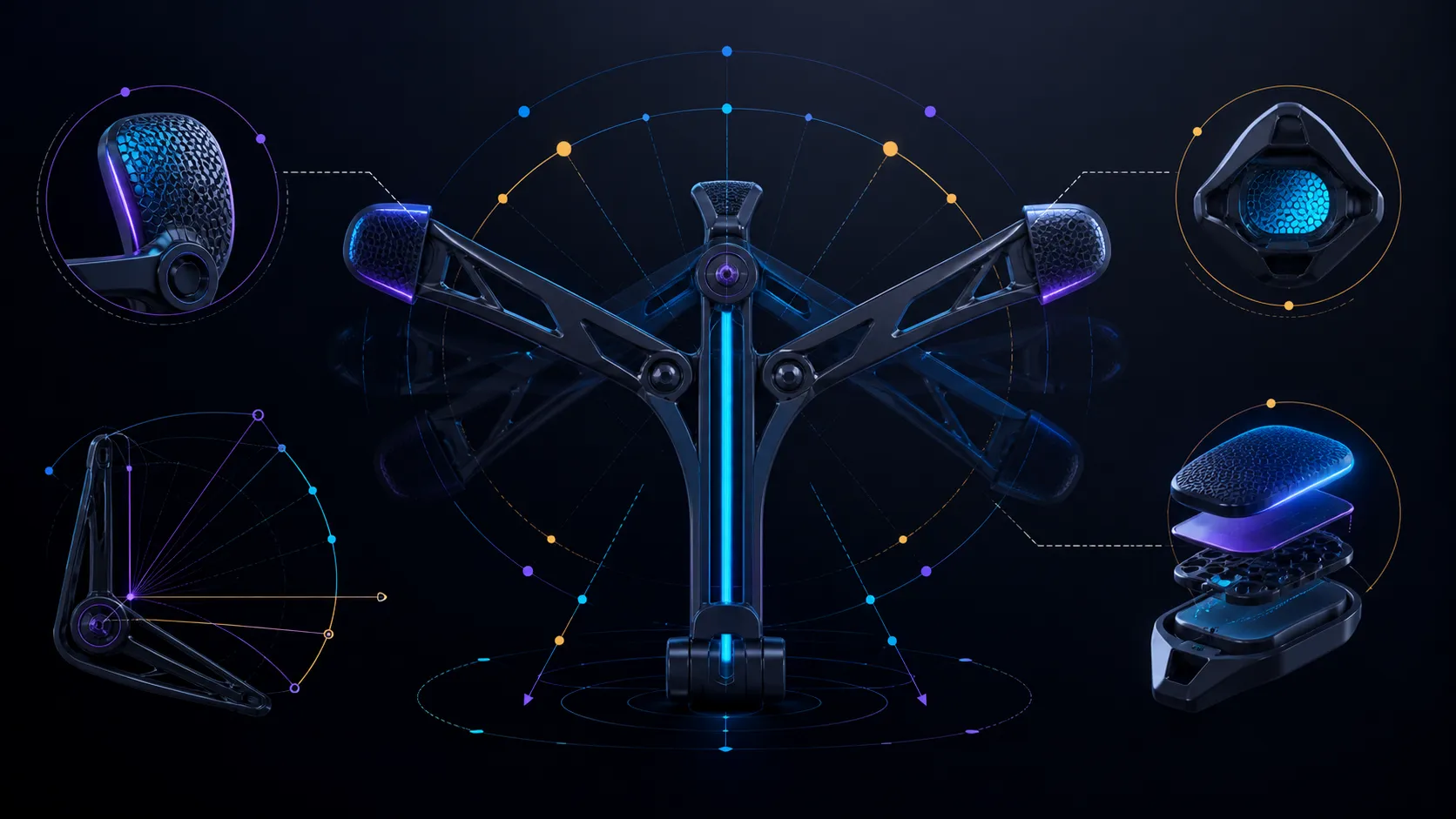
The 135-degree folding arm changes the supported position. The 360-degree section changes orientation. These mechanisms answer different needs, so change one at a time.
Start with the arm. View the screen from the chair, support its weight and make modest positional changes. Pause each time to inspect contact and surrounding clearance. The numeric range describes available travel, not one ideal angle or a guaranteed ergonomic result.
Once the supported position works, test rotation. Keep walls, main screens and desk objects outside the movement path. Use only the orientations your tasks require. Although the mechanism can turn through a complete circle, the practical workspace may allow less.
Open the applications that will actually appear on the portable screen. Reading, reference, preview and presentation roles can favour different arrangements. Confirm that the controls and connectors remain usable at each intended view.
Document a repeatable order if the stand moves frequently: open, establish arm, seat screen, rotate, connect power. A stable procedure reduces unnecessary adjustments and makes a fit problem easier to diagnose.
Folding flat supports travel or storage after use. Remove the screen before closing the mechanism, then pack the UStand where other objects will not press into its arm or rubber. No exact packed measurements or travel-protection outcome should be assumed.
🔌 Plan Power and Desk Space
Mounted charging is supported for a compatible device. Identify the port direction and connect the lead only after the final screen position has been found. The cable should form a relaxed path to its power source without becoming part of the support.
Leave enough slack for any rotation planned during the session, but prevent excess cable from crossing the base or keyboard area. Test movement slowly and stop before the connector sees tension. A route that works in landscape may need to change for portrait use.
Explore monitor accessories sold by Evetech for other desk components. Verify each accessory against the exact display and connection because the stand's compatibility does not transfer automatically to cables or related products.
Review the complete arrangement after several minutes of real work. Confirm that the screen stays seated, the surface remains clear and the cable has not shifted. If movement appears, unload the stand and isolate the surface, fit, angle or lead rather than applying force.
A good final decision can be stated plainly: the screen sits within range, its body fits, the required view is reachable, rubber contact is even, power remains accessible and the stand packs as needed. Any missing requirement is a reason to keep comparing until an exact candidate answers it.
Its holder accepts widths from 5.9 to 9.56 inches across portable monitors, tablets, phones and e-readers. Heavy-duty aluminium provides the structure, while anti-slip rubber, anti-wobble support and an anti-tip base manage stability. Cable holes permit charging while mounted, and the supplied hex key handles adjustments. These dimensions and mechanisms form the compatibility boundary; device cases and unusual shapes still need measurement.
Compatibility should be retested after adding a protective case, since width and contact shape can change without altering the device's advertised diagonal. Support the device during the first rotation and forward extension. If it stays centred through normal typing, touch and cable movement, the size match has translated into a useful working fit rather than a static demonstration.
Frequently Asked Questions
What is the full UStand size range?
The specified diagonal span is 7-15.6 inches. Exact body shape, controls and connectors still determine whether a particular device seats correctly.
How much rotational adjustment is built in?
The screen section turns through 360 degrees, although walls, nearby displays and cables may reduce the usable movement in a real workspace.
What angle does the folding arm cover?
Its arm travels across 135 degrees. Use that range to establish supported position without treating one point as universally correct.
How is device contact supported?
All-around rubber adds grip at intended touch zones, working with a clean surface, centred device and correct seating.
Can adjustment preserve charging access?
Yes. Compatible equipment may charge while mounted when its port clears the stand and the cable follows movement without tension.
Which travel and conversion features are included?
After unloading, the aluminium UStand closes flat; tripod and selfie-stick modes become options once exact device fit is checked for the selected role.
What should be verified beyond diagonal size?
Check device profile, ports, controls, seating, workspace clearance, cable routing and any separately required weight or mounting specification.
Ready to match a stand to the complete display routine?
Explore Evetech monitor stands with your compatibility card, adjustment sequence and cable-clearance test prepared in advance.