


Quick Answer
A 1TB NVMe SSD is the minimum recommended storage for a gaming PC running Windows 11 in 2026. The operating system, essential software, and two to three large modern games will fill 400GB to 600GB, leaving a working margin. Expect to pay between R800 and R1,800 locally for a quality 1TB Gen 4 NVMe drive.
What NVMe, PCIe Gen 3, and Gen 4 Actually Mean for You 💾
NVMe is the communication protocol that replaced SATA for M.2 SSDs. A SATA SSD tops out at around 550MB/s sequential read, a PCIe Gen 3 NVMe drive reaches around 3,500MB/s, and a Gen 4 drive hits up to 7,000MB/s. In everyday gaming the difference between Gen 3 and Gen 4 is rarely dramatic: you shave a few seconds off game load times and Windows boots feel snappier, but in-game performance is governed by your GPU and CPU. Where Gen 4 speed pays off is in large file transfers, game installations over fast fibre from providers like Vumatel or Openserve, and video editing workflows. For a gaming-focused build, a reputable Gen 3 NVMe is entirely adequate; for a build that doubles as a content workstation, Gen 4 is worth the premium.
How Much of That 1TB Does Windows 11 and Gaming Actually Use? 🖥️
Windows 11 with drivers and apps consumes around 30GB to 40GB once installed. A gaming client adds another 1GB to 5GB. The real storage eater is modern games: Call of Duty: Black Ops 6 sits above 100GB, and Red Dead Redemption 2 exceeds 150GB with all updates. Three to four large titles will use 300GB to 400GB. Add Windows, launchers, browser data, and screenshots and you will be at 500GB to 600GB used. A 1TB drive leaves room to breathe without forcing constant juggling. Stepping up to 2TB typically costs only R400 to R700 more locally, and the extra headroom is worth considering.
Reliability, Endurance, and Heat Management 🔧
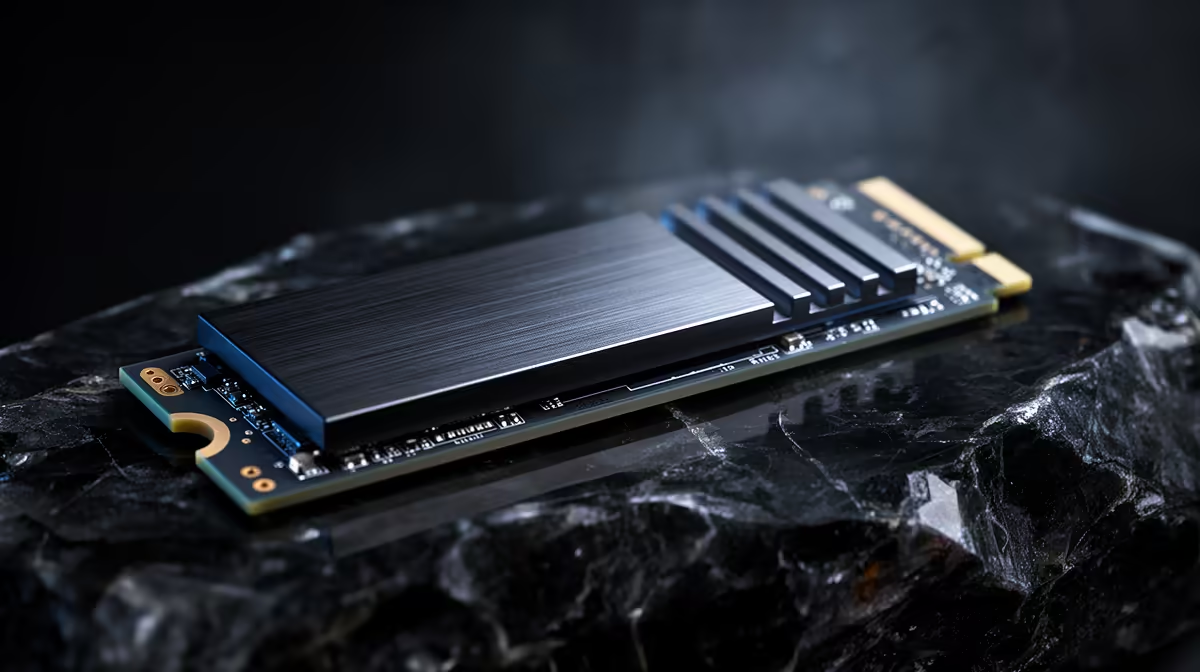
NVMe SSD endurance is rated in TBW (terabytes written). A 1TB consumer drive typically carries a 300TBW to 600TBW rating, translating to many years of normal gaming use. More relevant for local builders is thermal throttling: M.2 drives generate real heat, and compact cases without good airflow can see drives throttle speeds to stay within safe temperature limits. Fit the drive into a slot with a heatsink, or use the motherboard's included M.2 cover if supplied. Keeping the drive below 70 degrees Celsius under sustained load is the target for reliable long-term performance.
Let Windows Create Your NVMe Partition ⚡
If you are doing a fresh Windows 11 install, let the Windows installer create the partition on the NVMe drive rather than using a third-party tool beforehand. The installer creates a correctly sized recovery partition and aligns sectors optimally for the NVMe protocol, avoiding subtle performance issues that are tricky to diagnose later.
FAQ
Do I need a separate SSD for Windows and for games?
Not necessarily. A single 1TB NVMe drive for both works well for most users. If you play many large titles simultaneously, a secondary 2TB drive for game storage keeps your system drive tidy without requiring a reinstall.
Is a 2.5-inch SATA SSD still worth buying in 2026?
For secondary storage or upgrading an older system, yes. For a primary drive in a new build, NVMe is the better choice because the performance difference is substantial and NVMe pricing has made SATA's cost advantage minimal.
What is a DRAM-less NVMe and should I avoid it?
DRAM-less NVMe drives skip an onboard cache chip to cut costs. They perform well for sequential reads but slow noticeably during sustained writes such as game installations. For a primary gaming drive, a model with onboard DRAM cache is the more reliable choice.
Looking for fast NVMe storage? Browse Evetech's NVMe SSD range for Gen 3 and Gen 4 drives in 1TB and 2TB capacities, all available with local warranty.











