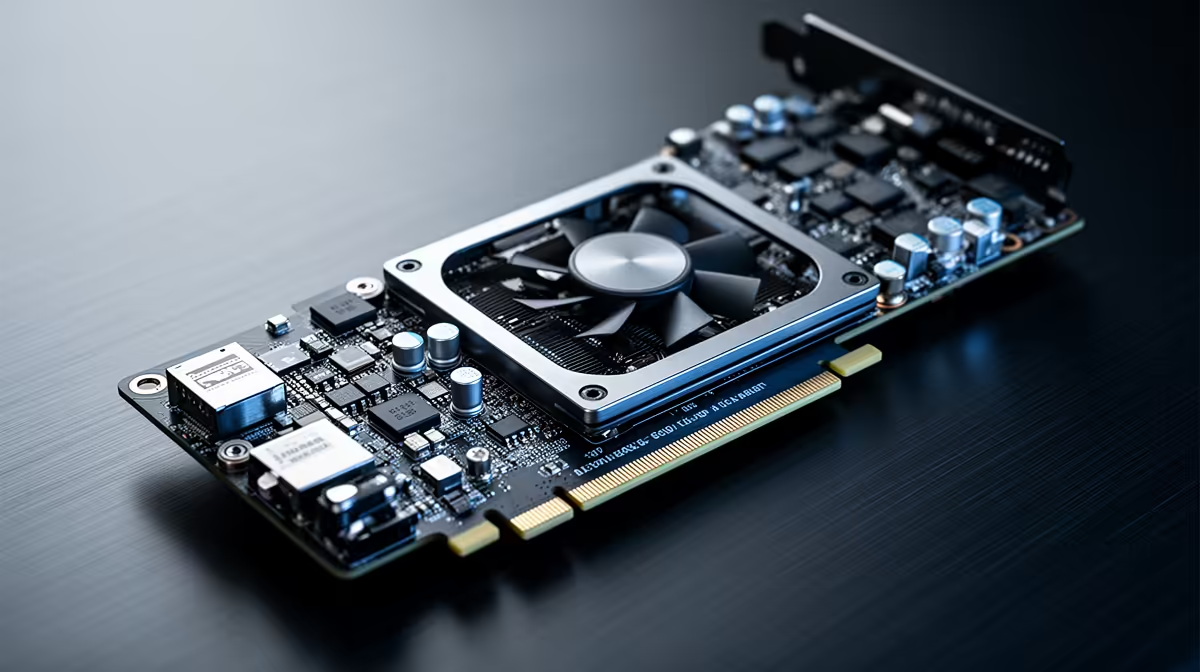
Rendering a dense 3D scene while a video timeline sits open in another window is exactly where cheap graphics cards run out of headroom, not horsepower. A 24gb creator graphics card solves that specific problem by giving renderers, editing suites and AI tools enough shared memory to keep large scenes, textures and models resident at once, instead of constantly swapping data in and out of a starved buffer. The ASRock Intel Pro B60 Creator is built around exactly that idea, and it costs less than most people expect for a card in this class.
Quick Answer
The ASRock Intel Pro B60 Creator packs 24GB of GDDR6 on a 192-bit memory bus for R14,399, which is enough capacity to keep large render scenes, 8K footage or AI models loaded without constant swapping to system memory. Its Xe2-HPG architecture and XMX AI engines add DirectX 12 Ultimate support and dedicated AI acceleration on top of that capacity, making it a practical single-card option for anyone splitting time between rendering, editing and AI-assisted work.
🎬 Why VRAM Capacity Changes How You Work
Most gaming graphics cards are tuned around a single job: keep one game's frame buffer fed at high refresh rates. Creator workloads behave differently. A colourist grading 8K footage, a 3D artist working on a scene with dozens of high-resolution textures, or someone running a generative AI model alongside an editing timeline all need memory that can hold several large datasets simultaneously, not just one.
This is where the ASRock Pro B60 Creator's 24GB of GDDR6 becomes the headline spec rather than a marketing number. Paired with a 192-bit memory bus and a 2400 MHz clock, that capacity lets a render engine or editing application keep more of a project in fast memory before it has to fall back on slower system RAM or, worse, drop quality to fit.
The Bottleneck Cheaper Cards Hit
Cards with less onboard memory can still push respectable frame rates in games, but the moment a workload needs to hold an entire scene, a full colour-graded sequence or a loaded AI model at once, they start stalling. That stall shows up as dropped frames during playback, slow viewport updates in 3D software, or a render that quietly swaps to disk mid-job. Extra capacity does not make a single frame render faster on its own, but it removes the swapping that turns a five-minute preview into a fifteen-minute wait.
Multitasking Across Creative Applications
Few creators work in a single application at a time. A typical session might have a 3D viewport, a compositing tool and a browser full of reference material open together, each claiming its own share of graphics memory. A 24GB pool gives that combination somewhere to sit without one application forcing another to release memory it still needs, which is a common source of stutter on cards with less headroom to spare.
🧠 Xe2-HPG Architecture and On-Card AI Acceleration
Capacity alone is not the full story. The Pro B60 Creator runs on Intel's Xe2-HPG architecture, which brings DirectX 12 Ultimate compliance for modern rendering pipelines alongside dedicated XMX AI engines built specifically to accelerate machine learning workloads on the card itself.
For a working creator, that combination matters because AI features are no longer a side tool bolted onto editing software. Upscaling, denoising, object masking and generative fill all lean on tensor-style math that benefits directly from hardware built for it, rather than being pushed through general-purpose shader cores. Having that acceleration built into the same card that handles rendering and display output keeps a workstation simpler, since one card is doing the job that might otherwise need a separate accelerator.
💰 Where a 24GB Card Fits in a Creator Budget
At R14,399, the ASRock Intel Pro B60 Creator sits in a specific spot in the market: above general gaming cards with less memory, but well under the cost of many workstation-class cards built primarily for certified professional software. That positioning matters for freelancers, small studios and hybrid creators who need serious VRAM capacity without paying for enterprise driver certifications they will never use.
If you are speccing a machine primarily for creative work rather than gaming, it is worth browsing Evetech's range of workstation graphics cards to see how this card's memory capacity and price compare against other options built for the same job. The right choice often comes down to how much VRAM your specific workload actually needs versus how much you are willing to spend to get ahead of that requirement.
🖥️ Building a Workstation Around This Card
A 24GB creator card is only as effective as the system feeding it. Fast storage keeps large project files, footage and cached render data moving without becoming the new bottleneck, and enough system RAM prevents the operating system from competing with your applications for memory. None of that replaces what onboard VRAM does, but a balanced build lets the card's capacity actually get used instead of sitting idle while other components lag behind.
If you already know you want this specific card, the ASRock Intel Pro B60 Creator 24GB GPU product page has the full specification sheet and current price. For those comparing options within the same brand, Evetech's ASRock graphics cards range is worth a look before committing to a build.
Frequently Asked Questions
Does 24GB of VRAM actually matter for video editing?
Yes. Higher-resolution footage, colour grading and multiple layered effects all consume VRAM, and running out mid-project causes stutters or forces software to offload data to slower system memory.
Is the ASRock Intel Pro B60 Creator suitable for gaming as well?
It supports DirectX 12 Ultimate and modern rendering features, but it is positioned and priced primarily for creator and AI workloads rather than competitive gaming.
What is the price of the ASRock Intel Pro B60 Creator?
It costs R14,399 for the 24GB GDDR6 model.
What architecture does this card use?
It is built on Intel's Xe2-HPG architecture with a 192-bit memory bus and a 2400 MHz clock.
How does the XMX AI engine help creators?
It accelerates AI-driven features such as upscaling and denoising directly on the card, rather than relying purely on general shader cores.
Does more VRAM mean faster render times?
Not directly. Extra VRAM prevents swapping and stalling on large projects, but raw render speed still depends on the card's compute performance and the rest of the system.
Can this card handle several creative applications running at once?
Its 24GB memory pool is large enough to keep multiple graphics-heavy applications open together without one forcing another out of memory, which is a common cause of stutter on smaller-capacity cards.
Is 24GB overkill for smaller projects?
For light editing or a small 3D scene it can be more capacity than strictly necessary, but it removes any concern about hitting a memory ceiling as a project grows.
Ready to see the full picture on 24GB creator cards?
Consider ASRock's Intel Pro B60 Creator within Evetech's workstation graphics cards, listed for R14,399 so it can give the complete picture on what a 24GB creator card offers.