Quick Answer
Mini DisplayPort and Thunderbolt 2 share the same physical connector but are different standards: Mini DisplayPort is a pure video interface supporting up to 4K at 60Hz (with a DisplayPort 1.2 cable), while Thunderbolt 2 adds PCIe data tunnelling over the same port but limits display bandwidth to a shared 20Gbps pool.
The Physical Port Confusion Explained 🔧
Apple popularised both standards using the identical Mini DisplayPort form factor, which has caused widespread confusion. The key distinction: a device port labelled with a lightning bolt icon is Thunderbolt 2, while a port with a display icon is Mini DisplayPort only. Thunderbolt 2 ports are backward compatible with Mini DisplayPort peripherals, so passive Mini DP cables and adapters work in Thunderbolt 2 ports for video output. The reverse is not true: Thunderbolt 2 devices (like external GPU enclosures or daisy-chained storage) will not function in a Mini DisplayPort-only socket. For SA professionals daisy-chaining storage and a display from a single port on an older Mac Pro, only Thunderbolt 2 ports support that topology.
Bandwidth Allocation and Resolution Limits 📡
Mini DisplayPort using the DisplayPort 1.2 standard delivers up to 21.6Gbps of dedicated video bandwidth, enough for 4K at 60Hz on a single monitor or dual 1440p at 60Hz on two displays via multi-stream transport (MST). Thunderbolt 2 shares its 20Gbps link between PCIe data lanes and DisplayPort video, which in display-only mode still handles 4K at 60Hz for most panels, but simultaneous heavy data transfers to a daisy-chained drive can introduce display artefacts. For SA video editors running NAS-connected storage through a Thunderbolt 2 chain, it is worth testing your specific workflow before committing to the setup.
Cables, Adapters, and What to Actually Buy 💰
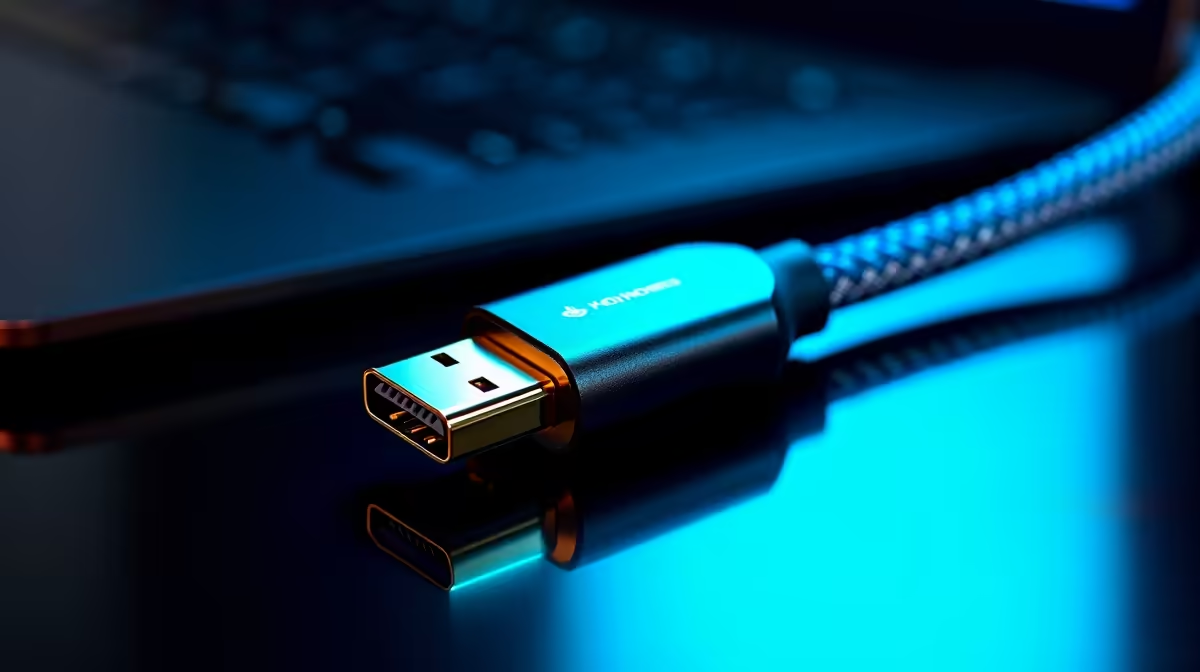
For Mini DisplayPort to full-size DisplayPort runs, a passive cable is sufficient and typically costs between R180 and R450 locally. These cables carry the full HBR2 signal (21.6Gbps) without any active electronics needed, provided the cable is rated correctly and kept under 2 metres for reliable 4K performance. Mini DisplayPort to HDMI adapters for 4K require an active chipset inside to convert the signal, adding R200 to R400 to the price. Gold-plated contacts on both ends reduce oxidation risk, particularly relevant for SA coastal environments. Evetech stocks a range of these cables and adapters, so you can pick the correct connector combination without importing from abroad at inflated exchange rates.
Passive vs Active Adapter Quick Rule ⚡
If your destination display uses HDMI, you need an active Mini DisplayPort to HDMI adapter with an internal conversion chip. If your display uses DisplayPort, a simple passive Mini DP to DisplayPort cable is all you need. Buying the wrong type is the most common mistake and the reason people report "no signal" after unboxing.
FAQ
Can I daisy-chain monitors using Mini DisplayPort?
Only if the monitors support DisplayPort Multi-Stream Transport (MST) and your source port is Thunderbolt 2 or Mini DisplayPort 1.2. Most consumer monitors do not support MST, so check the monitor spec sheet before planning a multi-display chain.
Is Thunderbolt 2 fast enough for 4K at 60Hz in 2026?
Yes, in display-only mode. Thunderbolt 2 can sustain 4K at 60Hz output to a DisplayPort 1.2 monitor. The limitation appears only when the link is simultaneously carrying heavy PCIe data traffic to another Thunderbolt device on the same chain.
What cable length is safe for Mini DisplayPort at 4K resolution?
Passive Mini DisplayPort cables perform reliably up to 1.8 metres at HBR2 speeds. Beyond 2 metres, signal integrity can degrade at 4K resolution. For longer runs, use an active cable or place a signal booster in line.
Need the right cable for your Mac or workstation port?
Evetech carries passive Mini DP to DisplayPort cables and active Mini DP to HDMI adapters suited for both Mini DisplayPort and Thunderbolt 2 sources.