Quick Answer
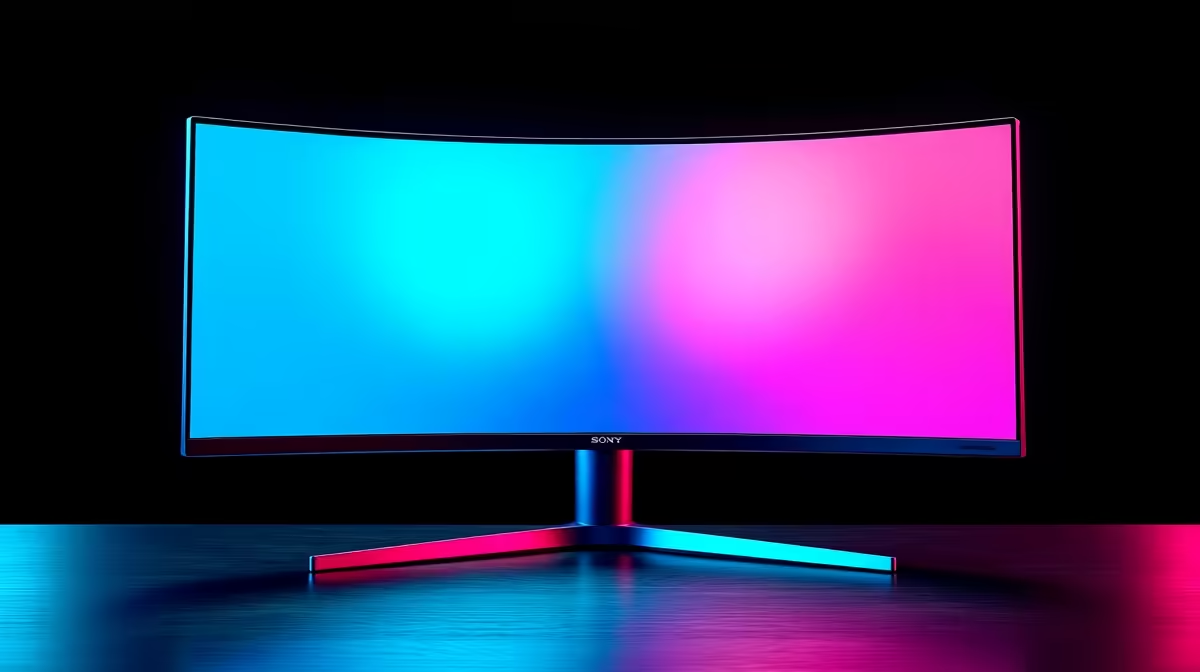
WQHD at 3440x1440 on a 21:9 ultrawide combines 1440p pixel density with a panoramic field of view. It is the resolution sweet spot for SA gamers and professionals who want immersive visuals and multitasking space without the GPU demand of full 4K.
Breaking Down 3440x1440 in Plain Terms 🖥️
The 3440x1440 resolution packs roughly 4.95 million pixels per frame, compared to 2.07 million for 1080p and 3.69 million for standard 16:9 WQHD at 2560x1440. The 21:9 aspect ratio extends horizontal field rather than adding vertical pixels beyond standard 1440p height, so the GPU workload increase over 2560x1440 is meaningful but not as steep as moving to 4K. An RTX 5070 drives most games at 3440x1440 high settings with 60 to 120 FPS, making it attainable for mid-range SA rigs without flagship hardware. Pixel density at 34 inches sits at around 109 PPI, comfortable for extended viewing without Windows scaling required.
The 21:9 Aspect Ratio Advantage 🎮
The 21:9 ratio originated in cinema, which is why games that render natively in this format feel genuinely filmic. Open-world titles reveal more environment on both sides without constant camera panning. Racing and flight simulators deliver cockpit views that wrap naturally into peripheral vision. For work, the extra horizontal pixels enable true three-column window tiling: a browser, a document, and a communication tool each receive full-width space without crowding. SA content creators working in video editing software benefit from a wider timeline view displaying more clips without horizontal scrolling.
GPU Requirements for WQHD Ultrawide ⚙️
For 60 to 75 FPS in demanding AAA titles at high settings, an RTX 5060 Ti or RX 9060 XT is the minimum. For 100 to 144 FPS in the same titles, step up to an RTX 5070 or RX 9070 XT. Esports titles like Valorant and CS2 run at 200 FPS or above even on mid-range hardware at this resolution. In South Africa, a complete WQHD-capable gaming PC including the monitor typically ranges from R18,000 to R35,000 depending on the tier selected.
Enable 21:9 Support Manually in Some Games ⚡
all games automatically detect the 21:9 aspect ratio. If you see black bars on the sides, find the game's config file and set the resolution string to 3440x1440 manually. This is a common step in the SA PC gaming community and takes under five minutes per game.
FAQ
Is WQHD ultrawide supported by consoles in South Africa?
Neither PlayStation 5 nor Xbox Series X output natively at 3440x1440. When connected via HDMI, consoles display at 1080p or 4K with pillarboxed black bars on an ultrawide panel. Ultrawides are primarily a PC gaming display.
How does 3440x1440 compare to 5120x1440 super-ultrawide?
The 5120x1440 super-ultrawide doubles horizontal pixels and uses a 32:9 aspect ratio, but demands significantly more GPU power and desk space. For most SA users, 3440x1440 is the practical and affordable entry point into ultrawide gaming.
What cable type does 3440x1440 at 144Hz require?
DisplayPort 1.4 is standard for 3440x1440 at 144 Hz or above. HDMI 2.1 also supports this at high refresh rates. Avoid HDMI 2.0 for refresh rates above 100 Hz at this resolution as bandwidth limits apply.
Ready to go ultrawide?
Evetech's gaming monitor range includes 34-inch WQHD options at various refresh rates and price points, stocked locally. Head to the monitor section to find the right 3440x1440 display for your setup.