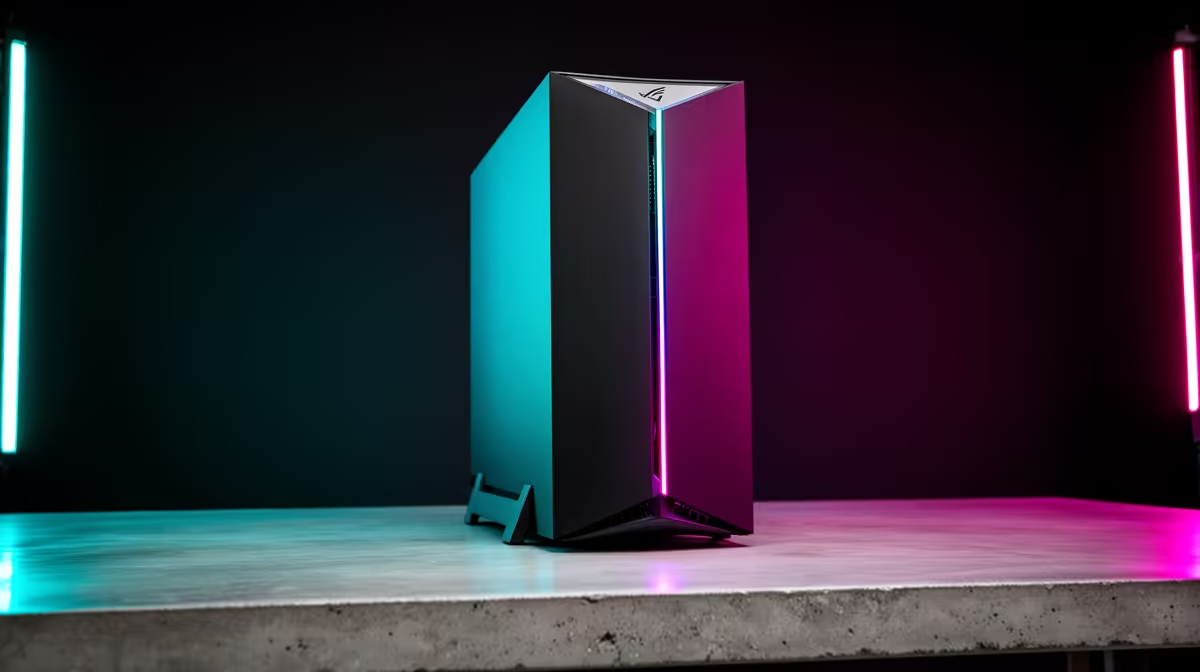
Solo founders live by a brutal rule: every tool has to pay rent. A second PC for local AI, a separate box for builds, a dedicated inference server, none of that survives contact with an indie budget. The appeal of the one-machine-does-all AI coding rig is that it collapses the whole stack into a single tower, where one strong GPU runs your private local models and the same machine quietly drives cloud agents that ask almost nothing of the hardware.
Quick Answer
A single RTX 5090 with 32GB of VRAM runs 32B-parameter models locally under Q4 quantisation, around 19 to 20GB of VRAM at roughly 60 tokens per second, while cloud coding agents lean on bandwidth rather than your hardware and need only a small slice of RAM. One well-built tower, around 64GB of system memory and a fast NVMe drive, covers both. No second machine required.
One box, two completely different demands
The reason a single machine handles both styles of AI work is that they barely touch the same components.
Local inference is a memory game played on the GPU. A model must reside entirely in VRAM to run at useful speed, and the faster that memory, the faster each token arrives. Cloud agents flip that on its head: the heavy model runs in a data centre, so your PC is just a client sending prompts and applying the diffs that come back. One workload leans hard on the graphics card; the other rides on your fibre connection. Build for the demanding side and the lightweight side is along for the ride at no extra cost.
The 32GB card is the heart of the build
For an indie hacker, the GPU is where the budget should concentrate, because the card's VRAM capacity is the hard upper limit on which models you can run privately.
The RTX 5090 arrived in early 2025 with 32GB of GDDR7 memory and roughly 1.79 TB/s of bandwidth, a sizeable jump over the previous flagship. That capacity is what unlocks serious local coding models:
- A 32B model in Q4 quantisation needs about 19 to 20GB of VRAM, leaving comfortable room for context on a 32GB card.
- Expect around 60 tokens per second on that 32B model, fast enough to feel conversational rather than sluggish.
- Smaller 7B and 8B models fly at well over 200 tokens per second, perfect for rapid autocomplete and quick refactors.
If the 5090 is out of reach this quarter, a 24GB card is a genuinely capable step down: it runs 32B at heavier quantisation or handles excellent 13B to 14B models with ease. The rule stays the same, prioritise VRAM first. The AI PC range is organised around exactly this kind of GPU-led thinking, which makes it easy to see which configurations put the money where it counts.
Why the cloud half is nearly free
Cloud agents run as a lightweight terminal client. The reasoning happens server-side, so your machine just displays output, edits files and runs your project. A few GB of RAM and your usual dev environment is all it asks. This is the part founders tend to over-buy for, not realising the expensive work is happening on someone else's servers.
The cheapest economics in solo development
The running-cost picture is where this build genuinely suits a bootstrapper.
Local inference turns a one-time hardware spend into effectively unlimited free tokens. Private client code never leaves your machine, repetitive tasks cost nothing per run, and you keep working when the connection drops. Cloud agents add a usage fee but hand you frontier-level reasoning for the genuinely hard problems. Running both means you push the cheap, private, high-volume work to the local model and spend on cloud calls only when the problem deserves a bigger brain. For a solo operator watching every rand, that split is close to ideal.
Rounding out the rest of the rig
The GPU is the star, but a one-machine build still has to be your daily driver, so the supporting parts matter.
- CPU: a current 12 to 16 core chip keeps builds, tests, containers and the model's overhead moving without becoming the bottleneck.
- RAM: 64GB is the practical target, enough for a heavy IDE, a wall of browser tabs, Docker and the model loader together. 128GB is only worth it if you push toward very large models.
- Storage: a roomy NVMe SSD matters because model files are many gigabytes and load far faster off fast flash, so swapping models is not a coffee break.
- Power and cooling: the 5090 pulls around 575W, so choose a quality PSU that has comfortable overhead above rated load and a case that moves air properly, or sustained inference and long compiles will push the card into thermal throttling.
Founders who would rather start from a known-good configuration can browse the PC best sellers to compare popular high-end towers that already tilt toward GPU-forward builds.
Is this the right build for you?
This rig is for the indie hacker who already uses AI every day and is tired of choosing between privacy and power. If you are shipping a product solo, handling client code that cannot leave your control, or you simply want a local fallback when the line goes down, the one-machine approach earns its place. If your AI use is occasional, a mid-range PC is the smarter spend. The justification is daily, dependent use, not the badge on the box.
Frequently Asked Questions
Can one machine really replace a separate AI server?
For a solo developer, yes. A strong GPU runs local models while the same machine handles cloud agents and your normal development work. Because the two workloads stress different components, you avoid the cost and clutter of a second box.
Is the RTX 5090 necessary, or will a cheaper card do?
A 24GB card is a strong, more affordable alternative that still runs 32B models at heavier quantisation or excellent 13B to 14B models. The 5090's edge is running larger models faster with room to spare. Buy up only if heavy local inference is core to your workflow.
How much RAM does an indie coding rig need?
64GB is the sweet spot. It comfortably holds an IDE, browser, containers and the local model loader at once. Step up to 128GB only if you intend to run very large models or heavy virtualisation alongside your coding.
Do cloud agents need a powerful PC?
No. They run as a lightweight client while the model itself runs in the cloud, so they use little local RAM and depend mainly on a stable internet connection. Your own builds and tests are the heavier local load, not the agent.
What are the running costs of this setup?
Local inference is effectively free after the hardware spend, with no per-token charge and full privacy. Cloud agents carry a usage fee but provide top-tier reasoning. Routing routine work locally and reserving cloud calls for hard problems keeps ongoing costs low.
One tower, both workflows, no wasted spend, that is the appeal for a solo builder. Start with a GPU-forward configuration from the AI PC range and shape the rest of the build around how you actually ship code.