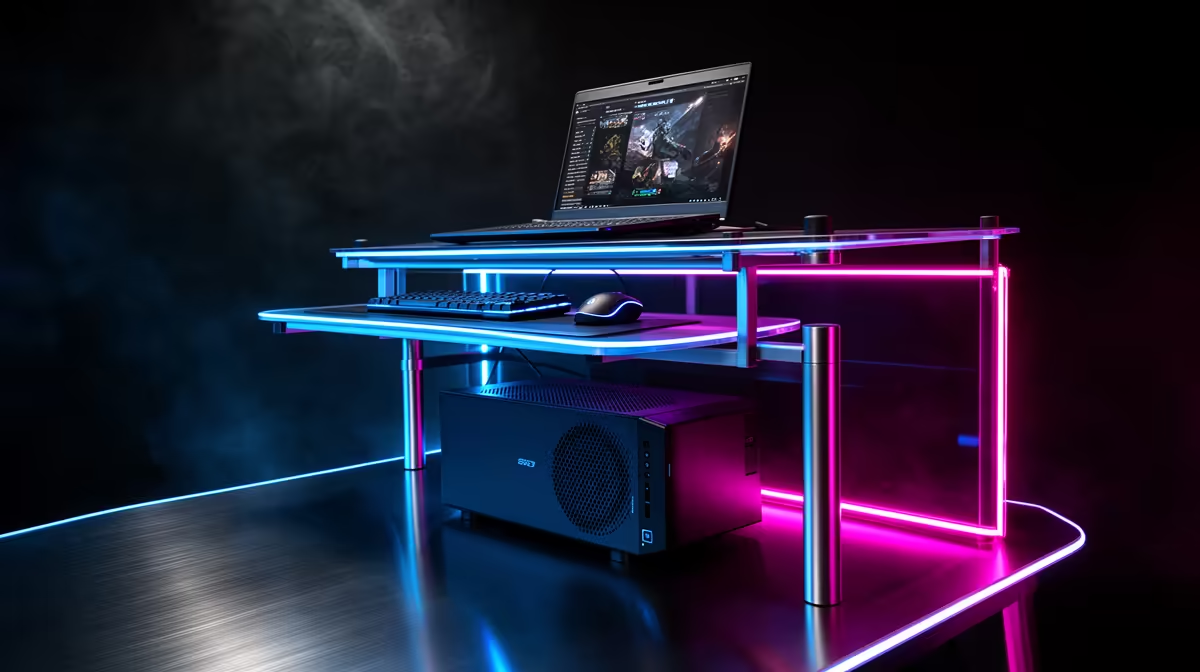
Moving from a laptop to a desktop changes what a gaming desk needs to handle: a tower, a monitor and more peripherals. A three-tier plan helps South African gamers choose a desk that suits the new setup and grows with it. This guide maps the tiers for a smooth laptop-to-desktop transition.
Quick Answer
For a laptop-to-desktop upgrade, plan around R1,500 for a starter desk (120cm wide) with room for a tower, R3,000 for a balanced desk with cable management and a CPU shelf, and R5,000-plus for a large or height-adjustable premium desk. A 140cm desk with proper cable routing comfortably houses a desktop tower, monitor and full peripherals.
Budget Tier: Room For A Tower (around R1,500)
A desktop needs more space than a laptop, so even at the budget tier choose a desk at least 120cm wide with enough depth and under-desk clearance for a tower. Prioritise a sturdy frame that handles the weight of a monitor and the vibration of a working PC. At this tier, focus on a stable, appropriately sized surface; the laptop-to-desktop jump is mostly about accommodating the larger hardware.
Balanced Tier: Cable Routing And Tower Shelf (around R3,000)
The mid tier adds desktop-friendly features: built-in cable management to handle the extra power and peripheral cables a desktop brings, grommets for tidy routing, and optionally a CPU shelf to lift the tower off the floor for airflow and dust control. A 140cm surface gives room for a larger monitor or dual screens. This tier suits a gamer building a proper, permanent desktop station.
Premium Tier: Large Or Sit-Stand (R5,000-plus)
At the top, a large 160cm desk or a height-adjustable sit-stand desk supports a full desktop setup with dual monitors, speakers and a wide mousepad, plus the ergonomic benefit of alternating sitting and standing. A heavy-duty frame handles the load of a full rig. Reserve this tier for a long-term, dedicated gaming and work station where the extra size and adjustability genuinely pay off.
FAQ
What desk do I need moving from laptop to desktop?
At least a 120cm-wide desk with depth and clearance for a tower, on a sturdy frame that handles a monitor's weight and a PC's vibration. The jump is mostly about accommodating larger hardware.
Should I lift my desktop tower off the floor?
It helps with airflow and dust. A balanced desk around R3,000 with a CPU shelf raises the tower off the carpet, improving cooling and keeping dust out of the intake filters.
How wide should a desktop gaming desk be?
Around 140cm suits a single large monitor and full peripherals comfortably, while 160cm gives room for dual monitors and speakers. Match the width to your monitor count and mousepad size.
Moving to a desktop, choose an Evetech desk at least 120cm wide with a sturdy frame and cable management; add a CPU shelf to lift the tower for airflow, and size up to 140cm-plus for dual monitors.