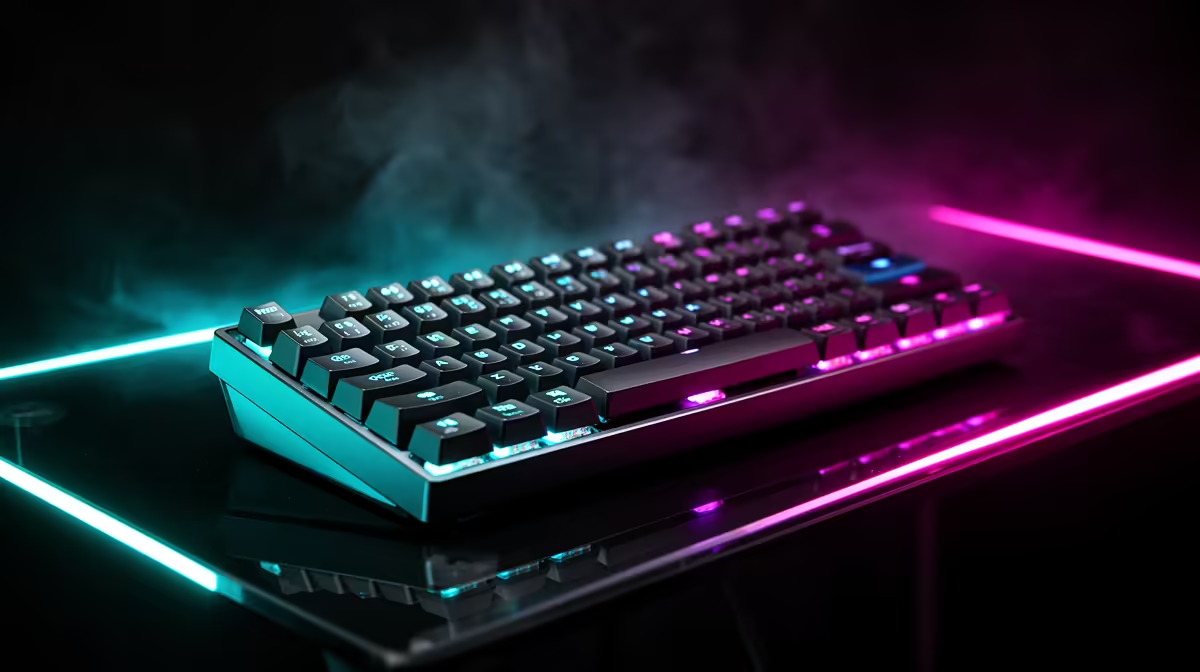
A keyboard is the peripheral your hands touch most, so switch feel and layout shape every session more than the price tag suggests. Spending on the right switches and a sensible footprint beats paying for lights you stop noticing in a week.
Quick Answer
Three sensible tiers: a budget mechanical like the Redragon K552 (around R700), a balanced hot-swap board such as the Royal Kludge RK84 (about R1,500), and a premium wireless like an ASUS ROG or Logitech G915 (R2,800-plus). Buy the tier that matches how much you type and game.
Switches, Layout And Build
Three choices shape a keyboard. Switch type sets the feel: linear (smooth) for fast presses, tactile (a bump) for typing feedback, and silent variants for shared rooms. Layout sets the footprint: full-size keeps the numpad, tenkeyless frees mouse space, and 60% to 65% boards suit small or travel desks. Build quality, from keycap plastic (PBT lasts longer than ABS) to a steel plate, decides how a R1,500 board still feels solid after a year of daily use.
Wired, Wireless And Hot-Swap
Wired boards give the lowest latency and never need charging, which suits a fixed gaming desk. Wireless boards (Bluetooth or a 2.4GHz dongle) clear cable clutter and travel well, with good models holding weeks of battery. Hot-swap sockets let you change switches without soldering, so you can move from a stiff to a lighter feel later for the price of a switch set. Pick wired for pure response, wireless for a clean or portable desk, and hot-swap if you like to tinker.
Matching A Board To Data science coursework
Start from how you spend most of your time at the keyboard. For data science coursework, weigh typing comfort against gaming response and available desk space. If the numpad rarely gets used, a tenkeyless layout buys back mouse room and reduces shoulder reach. If noise matters in a shared room, choose silent or tactile-silent switches. Spend on the switch feel and build first, since those decide daily comfort far more than lighting.
Tailored To Data science coursework
Data-science work leans on numeric entry and long coding stretches, so a solid numpad and a quiet comfortable feel pay off across a full day. Premium buyers should still spend where it changes the result, since the jump from mid-tier to premium pays off in build and longevity rather than headline numbers. For this use, pick the switch feel and layout that fit the routine, with solid mechanical boards from about R700 and compact or wireless options near R1,500.
FAQ
Are mechanical keyboards worth it over membrane?
For daily gaming and typing, yes. Mechanical switches last far longer, feel consistent and let you pick a feel that suits you. A solid mechanical board starts around R700, which is close to a good membrane board.
Tenkeyless or full-size?
Choose tenkeyless if you want more mouse space and rarely use the numpad, which suits gaming and small desks. Pick full-size for heavy numeric entry such as spreadsheets or data work where the numpad saves real time.
Do I need hot-swap switches?
Only if you want to change switch feel later without soldering. If you already know you like a switch, a fixed board of the same quality costs less and works just as well day to day.
switch feel and layout first, pick PBT keycaps for durability, and only pay for wireless or hot-swap if your desk or tinkering habit actually needs them.