



Marvel Rivals launch in South Africa
Marvel Rivals launch needs a balanced parts plan, not a random basket. Map the CPU, GPU, RAM, SSD, cooling, and monitor target to the budget so SA builders know where to spend first.
Read moreChecklist: 1) Research Thunderbolt 4 gaming laptops keyword; 2) Map long-tail queries; 3) Craft SEO-ready guide. ⚡️ Learn how Thunderbolt 4 gaming laptops handle eGPU setups and high-speed NVMe storage. 💾
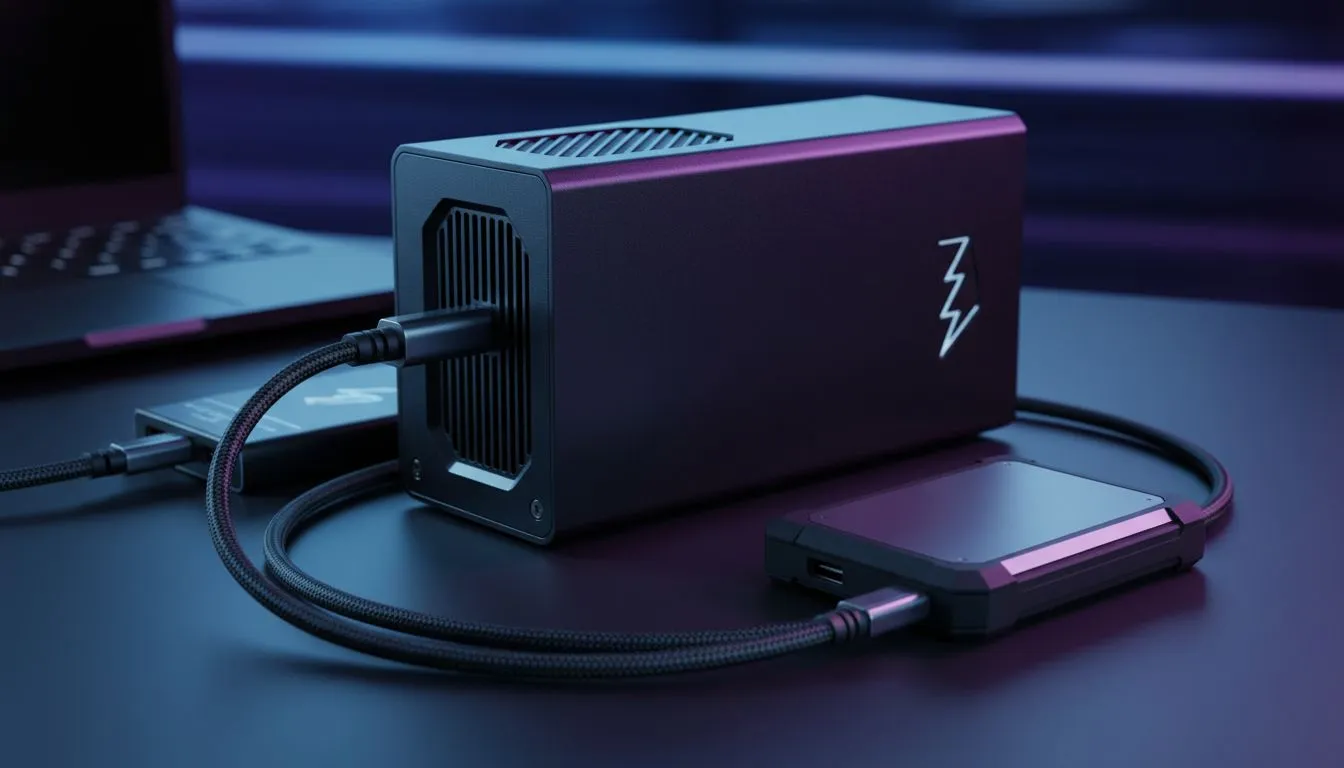
Ever felt like your laptop is a beast on the move but lacks that desktop punch at home? In South Africa, where we value versatility and long-term value, Thunderbolt 4 gaming laptops are the secret weapon. They bridge the gap between portable play and desktop-class performance. Whether you are pushing frames in Cape Town or editing 4K footage in Jozi, that little lightning bolt port changes everything ⚡.
Finding the right balance between portability and power is easier when you browse the best gaming laptop deals currently available. Thunderbolt 4 provides a massive 40Gbps of bidirectional bandwidth... that is enough to handle high-end peripherals and external GPUs without breaking a sweat. It is about future-proofing your setup so you do not have to upgrade your entire rig every two years.
One of the biggest headaches for local gamers is managing massive install sizes for modern titles. With a Thunderbolt 4 port, you can connect external NVMe SSDs that run almost as fast as your internal drive. This means you can keep your library on a portable drive and play directly from it without lag. If you are looking for a machine that supports these high-speed standards, checking out intel laptops on special is a great place to start, as Thunderbolt is an Intel-certified technology.
Beyond storage, these ports allow you to drive multiple 4K monitors or a single 8K display through a single cable. It simplifies your desk setup... no more fumbling with five different wires when you get home from a LAN. You simply plug in one cable and your laptop transforms into a full-scale battle station.
When using a Thunderbolt 4 dock, ensure your cable is active rather than passive if it exceeds 0.8 metres. Active cables maintain the full 40Gbps throughput over longer distances, which is essential if your laptop stand is positioned far from your external NVMe storage or high-refresh monitors.
The most exciting feature of Thunderbolt 4 gaming laptops is the ability to connect an External Graphics Processing Unit (eGPU). If you bought a thin-and-light machine for university or work, you can plug in a desktop-class card at night to crush the latest AAA titles. For those who want high-end internal graphics from the start, there are plenty of geforce rtx gaming laptops on special that already pack a massive punch.
However, having that Thunderbolt port means that three years from now, when the internal GPU starts to struggle, you do not need a new laptop... you just need a newer external card. It is a smarter way to manage your tech budget in ZAR. 🚀
You do not always need to spend a fortune to get modern features. Even if you decide to buy gaming laptops under r20k, you can often find models that include high-speed USB-C or Thunderbolt support. While Intel leads the charge with Thunderbolt 4, many ryzen laptop deals now offer USB4, which is cross-compatible with many Thunderbolt peripherals.
Choosing a laptop with this level of connectivity ensures you are ready for the next generation of high-speed gear. It is about making sure your hardware works for you, whether you are grinding ranks in Valorant or rendering a complex 3D scene for a client ✨.
Ready to Find Your Perfect Match? The Thunderbolt vs USB-C debate is technical, but for maximum speed, daisy-chaining, and future-proofing in South Africa, Thunderbolt 4 is the gold standard. Explore our massive range of laptop specials and find the perfect machine to conquer your world.
Yes. Thunderbolt 4 supports eGPUs via PCIe tunneling; verify your laptop's BIOS, port placement, and enclosure compatibility.
Use NVMe Thunderbolt 4 enclosures or docks with PCIe support and UASP to achieve near-native SSD speeds.
Not completely. Expect some overhead from PCIe x4 tunneling—often 10–20%—but eGPUs still provide substantial frame-rate boosts.
Pick TB4 docks with full 40Gbps bandwidth, PCIe lanes for eGPU enclosures, and robust power delivery for laptop charging.
Most TB4 enclosures host a single NVMe. Multi-drive RAID needs specialized TB4 expansion chassis or PCIe-based enclosures.
Thunderbolt 4 guarantees 40Gbps and PCIe tunneling for eGPUs; USB4 implementations may vary and sometimes lack full PCIe support.
Use native TB4 ports, latest GPU drivers, updated BIOS, quality 40Gbps TB4 cables, and NVMe enclosures with PCIe Gen4 support.
Marvel Rivals launch needs a balanced parts plan, not a random basket. Map the CPU, GPU, RAM, SSD, cooling, and monitor target to the budget so SA builders know where to spend first.
Read more
Path of Exile 2 launch needs a balanced parts plan, not a random basket. Map the CPU, GPU, RAM, SSD, cooling, and monitor target to the budget so SA builders know where to spend first.
Read more
Black Myth Wukong launch needs a balanced parts plan, not a random basket. Map the CPU, GPU, RAM, SSD, cooling, and monitor target to the budget so SA builders know where to spend first.
Read more
Hollow Knight PC requirements should be mapped to resolution, settings and upgrade budget before choosing a tier. Verify current requirements, then balance GPU, CPU, RAM and SSD around SA pricing.
Read more
Hollow Knight build planning should focus on the target resolution, settings and total system balance. Treat launch wording as time-sensitive, then verify requirements before choosing SA PC parts.
Read more
Fallout 4 PC requirements should be mapped to resolution, settings and upgrade budget before choosing a tier. Verify current requirements, then balance GPU, CPU, RAM and SSD around SA pricing.
Read more
Best Value Laptops South Africa 2026 — Find top picks, local prices and buy tips to maximise performance per rand. Compare deals for students, creators and gamers. 🔎💸

Struggling with a weak Desktop PC Wi-Fi signal? 📶 Discover expert tips on positioning your tower and external antennas to eliminate lag and maximize your internet speeds for gaming and streaming. 🚀

Tired of loadshedding router restarts killing your Wi-Fi? ⚡ Discover why power cuts disrupt your connection and learn expert tips to get back online faster after the lights return. 🌐

Master using a Nano SIM 4G router as your primary internet solution. Get stable speeds and seamless connectivity for gaming and streaming at home! 🌐🚀

Gauteng r30 000 needs practical checks before you choose. Compare fit, workload, support, setup needs, timing, and delivery expectations without relying on live availability or fixed 2026 claims.

Gauteng r40 000 needs practical checks before you choose. Compare fit, workload, support, setup needs, timing, and delivery expectations without relying on live availability or fixed 2026 claims.

Gauteng r50 000 needs practical checks before you choose. Compare fit, workload, support, setup needs, timing, and delivery expectations without relying on live availability or fixed 2026 claims.

Gauteng r60 000 needs practical checks before you choose. Compare fit, workload, support, setup needs, timing, and delivery expectations without relying on live availability or fixed 2026 claims.

Three-tier smart watch plan for commuting should be shortlisted around the job it must do. South African buyers should compare fit, performance, compatibility, and upgrade room, warranty path, and upgrade room before treating any pick as best.

AR Glasses buying order for commuting students should be shortlisted around the job it must do. South African buyers should compare fit, performance, compatibility, and upgrade room, warranty path, and upgrade room before treating any pick as best.

Smart Watch buying order for commuting should be shortlisted around the job it must do. South African buyers should compare fit, performance, compatibility, and upgrade room, warranty path, and upgrade room before treating any pick as best.

Smart Watch buying order for quiet PC builds needs a balanced parts plan, not a random basket. Map the CPU, GPU, RAM, SSD, cooling, and monitor target to the budget so SA builders know where to spend first.