Quick Answer
A top-tier board for Core i7-13700K is worth it only when you need stronger power delivery, more M.2 slots, faster rear USB, better audio, or easier diagnostics. For a normal SA gaming build, a good midrange Intel LGA1700 board often leaves more budget for the GPU or monitor. Use a broad price anchor: around R2,500-R4,500 for practical midrange boards and R6,000-R10,000+ for boards where expansion, VRM design, and premium features are the reason to buy.
What the chipset changes
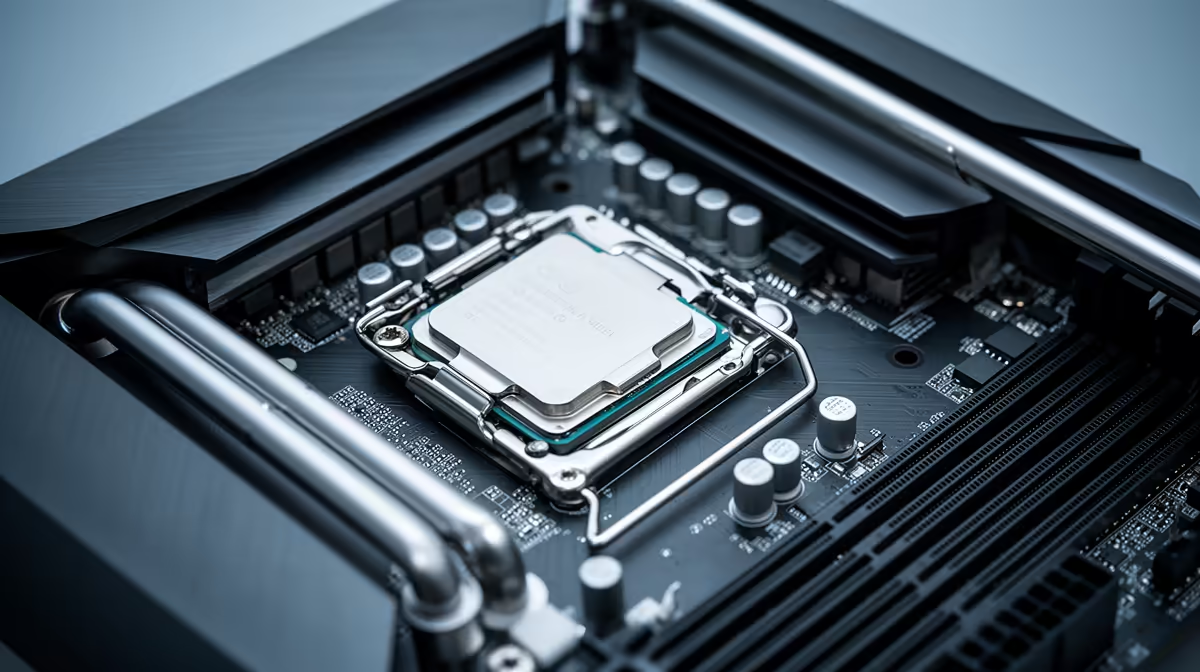
The chipset decides how much expansion the system can offer: PCIe lanes, USB count, storage slots, tuning options, and sometimes WiFi level. It does not magically add gaming fps to Core i7-13700K. A board such as MSI B760 Tomahawk WiFi or ASUS TUF Gaming Z790-Plus is useful when it gives the ports and M.2 layout you will actually fill; a Z790 board is justified when you need the higher feature tier.
When premium boards are overkill
A single graphics card, one or two NVMe drives, 32GB DDR5, and a standard ATX case do not require the most expensive board. At 1440p gaming, moving R2,000-R4,000 from the board into an RTX 5070-class GPU, better SSD, or 165Hz monitor usually changes daily use more. Pay extra only for specific features: debug display, BIOS flashback, stronger WiFi, extra USB-C, or more storage.
SA build checks before checkout
Confirm the socket, DDR4 or DDR5 support, BIOS readiness, case form factor, cooler clearance, and warranty handling before ordering. For courier delivery in South Africa, keep the motherboard box and socket cover until the PC posts and memory training is stable. If you are building once and keeping it for years, choose enough M.2 slots now.
FAQ
Does a better motherboard increase fps?
Usually no. A better motherboard mainly improves stability, expansion, tuning, and build convenience; fps comes mostly from the CPU, GPU, memory, and game settings.
How much should SA gamers spend on a board for Core i7-13700K?
Most should start around R2,500-R4,500 for a capable midrange board. Spend R6,000 or more only when you need premium I/O, extra storage, stronger power delivery, or a specific form factor.
Should I choose DDR5 for this build?
For a new build, DDR5 is the cleaner long-term choice when the platform supports it. A 32GB DDR5-6000 kit is a sensible gaming target unless the CPU and board have a different proven sweet spot.
Pro Tip
List the exact ports, drive count, case size, and memory kit before choosing a board for Core i7-13700K; if the list is short, a flagship board is probably wasted spend.