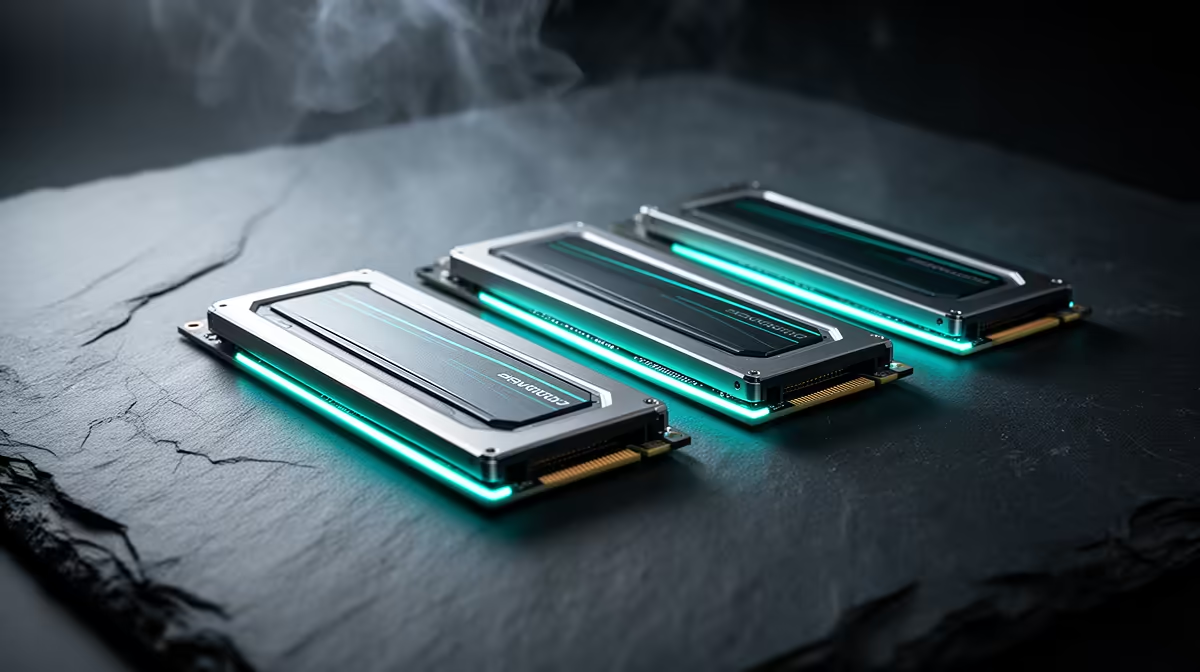
Three M.2 slots look interchangeable on a spec sheet until you check which one wires straight to the CPU and which ones share a link through the chipset. That single detail decides whether a second drive keeps its full speed once a game and a background download both hit it at the same time. On a b860m motherboard built for triple PCIe 5.0 storage, lane routing and heat matter as much as the raw slot count, especially squeezed into a Micro-ATX footprint.
Quick Answer
This R4,499 board packs three PCIe 5.0 M.2 slots onto an Intel B860, LGA 1851 layout. All three run at PCIe 5.0 speeds, but typically one connects straight to the CPU while the rest share a chipset link, so placing your boot drive in the CPU-fed slot is the simplest way to sidestep contention.
🧭 How lanes get split between CPU and chipset
Current Intel boards divide their PCIe 5.0 lanes between the graphics slot and the fastest M.2 position, both wired directly to the CPU for the shortest possible signal path. The remaining M.2 slots usually route back through the chipset, which is why manufacturers stagger slot numbering instead of treating all three as identical.
Why this matters more on a compact layout
A Micro-ATX board has less physical room to separate high-speed traces, so careful routing keeps signal integrity solid across all three M.2 slots even inside a compact footprint. Anyone moving from a full-size board should not assume slot behaviour carries over unchanged; always confirm which specific slot is CPU-direct before deciding drive placement.
Where to put each drive
Put the operating system and most-used games on the CPU-direct M.2 slot. Save the chipset-linked positions for archive libraries, capture footage, or a secondary games drive, where a small amount of shared bandwidth rarely shows up in daily use.
🌡️ Heat in a tight case
PCIe 5.0 drives run notably hotter than older PCIe 3.0 or 4.0 parts under sustained transfers, and a Micro-ATX build usually has tighter airflow than a full tower. This is the real reason a triple-M.2 spec needs a thermal conversation, not just a slot-count one.
Cooling drives without extra hardware
Even without a fan pointed directly at the storage area, one intake fan angled across the board tray helps pull heat away from the M.2 region. Leaving cable channels and drive bays uncluttered rather than packed tight also improves passive airflow around the board.
When throttling actually shows up
Short bursts, loading a level or copying one large file, rarely trigger throttling. Sustained work, back-to-back game installs or continuous video capture to an M.2 drive, is where thermal limits on any PCIe 5.0 SSD start to bite, regardless of which board hosts it.
⚙️ Fitting the rest of the platform around it
This board pairs its storage layout with DDR5 support up to 8666MT/s, a PCIe 5.0 x16 graphics slot, a 20Gbps USB-C port that also carries DisplayPort video, and 2.5Gb Ethernet, all on the same Intel B860 chipset. That combination keeps storage from being the bottleneck in an otherwise well-specced gaming or content-creation build.
What R4,499 buys here
At that price, the board asks a fair premium for triple PCIe 5.0 M.2 slots plus fast networking and USB-C output, features once reserved for pricier models. Full detail sits on this board's dedicated listing, a reasonable trade for anyone planning to run more than one fast drive.
Networking and display output alongside storage
The 2.5Gb Ethernet port matters if large files move across a home network to a NAS or second PC, since it clears a bottleneck sitting outside the M.2 slots entirely. The 20Gbps USB-C port doubling as a DisplayPort output is a smaller but handy extra for a single-cable monitor setup on a compact build, freeing up space elsewhere rather than needing a dedicated GPU output for every screen.
🧩 Building around three drives
Anyone already holding two or three NVMe drives from a previous build should confirm their interface generation before assuming full-speed operation. A PCIe 3.0 or 4.0 drive still works in any of the three slots, it simply will not reach PCIe 5.0 throughput, which suits a secondary drive fine but wastes potential on a boot drive.
Anyone weighing up alternatives can flip through the rest of the B860 catalogue to see how triple-M.2 support varies between models, and every Intel option Evetech stocks covers boards outside the B860 chipset if a different price point or feature set matters more.
Frequently Asked Questions
Do all three M.2 slots run at identical speed?
All three support PCIe 5.0 signalling, but real throughput depends on whether a given slot connects direct to the CPU or shares a chipset link, so peak speeds are not always identical.
Which slot should hold the main boot drive?
Use the CPU-direct M.2 slot, usually nearest the CPU socket, for the boot drive and the most frequently played games.
Can three PCIe 5.0 SSDs run at once without any slowdown?
All three can run simultaneously, though heavy sustained access to more than one chipset-linked drive at the same time can share available bandwidth, which rarely affects typical gaming or everyday use.
Does a Micro-ATX layout struggle to cool three drives?
Not inherently, but airflow across the board area matters more in smaller cases, so at least one fan positioned to pass air over the motherboard tray is worth having.
Is the triple-M.2 layout worth it at this price?
For anyone running more than one NVMe drive, yes, since fast storage expansion without a separate expansion card is a genuine convenience at this price point.
Do older PCIe drives still fit these slots?
Yes, the slots stay backward compatible with PCIe 4.0 and 3.0 drives, though those drives will not reach PCIe 5.0 speeds.
Does the 2.5Gb Ethernet port change storage performance?
Not directly, but it removes network transfer speed as a bottleneck when moving large files to or from a NAS, which pairs sensibly with a board built around fast local storage.
Does DDR5 speed matter as much as M.2 lane placement for gaming?
For most gamers, storage lane placement and thermal headroom matter more day to day than squeezing out the last bit of DDR5 overclock, since games are more sensitive to drive load times than raw memory bandwidth.
Ready to get the lane and heat details right?
The ASUS B860M MAX Gaming AX, listed at R4,499, resides within our Intel B860 motherboard selection, ready to show how three M.2 slots share lanes and manage heat.