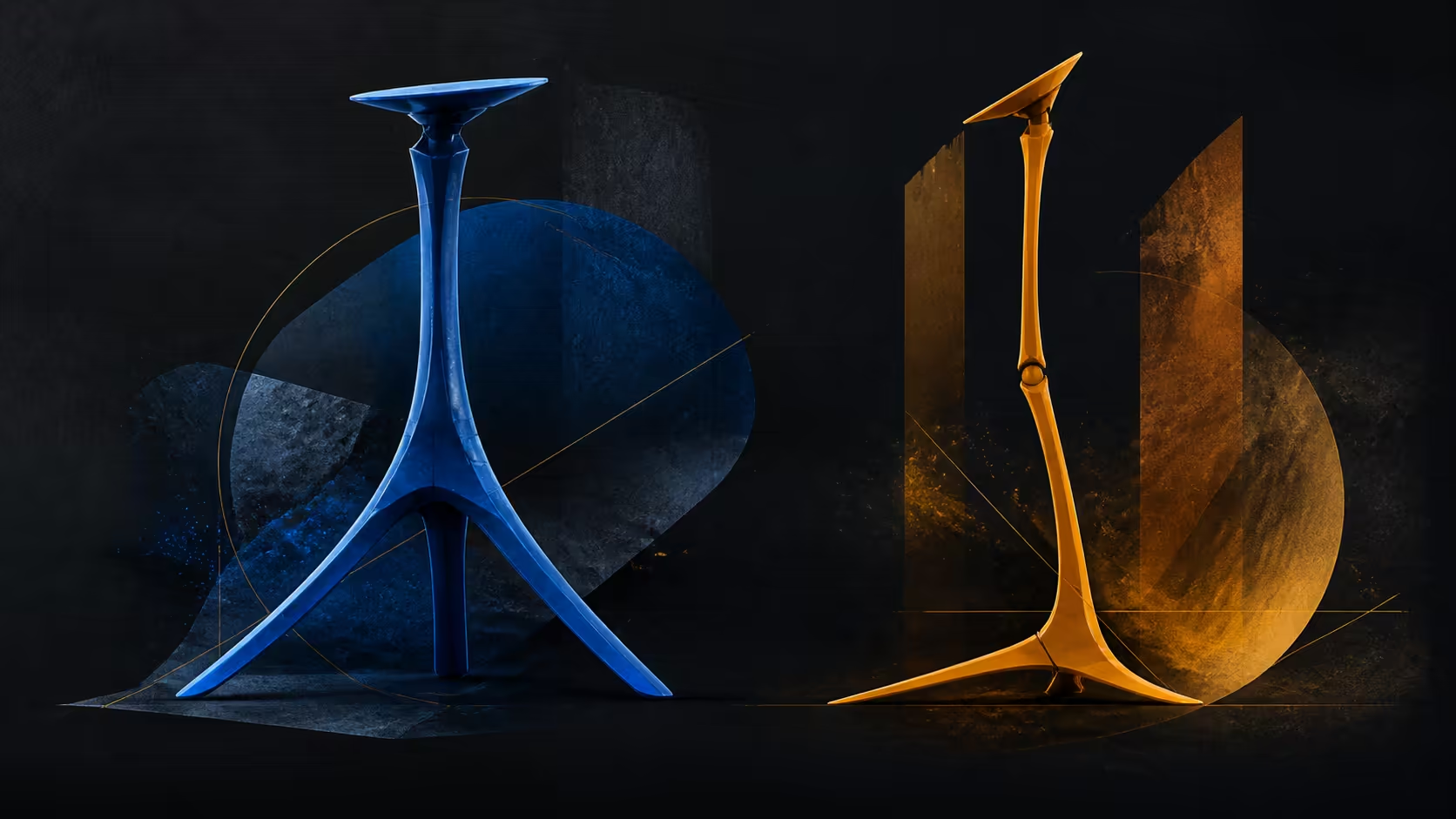
Understanding tripod stands and selfie sticks for phones and portable displays requires separating product format from device compatibility. A convertible support can take several shapes, but each chosen device still needs correct seating, connector clearance and a suitable environment.
Quick Answer
The UStand converts from a portable-display desk holder into a tripod or selfie stick for phones, live streams, recordings and video calls.
For R399, the UPERFECT UStand offers desk, tripod and selfie-stick configurations across a general 7-15.6-inch range. Filter by size first, verify the exact device in every format, then rebuild contact, adjustment and cable routing after conversion.
📸 Define the Three Formats
In desk form, a stand positions the device relative to a work surface. This can support a secondary display beside another screen, provided the surface is suitable and the exact device seats properly.
Tripod conversion changes the way the structure supports itself and the device. That can serve tasks where a different free-standing arrangement is useful. The term tripod does not prove stability on every floor or desk, and exact dimensions still need to be checked.
Selfie-stick conversion changes the product into another holding format. The label should not be treated as a guarantee for every phone. Exact body shape, controls, supported contact and the intended use still need examination.
The UStand's heavy-duty aluminium construction carries through these roles, but material cannot establish load capacity, impact resistance or durability outcome without separate evidence.
Before choosing a format, state the task in one sentence. Holding a fitted portable display beside the main screen is clearer than merely choosing desk mode. Positioning a confirmed device for framing gives the tripod or selfie-stick assessment a concrete target.
📏 Verify Device Compatibility
The universal size span covers 7 through 15.6 inches. That range includes a variety of device shapes, so diagonal is only the first filter. Check thickness, edge form, controls and connector placement next.
Do not infer laptop-specific fit, every phone model or an exact load limit. Where a device sits inside the size range, test whether its body engages the intended all-around anti-slip rubber without force or obstruction.
For a portable display, compare Evetech's monitor range by diagonal and physical port layout. A side connector must remain usable in the final configuration.
Run a fresh fit sequence after conversion:
- Clear and inspect the intended support area.
- Convert the unloaded UStand without forcing a joint.
- Confirm the device remains inside the 7-15.6-inch span.
- Seat it and inspect contact from more than one side.
- Check controls, connector access and surrounding clearance.
Passing one arrangement does not automatically approve another because device orientation and support geometry may have changed.
🎛️ Use Adjustment With Purpose
The UStand includes a 135-degree folding arm and a section capable of 360-degree rotation. In desk use, the arm can establish supported position before rotation sets screen orientation. In another format, the same movements should be assessed against that format's exact task.
Make small changes while supporting the device. Pause after each movement to review seating and rubber contact. Do not chase the maximum angle or complete rotational path unless the use genuinely requires it.
Surrounding clearance changes by location. A wall, table edge or nearby object may reduce useful movement. The numeric ranges describe the stand, while the practical envelope belongs to the current setup.
The UStand folds flat for storage after unloading. Conversion and folding can make one item serve several roles, but convenience should be evaluated through the whole sequence rather than assumed from the feature names.
Rehearse changing formats without a device attached. Identify where hands go, how the arm moves and where rubber contact will occur. Then mount only after the structure is in the selected form.
Create a small format card for shared equipment. Name the approved device, intended role, starting configuration, connector side and pack-away sequence. This does not expand compatibility; it simply records a setup that has already passed its checks. Another user can follow it without assuming that a different device is equivalent.
Observe how often conversion actually happens during a normal week. If the product remains in desk form, value the screen-positioning and storage features most heavily. If tripod or selfie-stick roles recur, include the time and fit checks needed to change safely. Frequency turns a theoretical format into a measurable routine.
🔌 Add Charging and Travel
Compatible devices can charge while mounted. Port direction and cable slack determine whether this is practical in a chosen desk, tripod or selfie-stick arrangement. Connect power after the position is set.
Keep the lead outside joints and contact zones. Test any planned movement slowly, watching the plug. If tension develops, return to the last sound position and reroute instead of allowing the cable to restrain the device.
Browse monitor accessories available from Evetech for other setup components, checking their exact device and connector requirements separately.
For travel, disconnect power, remove the device and fold the stand flat. Pack it where hard items cannot press into moving sections. Flat folding does not provide an exact case size or protection guarantee.
The final decision should connect format to work: desk mode for a confirmed secondary display position, tripod mode for a separately tested free-standing task, or selfie-stick form for a verified device and purpose. Unused conversions should not carry the same value as a role performed regularly.
Before purchase, keep unresolved needs visible. A required weight limit, exact phone model, laptop body or mounting interface calls for explicit confirmation. The convertible design and broad diagonal range should not be stretched to answer those separate questions. A buyer can appreciate multiple formats while remaining disciplined about the device that will occupy them.
Document the chosen role before the first conversion so another user understands why the format changed and which device was approved.
Tripod mode supplies a freestanding camera position, while selfie-stick extension moves the phone away from the laptop lid or desk edge. The aluminium device holder accepts 5.9-to-9.56-inch widths, but the exact phone and case still need a secure fit. Anti-slip contacts and the anti-tip base matter during capture, especially when the arm extends. Route charging through the frame for longer sessions.
Filming stability should be tested with the actual phone, case and charging lead attached. Start with a low extension, frame the shot and increase reach only while the base remains secure. Voice, touch or cable movement can disturb a light camera setup. A short rehearsal catches those effects before a live stream or video call begins.
Frequently Asked Questions
What formats can the UStand convert into?
Beyond desk use, the aluminium structure supports tripod and selfie-stick modes before folding flat after use.
Does conversion guarantee every phone fits?
No. Phone body, controls, size and seating must be checked directly in the selected configuration.
Which general size range applies to the stand?
The compatibility span runs from 7 to 15.6 inches, followed by exact device-shape and connector checks.
Can a portable display use the tripod format?
Tripod conversion is supported, but the chosen display must fit correctly and the particular setup must be assessed on its surface.
How does the structure pack after conversion?
Once unloaded, it folds flat for storage without stating precise packed dimensions, weight or travel protection.
Can a mounted device remain on charge?
Yes. Compatible equipment may receive power in place when the cable clears the supports, joints and rubber zones.
Choosing one support for several clearly defined roles?
Explore convertible stands at Evetech with a separate device-fit and cable test prepared for every intended format.