Quick Answer
For Visual Communication at UJ, the safe minimum is Core i7 or Ryzen 7 where possible, 16GB RAM, 512GB-1TB SSD and a colour-friendly display. A realistic SA shortlist sits around R16,000-R30,000; lower prices suit lighter work, while heavier Visual Communication projects need more headroom. For Auckland Park or Doornfontein campus use, buy for daily carry, battery life and local warranty support.
Minimum spec to shortlist
Start with Core i7 or Ryzen 7 where possible, 16GB RAM, 512GB-1TB SSD and a colour-friendly display. That is enough for layout design, image editing, colour checks and portfolio exports without forcing every lecture, lab or group project through a slow machine. If the department gives a software list, use it as the final check before buying.
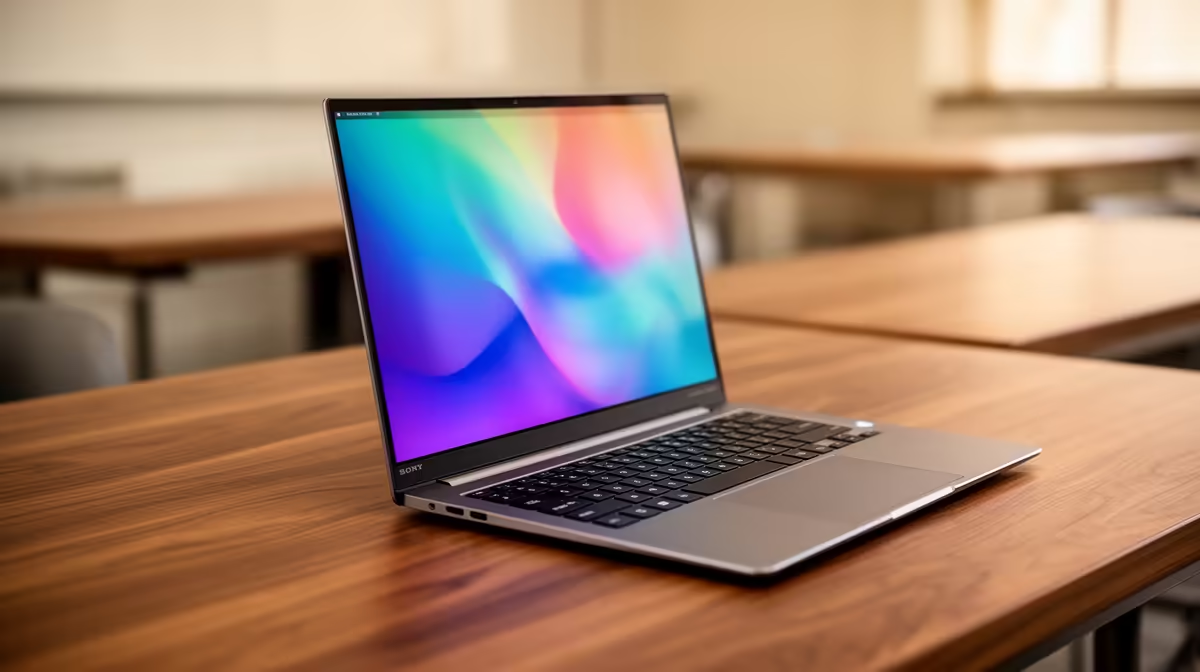
Compare model families such as ASUS Vivobook Pro, Lenovo LOQ 15, ASUS TUF A15 or MSI Modern creator configurations. Do not rely on the model name alone; confirm the exact RAM, SSD, display and processor on the Evetech listing. Screen quality is a working spec, not a luxury, because design decisions happen on that panel.
Budget and SA buying context
The practical South African band is R16,000-R30,000. The cheaper end works for notes, documents and browser-heavy study, while design, CAD, coding, data or media work should move higher before accessories are added. A 24 inch monitor, mouse and sleeve can also affect the real student setup cost.
For Johannesburg students, support is part of the purchase. A laptop that is easy to carry, quiet in class and simple to warranty locally is usually a better study tool than a hotter model bought only for one headline spec.
Final checks before checkout
Check battery life, keyboard comfort, webcam quality, USB-C, HDMI and Wi-Fi 6. If the laptop will connect to a second screen at home, protect the 16GB RAM and 512GB SSD baseline first because those specs affect every assignment session.
FAQ
Is 8GB RAM enough for Visual Communication at UJ?
8GB can handle basic notes and browsing, but 16GB is the safer minimum for a new purchase. It keeps multitasking smoother across more semesters.
Should Visual Communication students buy a gaming laptop?
Only buy one if the workload needs GPU power, 3D work or a high-refresh screen. Otherwise, a quieter thin-and-light laptop with 16GB RAM is usually smarter.
What spec matters most after price?
RAM and SSD capacity matter first. After that, check screen comfort, battery life, ports and whether support is easy to handle from South Africa.
Student buying check
Before ordering, match the laptop against the latest Visual Communication software list, then confirm 16GB RAM, 512GB SSD, charger type and local warranty support.