Stepping into PC display choices means juggling refresh rate, resolution, panel type and adaptive sync at once, and the right spend depends entirely on the GPU and games behind the screen.
Quick Answer
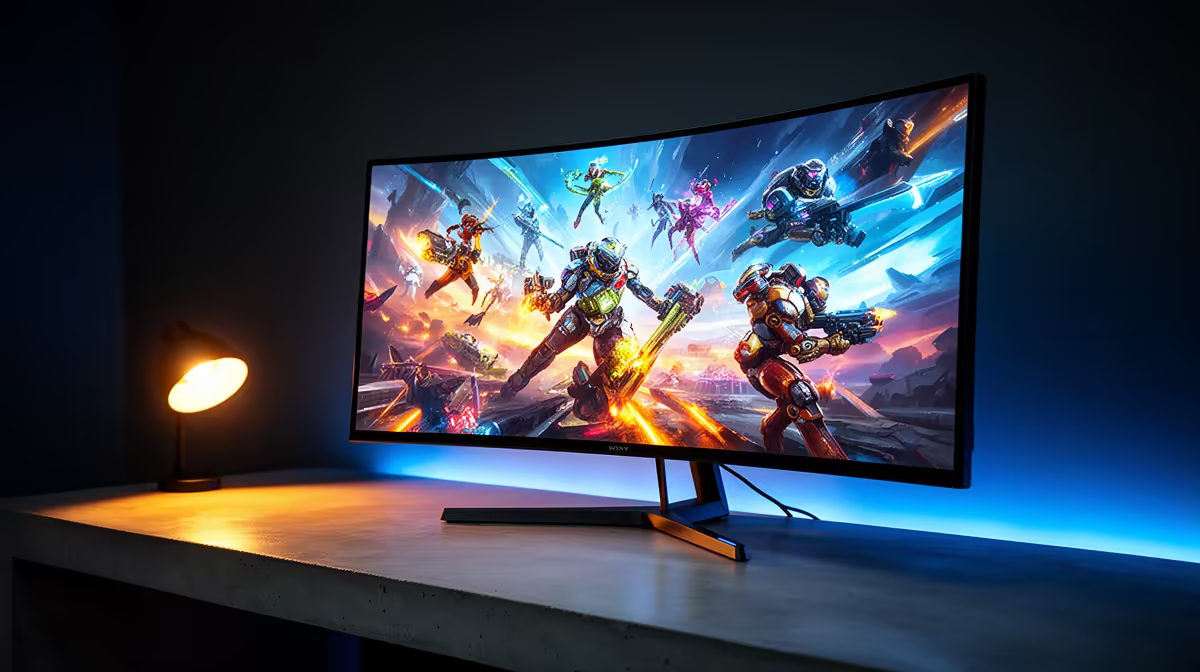
For cloud gaming at home, a 34-inch 3440x1440 ultrawide at 144Hz is the practical pick, usually R9,000 to R14,000. Confirm your GPU can drive 3.6 million extra pixels per frame before stepping up to 175Hz or curved OLED.
What Actually Changes The Feel
Refresh rate and response time decide motion clarity more than any marketing badge. A jump from 60Hz to 144Hz is the single most noticeable upgrade for cloud gaming at home, while 144Hz to 240Hz is a smaller, mostly competitive gain. A genuine 1ms GtG panel keeps fast pans clean; vague 'response' numbers without a measurement type are a warning sign. Adaptive sync (FreeSync or G-Sync Compatible) smooths the dips when your frame rate wobbles, which matters most below the panel ceiling.
Resolution And GPU Balance
A 1080p 165Hz screen is the value route and pairs happily with a mid-range card pushing 120 to 165 fps. Step to 1440p for sharper detail, but budget a GPU that can hold 100 fps or more at that resolution, otherwise adaptive sync just hides the shortfall. 4K looks superb yet demands a serious card for high-refresh play. Check the inputs too: DisplayPort 1.4 or HDMI 2.1 unlock the higher refresh rates that cheaper HDMI 2.0 ports cannot.
Panel Comfort For Long Sessions
Stand adjustability is underrated. Height, tilt and a VESA mount keep posture sane during marathon sessions, which matter for cloud gaming at home. IPS gives the best colour and viewing angles, VA pushes deeper contrast for darker games, and a 2 or 3 year SA warranty with local RMA support is worth more than a small spec bump you will rarely notice.
FAQ
Is 144Hz enough or should I jump to 240Hz?
For most SA gamers 144Hz to 165Hz is the practical ceiling and the cheaper, easier-to-drive choice. Only competitive shooter players running a strong GPU above 200 fps will clearly feel the move to 240Hz.
Does adaptive sync matter if my frame rate is high?
It matters most when your frame rate dips below the refresh ceiling, which happens in busy scenes even on strong rigs. If you consistently sit above the panel limit you will notice it less, but it costs little to have.
What size monitor suits a normal desk?
A 27-inch panel suits most desks at arm's length; 32-inch wants a deeper desk and higher resolution to stay sharp. Ultrawides need roughly 80cm of width, so measure before you commit.
Shortlist panels by refresh rate, resolution and port version, confirm your GPU can drive them, then check the SA warranty before you order.