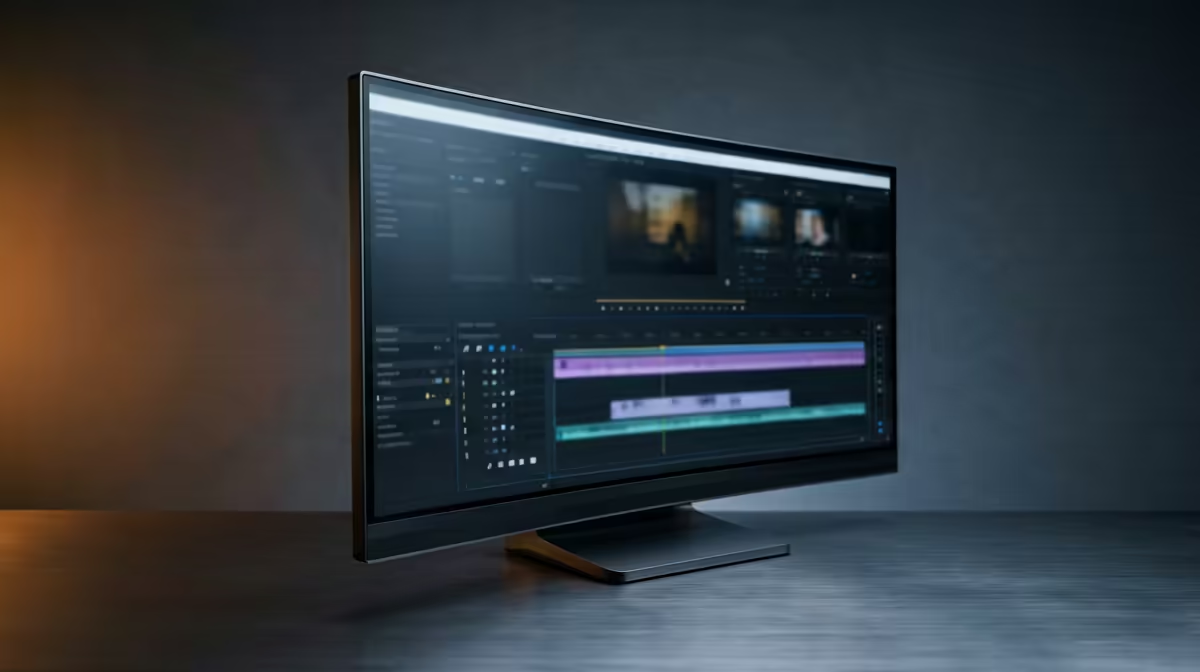
The ASUS TUF VG34WQML5A 34 Inch UWQHD Curved Fast VA LED 21:9 250 Hz Gaming Mo at R7700 suits video editors who want a wide DaVinci Resolve timeline without paying five figures. A good ultrawide monitor is worth it when your editing space needs a full preview window, longer timeline view, and room for bins or scopes on one screen.
Best ultrawide monitor picks for editing
The ASUS TUF VG34WQML5A at R7700 is the strongest value option here because its 34 inch UWQHD 21:9 panel gives you more horizontal workspace than a standard display, while the 250 Hz spec is also useful if the same desk doubles for gaming after editing. With 7 in stock, it is the practical first look for a creator setup that needs width more than decoration.
The Samsung Odyssey 34 inch QHD UltraWide Gaming Monitor at R7999 is another sensible choice if you want 3440 x 1440 pixels for a clean, detailed workspace. That resolution helps when trimming clips, checking the viewer, and keeping panels open without constantly rearranging windows. There are 2 in stock, so it is more limited than the ASUS option.
Creator desk reality in South Africa
For a home creator desk or small studio table, the Arozzi Nova Curved 34 inch VA 165Hz in Black at R4100 is the budget-friendly pick. Its curved 34 inch VA panel and 165Hz refresh rate make it attractive when you want the ultrawide format first and premium extras second, with 9 in stock.
The HP MONITOR OMEN CURVED GAMING 34 INCH WQHD 165HZ 1 YEAR Warranty at R10405 is the higher-priced option, but its 34 inch WQHD curved format and 165Hz spec suit a cleaner creator desk where one wide display replaces a busier dual-screen layout.
Ready to choose the right ultrawide monitor?
For ultrawide monitor editing davinci resolve, put ASUS TUF VG34WQML5A 34 Inch UWQHD Curved Fast VA LED 21:9 250 Hz Gaming Mo at R7,700 first and judge the setup around (7 in stock).