Quick Answer
An ultrawide monitor makes sense when you want more workspace, wider game immersion, and fewer bezels than a dual-screen setup. The practical gaming-work sweet spot is a 34-inch 3440x1440 panel at 100-165 Hz, with broad local bands around R6,500-R18,000 for models such as LG UltraWide 34WP65C, Samsung Odyssey G5 34, and ASUS TUF VG34VQL3A. Check GPU strength first, because 3440x1440 is harder to drive than standard 1440p. For Benoni, check layout and delivery before ordering.
What To Prioritise
A 34-inch 3440x1440 monitor gives enough room for timelines, spreadsheets, browser windows, and immersive games. For gaming, it asks more from the GPU than 2560x1440, so an RTX 4060-class card may need medium settings while RTX 4070-class and stronger cards have more headroom. Once the model fit is clear, choose delivery or pickup by box size, setup urgency, and support convenience.
Local Fit For Benoni
Benoni homes can range from compact flats to larger family houses, making room layout and pickup convenience important checks. SA buyers using one desk for work and gaming can replace a dual-screen setup if the GPU and desk width are ready. Use R6,500-R18,000 as a planning anchor, then confirm current Evetech stock before deciding. Reference models include LG UltraWide 34WP65C, Samsung Odyssey G5 34, and ASUS TUF VG34VQL3A.
Specs That Change The Result
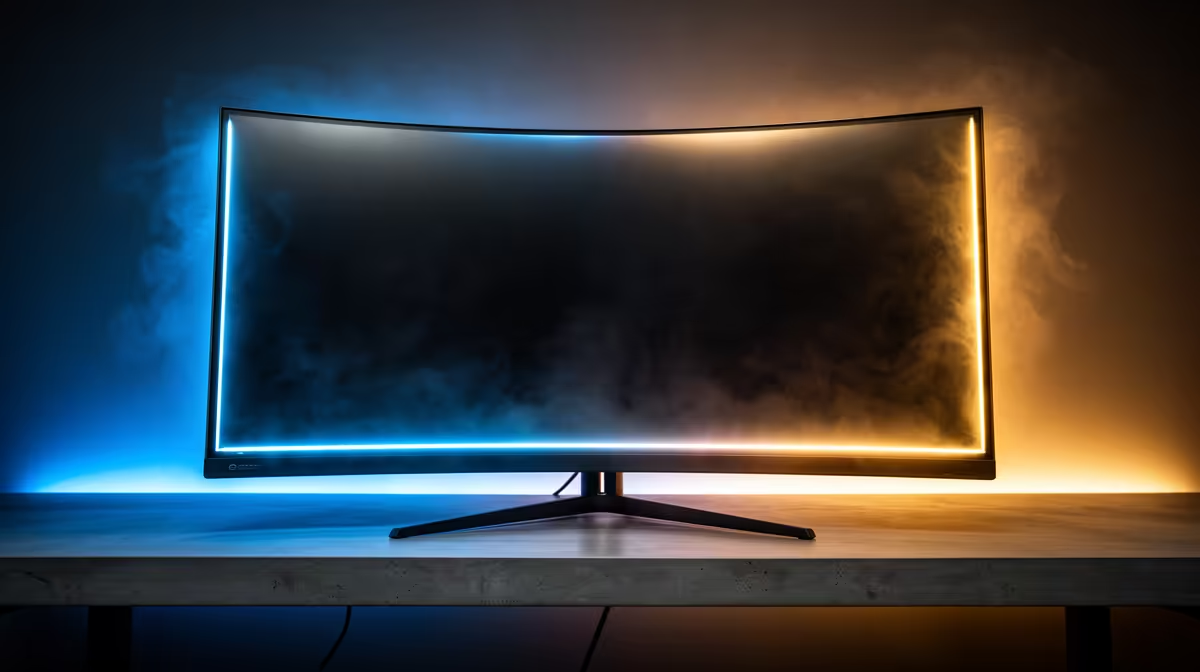
Measure desk width before buying because the panel, stand, and keyboard position all compete for space. A gentle curve can help at 34 inches, especially if you sit close, but a deep curve is not ideal for every design or spreadsheet workflow. The spec anchors to check are 34-inch 3440x1440, 100-165 Hz refresh, and DisplayPort 1.4; those numbers affect daily feel, not only the brochure. For local delivery or pickup, protect the panel during transport and keep the box until you have checked pixels, cables, and stand parts.
FAQ
What is the safest budget range for this category?
Use R6,500-R18,000 as a cautious planning range, then confirm live stock and final price at checkout.
Which spec should I check first?
Start with 34-inch 3440x1440, 100-165 Hz refresh, and DisplayPort 1.4 because those numbers change the day-to-day result.
Is a curved screen necessary?
It is not mandatory, but a curve helps the edges feel closer on a 34-inch panel. For design work, choose a milder curve if straight lines matter.
Practical Check
Before buying, measure both desk width and viewing distance; a 34-inch ultrawide feels best when your eyes sit roughly centered with the panel edges.