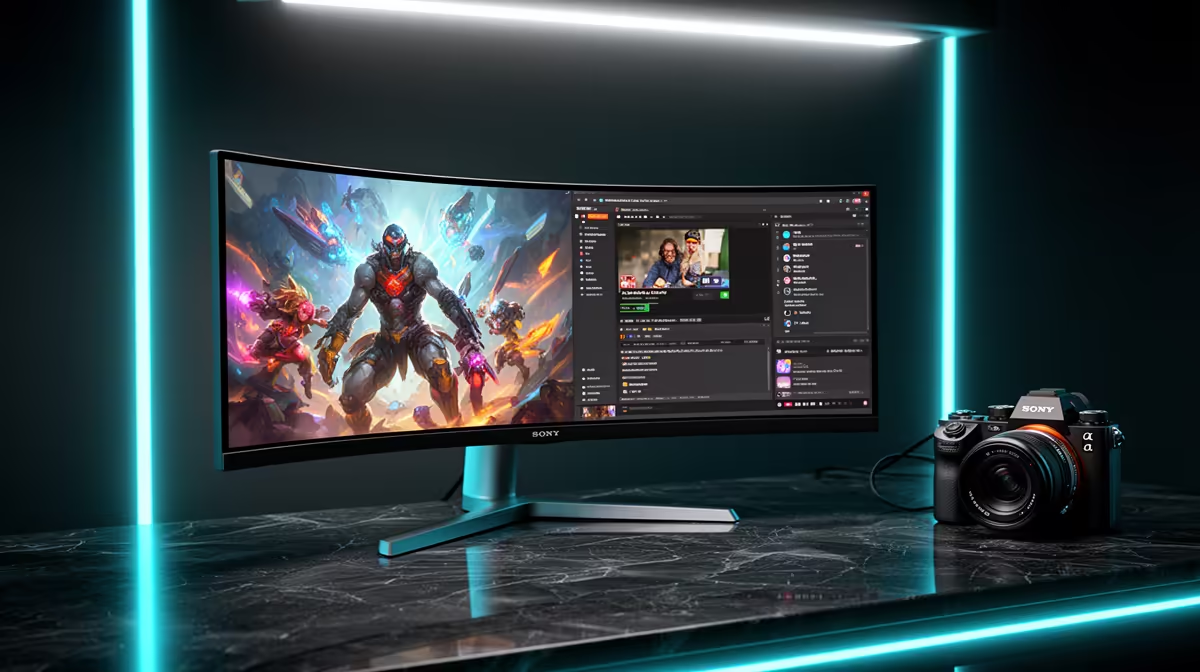
The ASUS TUF VG34WQML5A 34 Inch UWQHD Curved Fast VA LED 21:9 250 Hz Gaming Mo at R7700 suits SA gamers who also want a wide creator desk for Canva without moving between two separate screens. A good ultrawide monitor gives you room for a game, design canvas, browser tabs, and reference images, while keeping the setup cleaner than a dual-monitor arrangement.
Best ultrawide monitor picks for gaming and design
The ASUS TUF VG34WQML5A is the strongest first look here because its 34 inch UWQHD curved 21:9 panel gives you wide workspace, while the 250 Hz spec keeps it serious for fast gaming. At R7700 with 7 in stock, it fits a buyer who wants one screen for ranked matches at night and visual layouts during the day.
The Samsung Odyssey (34") QHD 3440 x 1440 pixels UltraWide Gaming Monitor at R7999 is a practical alternative if you want the familiar 3440 x 1440 workspace for wide timelines, browser previews, and design edits. With 2 in stock, it is better treated as a deliberate buy rather than something to leave for later.
Creator desk reality in SA
On a student or home-office creator desk, width matters because the design window, asset folder, and preview pane can stay visible together. The HP MONITOR OMEN CURVED GAMING 34 INCH WQHD 165HZ 1 YEAR Warranty at R10405 gives you a 34 inch curved WQHD layout with 165 Hz for gaming after the work is done, while the Arozzi Nova Curved 34" VA, 165Hz - Black at R4100 keeps the same 34 inch curved 165 Hz idea at a lower price point with 9 in stock.
Ready to choose the right ultrawide monitor?
Use ASUS TUF VG34WQML5A 34 Inch UWQHD Curved Fast VA LED 21:9 250 Hz Gaming Mo at R7,700 as the gaming room benchmark, then check whether (7 in stock) matches the space, workload, and upgrade path.