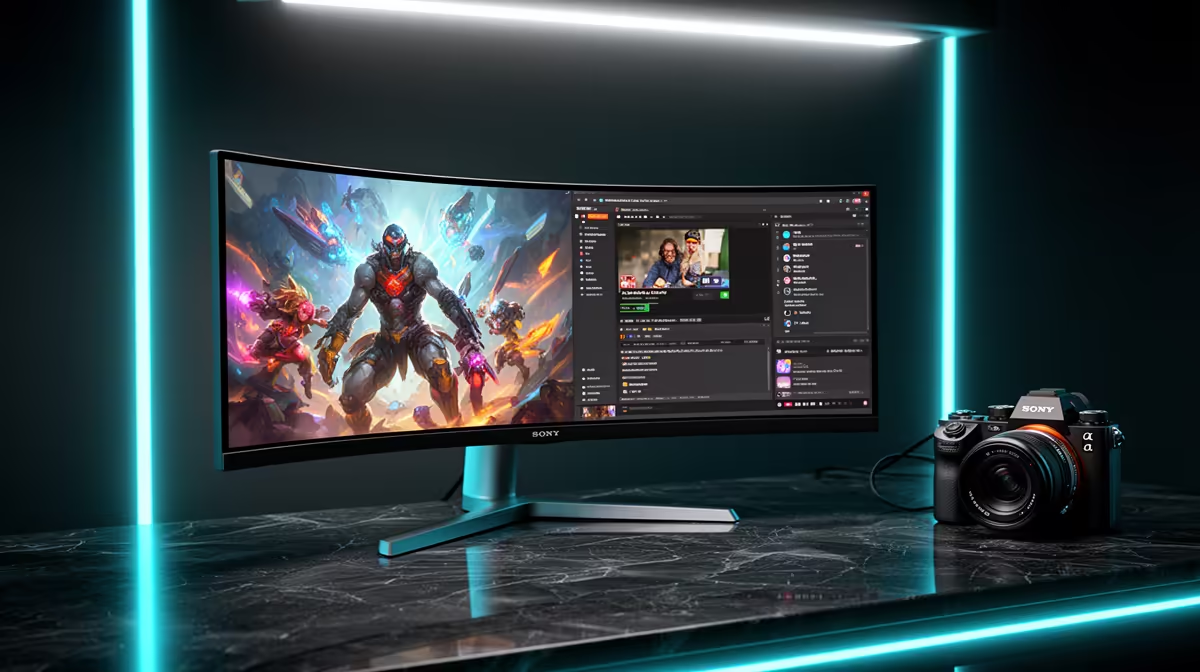
ASUS TUF VG34WQML5A 34 Inch UWQHD Curved Fast VA LED 21:9 250 Hz Gaming Mo at R7700 suits a learner coder who also wants fast, immersive gaming on one ultrawide monitor. The 34 inch UWQHD curved 21:9 panel gives enough width for code, browser documentation, and a terminal without turning the desk into a two-screen cable puzzle.
Best ultrawide monitor picks for gaming and coding
The Samsung Odyssey (34") QHD 3440 x 1440 pixels UltraWide Gaming Monitor at R7999 is a strong step for someone who wants sharp workspace detail and a wider game view. Its 3440 x 1440 resolution is useful when learning to code because reference material can sit beside the editor instead of constantly switching tabs.
The HP MONITOR OMEN CURVED GAMING 34 INCH WQHD 165HZ 1 YEAR Warranty at R10405 makes sense when the desk setup needs a more premium curved 34 inch WQHD screen. The 165Hz refresh rate is still quick for gaming, while the extra width helps with split panes, preview windows, and longer timelines.
Student Desk Setup In SA
For a South African student desk where one screen has to handle lectures, coding practice, browsing, and evening gaming, the Arozzi Nova Curved 34" VA, 165Hz - Black at R4100 is the value play. It keeps the 34 inch curved VA format and 165Hz refresh rate at a lower price, leaving the setup cleaner than trying to squeeze two separate displays onto a small study surface.
Ready to choose the right ultrawide monitor?
Use ASUS TUF VG34WQML5A 34 Inch UWQHD Curved Fast VA LED 21:9 250 Hz Gaming Mo at R7,700 as the gaming room benchmark, then check whether (7 in stock) matches the space, workload, and upgrade path.