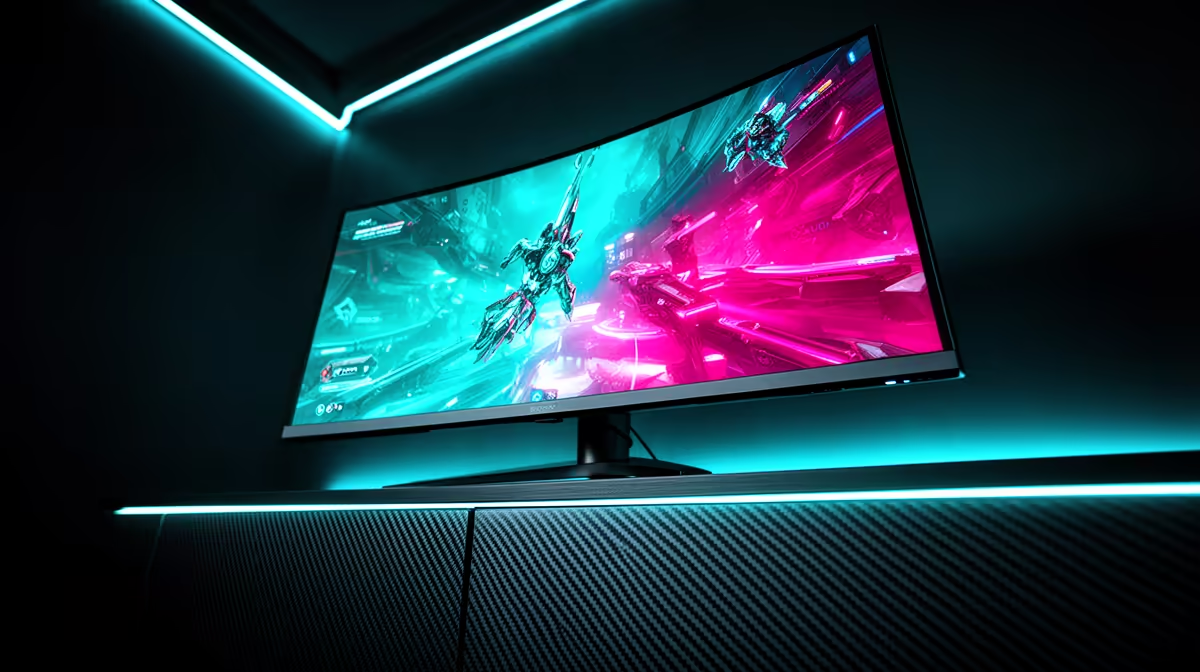
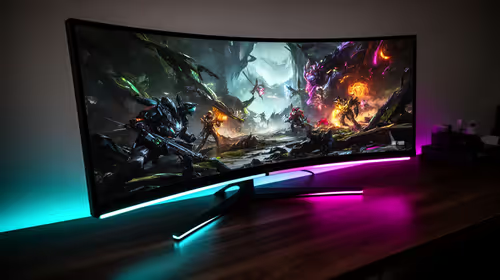
An ultrawide for school holiday gaming is a chance to upgrade immersion without overspending, and a sensible starter-to-serious path lets you buy at the right level for your budget and GPU. The key is matching the panel to what your hardware can actually drive.
Quick Answer
For school holiday gaming, start with a 29-inch 2560x1080 100Hz ultrawide around R3,500-R5,000, then step up to a 34-inch 3440x1440 144Hz panel (R6,500-R9,500) as budget and GPU allow. A starter ultrawide suits casual holiday gaming at 60-100 fps; the serious tier needs an RTX 4060 or better to hit high frames at 1440p.
The Starter Tier For Holiday Gaming
A 29-inch 2560x1080 ultrawide at 100Hz is an affordable entry into wide-screen gaming, giving more immersion and desktop space than a standard 24-inch panel without demanding a powerful GPU. It games comfortably at 60-100 fps on modest hardware, suiting casual and esports titles over a school holiday. This tier is reachable on a tight budget, including for students stretching savings, and it stays useful as a second screen later. It is the right starting point if your GPU is entry-level or your budget is limited.
Stepping Up To The Serious Tier
The serious tier is a 34-inch 3440x1440 panel at 144Hz, which sharpens detail, widens the field of view and games smoothly with a capable GPU. An RTX 4060 pushes many titles to 100-144 fps at this resolution, dropping to 60-70 fps in demanding AAA games, while an RTX 4070 holds higher frames more consistently. Step here when your GPU can feed the resolution and your budget allows, since pairing a 144Hz 1440p panel with a weak GPU wastes the refresh. The starter screen becomes a second display for chat or browsing.
Buying Sensibly In SA
Budget a 29-inch starter ultrawide at R3,500-R5,000 if your GPU or wallet is modest, and a 34-inch 3440x1440 144Hz panel at R6,500-R9,500 if you have an RTX 4060 or better. Confirm your GPU output supports the panel's resolution and refresh via DisplayPort or HDMI 2.1 before buying the serious tier. Match the screen to your hardware: a panel your GPU can actually feed delivers smoother holiday gaming than a higher-spec screen it starves.
FAQ
Is a starter ultrawide enough for holiday gaming?
Yes. A 29-inch 2560x1080 100Hz panel games comfortably at 60-100 fps on modest hardware and adds real immersion over a standard widescreen, making it a great affordable holiday upgrade.
What GPU do I need for a 34-inch 1440p ultrawide?
An RTX 4060 handles many titles at 100-144 fps at 3440x1440, dipping to 60-70 fps in demanding games. For consistently high frames, an RTX 4070 or better is the safer pairing.
Does the starter screen go to waste after upgrading?
No. A 29-inch ultrawide makes a useful second display for chat, browsing or references once you move to a larger panel, so the starter purchase keeps earning its place.
ultrawide to your GPU: start with a 29-inch 1080p panel on modest hardware, and step to a 34-inch 1440p 144Hz screen only once an RTX 4060 or better can feed it.