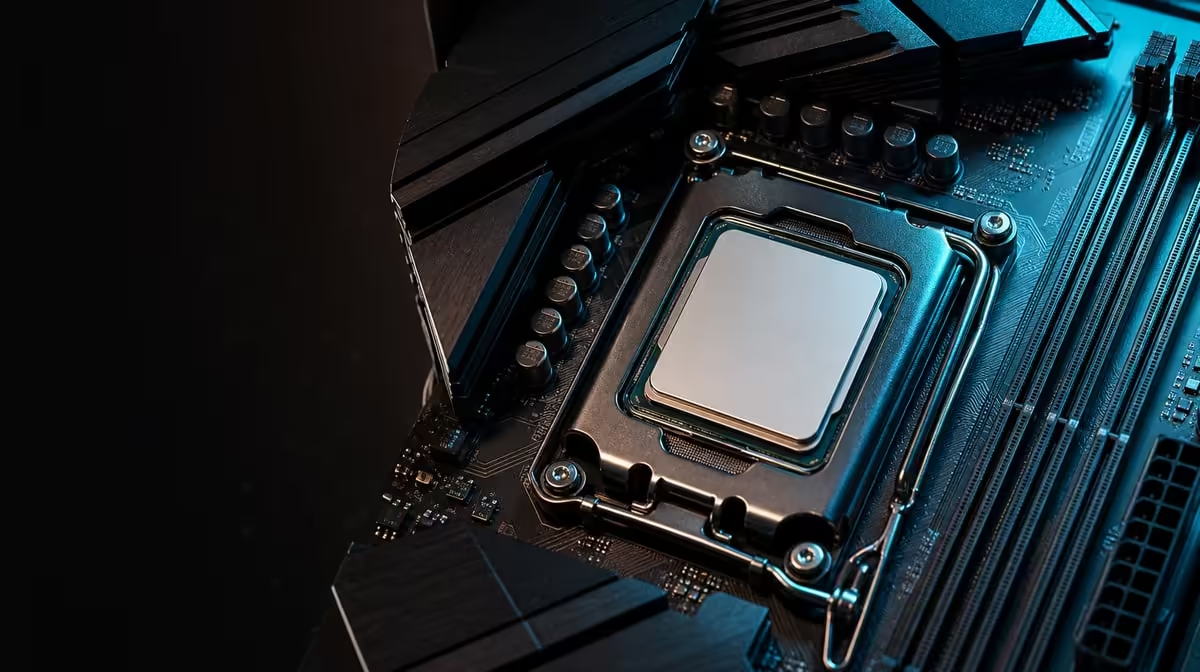
Ryzen generation names are useful search terms, not complete compatibility proofs. Understanding AM5 compatibility for Ryzen 7000, 8000 and 9000 requires the exact processor, exact motherboard and current firmware path. The ROG Crosshair X870E Extreme establishes AM5 and DDR5, while each CPU model still deserves its own check.
Quick Answer
Confirm the full Ryzen model against current X870E Extreme support and note any firmware requirement before installation. The R24,899 motherboard uses AM5 and DDR5, but buyers should not assume every Ryzen 7000, 8000 or 9000 processor works identically because the family names share a socket.
?? Record exact model names
Start at Evetech's AMD processor selection and copy the full candidate name into the build sheet. Avoid shortening it to a generation or tier.
Use the same exact identifier when checking the motherboard. Similarly named processors can differ, and a conclusion about one model should not be transferred to the entire family.
?? Check socket, firmware and memory
AM5 confirms the physical platform family. Firmware determines another part of the support path. DDR5 is the memory generation for this board, but the kit and capacity remain separate decisions.
Create a pre-build record containing CPU, board, firmware preparation, DDR5 arrangement, cooling and minimum first-boot devices.
The X870 motherboard category helps compare current options, but exact support must be checked per model.
Prepare before assembly
Understand any required firmware process before installing every drive and expansion device. Do not improvise after a failed start.
Keep the known-good state if upgrading an existing PC. A record of firmware and memory positions provides a recovery baseline.
?? Diagnose without generation assumptions
If the system fails to boot, confirm power, CPU seating, the directed minimum DDR5 arrangement and support path. Record board indicators and change one element per attempt.
A Ryzen 9000 label should not lead directly to replacing memory or board. Evidence from the exact configuration should set the next step.
Restore devices gradually
Once the minimum platform starts reliably, add storage and expansion hardware in stages. Test after each addition.
?? Balance the flagship platform
At R24,899, the Extreme adds five M.2 positions, PCIe 5.0, Wi-Fi 7 and multi-gig networking. These features only matter after CPU compatibility is settled.
Compare Evetech's wider AMD motherboard range with the same processor and device list. Another AM5 model may meet the workload with fewer extras.
Include E-ATX fit
The case must explicitly support E-ATX and leave room for cooling, graphics and cables. Socket compatibility cannot fix a physical mismatch.
Repeat the check before upgrades
Support information and the planned CPU can change. Treat every later processor replacement as a new exact-model compatibility event.
Build a compatibility packet
Keep the processor's full model, motherboard identifier, firmware state, DDR5 kit, cooler and power supply connections in one record. Add the date each support check was performed. This packet links research to the exact machine rather than a general Ryzen generation.
Photograph the memory arrangement and expansion layout after the first stable boot. If a later CPU change fails, the owner can restore the known-good physical configuration.
Plan firmware before opening the socket
Determine whether preparation is needed while the current processor still operates. Understand the board's directed process, keep power stable and avoid interruptions. Do not begin the swap while key support details remain unresolved.
If the board is new, prepare the minimum diagnostic configuration in advance. Optional drives and network devices can wait until processor and DDR5 behaviour is established.
Test the upgraded platform in stages
After a CPU change, verify startup and memory stability before returning every optional device. Then add storage and expansion hardware one group at a time, checking the same basic workload.
This sequence can reveal whether a problem follows the processor, memory setup or another reintroduced device. Changing all of them at once erases that evidence.
Avoid generation-based shopping shortcuts
A title may group Ryzen 7000, 8000 and 9000 for explanation, but the shopping basket must use exact models. Even within one family, cooling needs and intended workloads can change the rest of the build.
Compare the final CPU, board, memory and chassis as a complete platform. A compatible socket does not guarantee a balanced machine.
Match cooling to the selected processor
Socket compatibility says nothing about whether the chosen cooler and chassis airflow suit the processor's real workload. Check mounting support, physical clearance and sustained temperature behaviour after assembly.
Do not use a firmware or tuning change to compensate for an incorrectly fitted cooler. Establish reliable default behaviour before exploring optional performance settings.
Protect the socket during changes
Power down, follow the directed removal sequence and avoid contact with sensitive areas. If a part does not lift or seat as expected, stop and check orientation rather than applying force.
Keep protective packaging available for the removed processor and label every component. Careful physical handling is part of a successful compatibility upgrade.
Revalidate the complete memory plan
A processor change can prompt the owner to revisit DDR5 capacity or settings, but avoid combining unrelated changes during first diagnosis. Start from the known arrangement, confirm stability, then test any memory adjustment separately.
Record results from a representative game and productive task. A booting system still needs to prove reliable under the work it was built to perform.
The final test is repeatability. Restart the system, run the same workload and confirm that the configuration behaves consistently across more than one session. Only then reconnect optional devices or begin performance tuning.
Retain the exact support notes with the machine so a later owner does not have to infer compatibility from generation names.
Include the date and exact firmware state in that record, then update it after every successful processor change.
Build an evidence packet for support
Keep the exact CPU and board names, firmware state, DDR5 arrangement, power connections and observed indicator sequence together. If help is needed, this packet is far more useful than saying only that a Ryzen generation failed on AM5.
Update the record after each successful change and mark the last configuration that completed repeated gaming and productive workloads. Do not overwrite the known-good details with an untested experiment.
Precise evidence also prevents advice for another processor or motherboard from being applied blindly. Model-level compatibility should remain model-level throughout diagnosis.
Frequently Asked Questions
Does an AM5 name prove compatibility'
No. Match the exact CPU and board through current support and firmware information.
What socket does the Extreme use'
It is an AM5 motherboard and uses DDR5 memory.
Why not treat a Ryzen generation as one block'
Each generation contains multiple exact processors that may have different support details.
Can firmware prevent a boot'
An appropriate support path may be required even when the processor belongs to AM5.
What is the safest sequence'
Identify the CPU, verify support, plan firmware and DDR5, confirm case fit, then assemble a minimal baseline.
Ready to check Ryzen compatibility by exact model'
Pair Evetech's AMD processor and motherboard listings with a written firmware, DDR5 and first-boot plan before building.