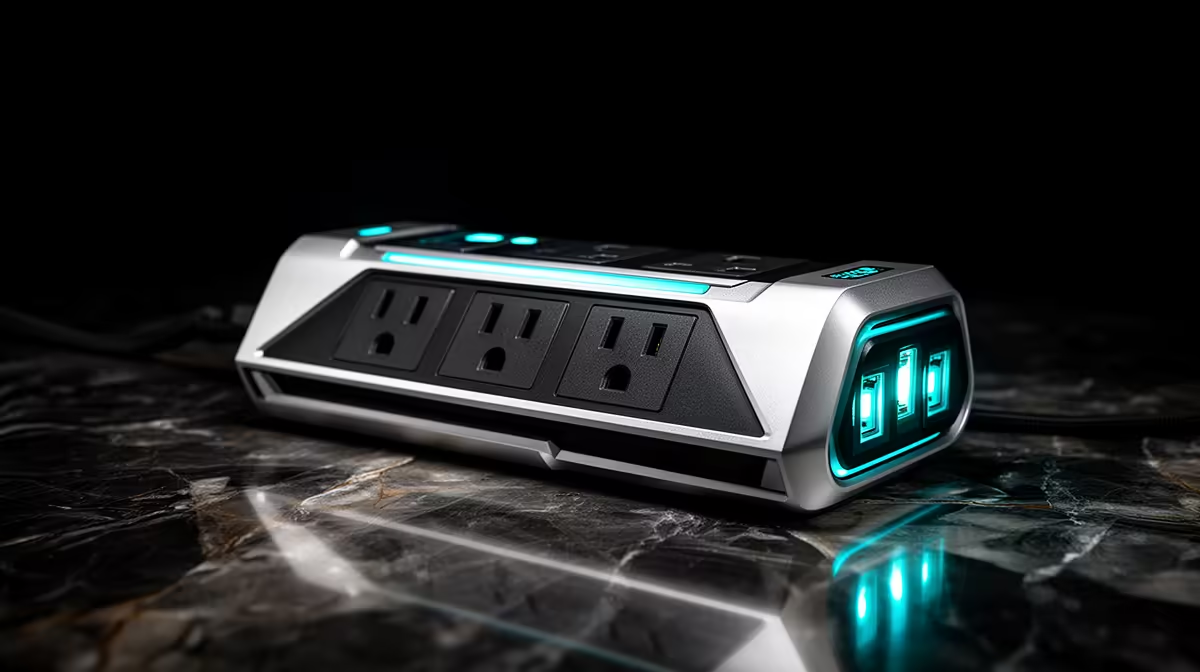
Surge protection and a UPS belong on every Bloemfontein build checklist; they guard your most expensive parts for a small upfront cost.
Quick Answer
For a Bloemfontein setup, pair a 650VA UPS near R1,200 with proper surge protection. The UPS rides out brief power events while the surge stage absorbs spikes that would otherwise stress your components.
What to Plug In Where
Put the PC and monitor on the battery-backed outlets, and lower-priority gear on surge-only outlets. Avoid plugging a laser printer into the UPS; its draw can trip the unit. Keep the R1,200 budget on a unit with replaceable batteries.
Surge Protection Basics
A surge stage clamps voltage spikes before they reach your PSU, which is the part most exposed to grid noise in Bloemfontein. Look for a joule rating that comfortably exceeds your gear and protect the network line too where relevant.
Sizing the UPS
Match the UPS to your draw: a typical Bloemfontein home PC and monitor are well served by a 650VA unit. That gives a few minutes to save and shut down cleanly, which is all most builds need from battery backup.
Bottom Line for Local Buyers
The right call here is rarely the most expensive one; it is the most matched one. Pair each part to your real needs, protect what already works, and put your remaining rand where you will feel it in every session. That keeps the build sensible today and easy to grow tomorrow.
FAQ
How much should a UPS cost for a first build?
Around R1,200 buys a capable 650VA unit with surge protection. Choose one with replaceable batteries so you are not buying the whole device again later.
Is surge protection enough on its own?
Surge protection guards against spikes but does nothing for a sudden cut. Pair it with a UPS so an abrupt loss does not corrupt drives or lose work.
Can I plug everything into the UPS?
Put the PC and monitor on battery-backed outlets and lighter gear on surge-only ones. Avoid laser printers, whose draw can overload the unit.
Buyer Note
Match the GPU to your monitor first. A 144Hz panel rewards a stronger card, while a 75Hz screen frees budget for a faster SSD or more RAM.