


RTX 4060 Ti Throttling Under Load: SA Temperature Guide
RTX 4060 Ti Throttling Under Load: Temperature. Everything you need to know with SA pricing, step-by-step instructions & expert recommendations.
Read moreWondering about USB-A port power limits on office screens? Learn how to charge devices efficiently and avoid overloading your tech 💡🔌
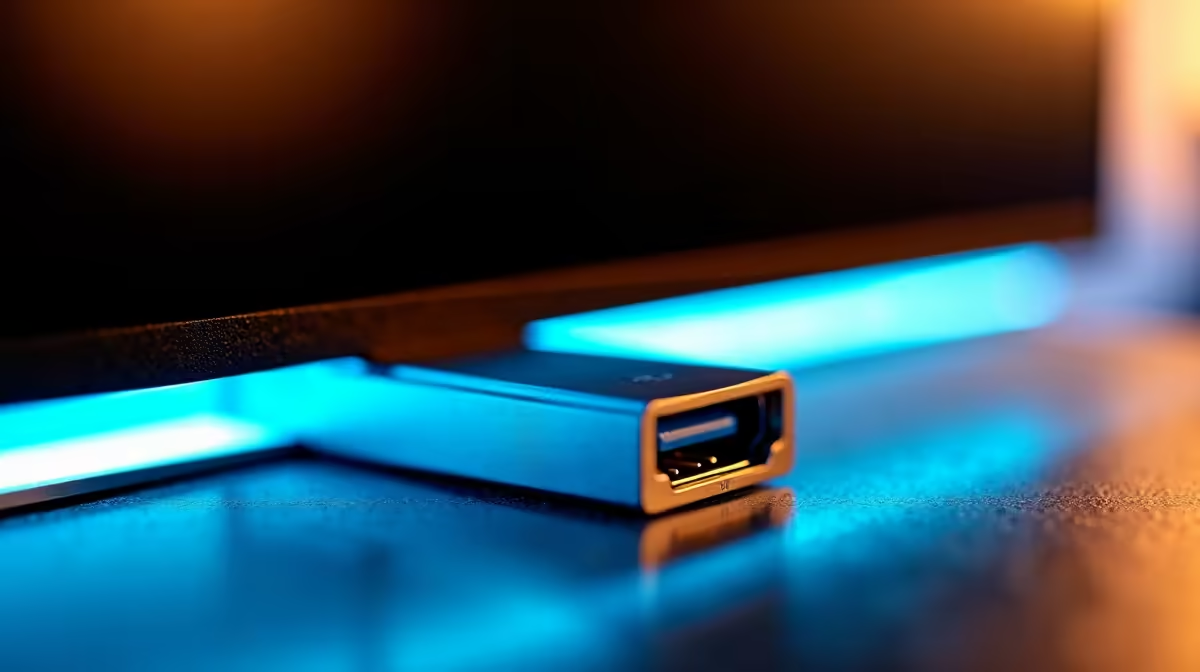
Ever plugged your phone into your office monitor, hoping for a quick battery boost, only to see it charge at a snail's pace... or not at all? 🤔 You're not alone. That convenient USB-A port on your screen isn't just a lazy wall socket. Understanding the USB-A port power limits of your display is key to a clutter-free and efficient workspace, saving you from that dreaded "low power" notification right before a big meeting.
Think of your monitor's built-in USB hub as a feature of convenience, not a dedicated charging station. Its primary job is to connect low-power peripherals like your keyboard, mouse, or a simple webcam. Manufacturers design these hubs with a limited power budget, prioritising the crispness of your display over charging your power-hungry devices. Exceeding these USB-A port power limits can lead to devices disconnecting or failing to work correctly.
This is especially true for standard office screens, which are built for efficiency. While many modern gaming monitors are designed with more robust connectivity options for a full suite of peripherals, the humble office display keeps things simple.
Not all blue ports are created equal. The power a USB-A port can supply is defined by its standard. Here’s a quick breakdown:
So, while your webcam might work perfectly, trying to power an external hard drive and charge your phone simultaneously is asking too much from your screen's limited supply. The result? Unreliable performance. Often, the more advanced features you find in curved monitors or premium displays correlate with better-powered USB hubs.
Some monitors have a dedicated high-power charging port. Look for a small lightning bolt symbol next to one of the USB-A ports. This indicates it’s designed to supply more current than the others, making it the best choice for charging your phone or tablet.
If you're constantly fighting for ports, it might be time to consider a monitor that's built for modern connectivity. Many new PC monitors now feature USB-C hubs with Power Delivery (PD), allowing a single cable to transmit video, data, and significant power to charge a laptop. This is a standard feature on most portable monitors, which rely on it for their very function.
Likewise, top-tier high-resolution 4K or 5K monitors often include powerful, well-regulated USB hubs as part of their premium feature set.
What if a new monitor isn't on the cards right now? The simplest solution is a powered USB hub. This device plugs into the wall for its own power, ensuring every connected gadget gets the full juice it needs without depending on your monitor's limited output. You can find these and other useful gadgets in our monitor accessories section. It's a small investment for a much more stable and reliable desk setup. ✅
Upgrade Your Hub, Upgrade Your Workflow Stop juggling chargers and adapters. A modern monitor can be the true centre of your workspace, providing the power and connectivity you need to stay productive. Check out the best PC monitor deals in South Africa and find the perfect screen for your setup.
Most USB-A ports supply up to 2.4A at 5V for standard charging. Some older ports have lower limits.
Some office screens limit USB power output. Check specs or connect directly to wall chargers for faster speeds.
Refer to device manuals or use a USB power meter tool to verify voltage, current and power delivery specs.
Standard USB-A may struggle with power-demanding gadgets like smartphones and tablets. Consider using dedicated chargers.
No, but underpowered connections might interrupt sync or charging. Ensure stable power delivery to avoid issues.
Use quality cables, check port ratings, and avoid daisy-chaining USB devices for reliable device charging.
Meeting USB standards, 5V is the standard voltage output. Amperage varies based on port capabilities and device needs.
RTX 4060 Ti Throttling Under Load: Temperature. Everything you need to know with SA pricing, step-by-step instructions & expert recommendations.
Read more
Apex Legends Max Settings on RTX 4080. Tested & verified settings for best FPS and visual quality on SA hardware budgets.
Read more
GPU Buying Guide. Everything you need to know with SA pricing, step-by-step instructions & expert recommendations.
Read more
GPU Terms Guide. Everything you need to know with SA pricing, step-by-step instructions & expert recommendations.
Read more
AMD Adrenalin Download & Setup Guide: GPU. Clear setup instructions with SA-specific considerations, troubleshooting tips & recommended components.
Read more
Back-to-School GPU Buying Guide. Everything you need to know with SA pricing, step-by-step instructions & expert recommendations.
Read more
Snapdragon X2 NPU Explained: How 80 TOPS Changes. Plain-English explanation of what it means, why it matters & how it affects your buying decisions in SA.

HBM? High Bandwidth Memory Used in GPUs and AI. Plain-English explanation of what it means, why it matters & how it affects your buying decisions in SA.

How much should you spend on sim racing accessories in South Africa for a realistic setup? We break down budgets by quality tiers, so you buy smart gear and avoid overspending 🎮💸

G-Sync and FreeSync? Variable Refresh Rate. Plain-English explanation of what it means, why it matters & how it affects your buying decisions in SA.

AMD Laptop: Value. SA-focused analysis with local pricing data, real-world insights & actionable buying advice.

How MacBook Neo Handles 30+ Chrome Tabs with Only. SA-focused analysis with local pricing data, real-world insights & actionable buying advice.

Why Apple Put 8GB RAM in MacBook Neo: The A18 Pro. SA-focused analysis with local pricing data, real-world insights & actionable buying advice.

Upgrade your work laptop with a New Motherboard. Step-by-step instructions with SA-specific tips, common pitfalls to avoid & expert recommendations.

Maintain wired headset — Checklist: • inspect cables • clean earpads • store properly 🔧🎧 Practical steps to preserve sound quality and avoid premature replacements.

Fix crackling headset fast: step-by-step checks for cables, connectors, drivers, and settings to remove static or distorted audio on wired headsets 🎧⚙️

Stereo vs mono headsets: learn which delivers clearer calls, better spatial music, or simpler mono voice performance — pick the right headset for meetings, music, or gaming 🎧💬

- Compare gaming headset vs studio headphones; - Assess comfort, mic and sound; - Recommend best daily picks. Gaming headset vs studio headphones: learn which suits work, music and casual gaming. 🎧⚖️