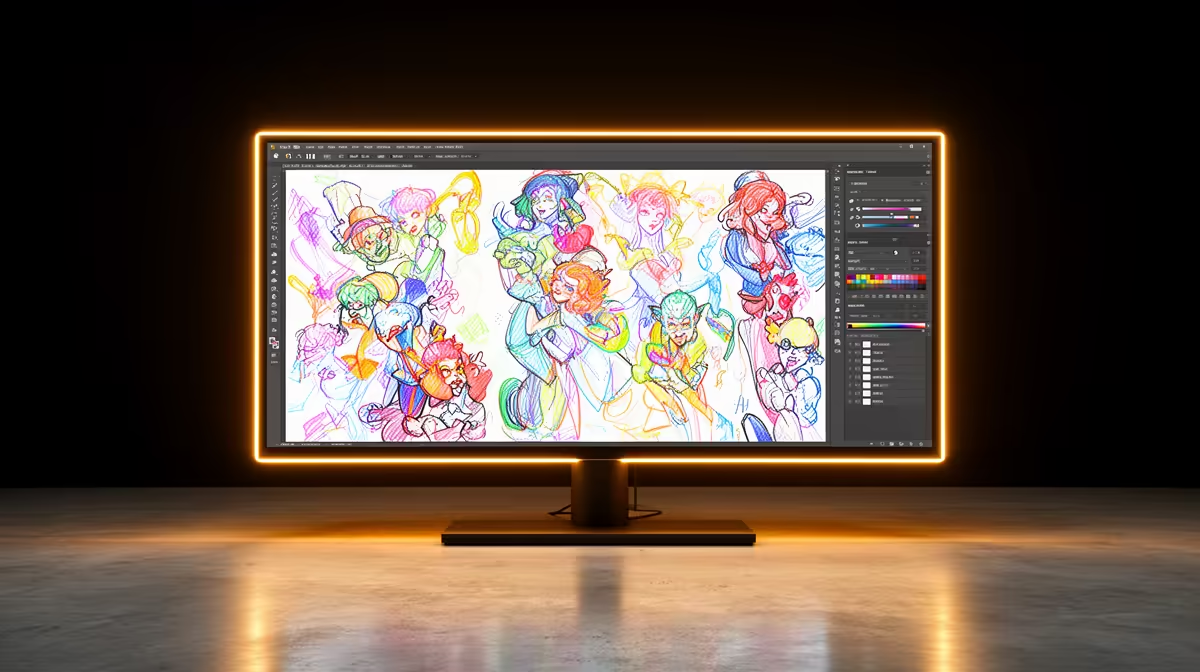
Dell SE2726H 27in FHD 144Hz at R1,797 suits a student or home creator who wants a larger monitor for drawing timelines, reference panels, and preview windows without jumping straight to a pricey specialist display.
Good monitor picks for animation desks
For 2D animation in SA, USB-C is useful only if it genuinely simplifies the desk. The Dell SE2726H gives you a 27in FHD canvas at R1,797, and the 144Hz refresh rate can make cursor movement, timeline scrubbing, and general interface motion feel smoother during long sessions.
The Dell SE2426H 23.8in FHD at R1,532 is the tighter choice for a school desk or compact creator desk. Its 23.8in FHD size is easier to fit beside a laptop, keyboard, and drawing tablet, which matters more than chasing features you may not use every day.
Cape Town study setup for 2D animation
In a small Cape Town study, the MSI PRO MP275W at R1,850 is a sensible pick if you want a clean 27in-style work area for panels, browser references, and a canvas view. If budget is the main pressure, the Dahua LM27 at R1,500 gives you a 100Hz option that still keeps motion more fluid than a basic office screen.
The practical answer is that USB-C is worth paying extra for only when it replaces daily cable clutter. If the port is not the deciding factor, prioritise screen size, FHD clarity, refresh rate, and how neatly the display fits your actual desk.
Ready to choose the right monitor?
Compare the listed monitor range and pick the screen size, refresh rate, and price that fit your animation desk.