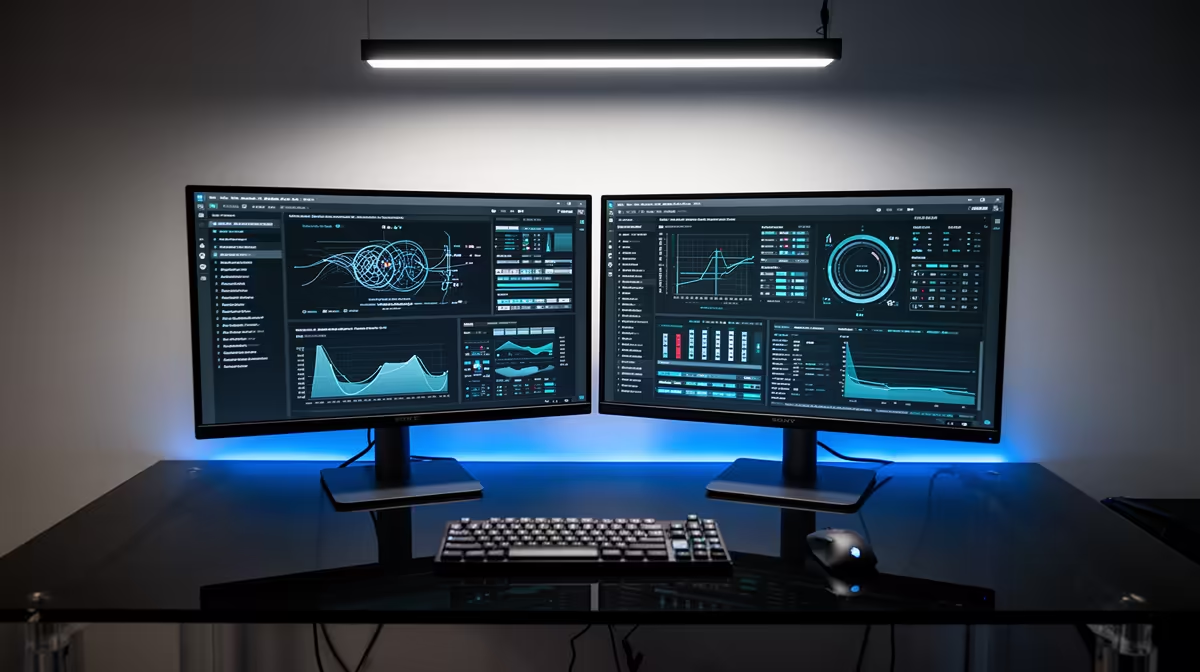
Dell SE2726H 27in FHD 144Hz at R1,797 suits an SA data science learner or analyst who wants a larger, smoother monitor for notebooks, spreadsheets, dashboards, and coding panels without paying for a specialist display. USB-C on the laptop side can handle the desk role well when the screen itself gives you enough size, refresh headroom, and readable full HD space for day-to-day analysis.
What matters for the desk
The Dell SE2726H 27in FHD 144Hz at R1,797 is the strongest fit here because the 27in size gives more breathing room for a notebook, a browser report, and a code editor. The 144Hz spec is not only for gaming; it also makes scrolling through long tables and switching between dashboards feel less tiring during long sessions.
The MSI PRO MP275W at R1,850 is also sensible for a clean work desk where the screen needs to look professional and stay focused on productivity. It costs slightly more than the Dell SE2726H, but it still stays in a practical SA budget range for a student desk, small office, or home analytics setup.
Student data science desk in SA
For a compact student desk, the Dell SE2426H 23.8in FHD at R1,532 keeps the setup affordable while still giving a proper FHD canvas for notes, lectures, and basic notebook work. If the desk is tight, that 23.8in size can be easier to place than a 27in panel while still improving comfort over a laptop screen.
The Dahua LM27 100Hz at R1,500 is the value play when the priority is a larger 27in view at the lowest listed price. Its 100Hz refresh rate gives smoother movement than a basic office screen, useful when moving between charts, browser tabs, and report previews.
Ready to choose the right monitor?
For monitor cope data science work, put Dell SE2726H 27in FHD 144Hz at R1,797 first and judge the setup around its listed spec.