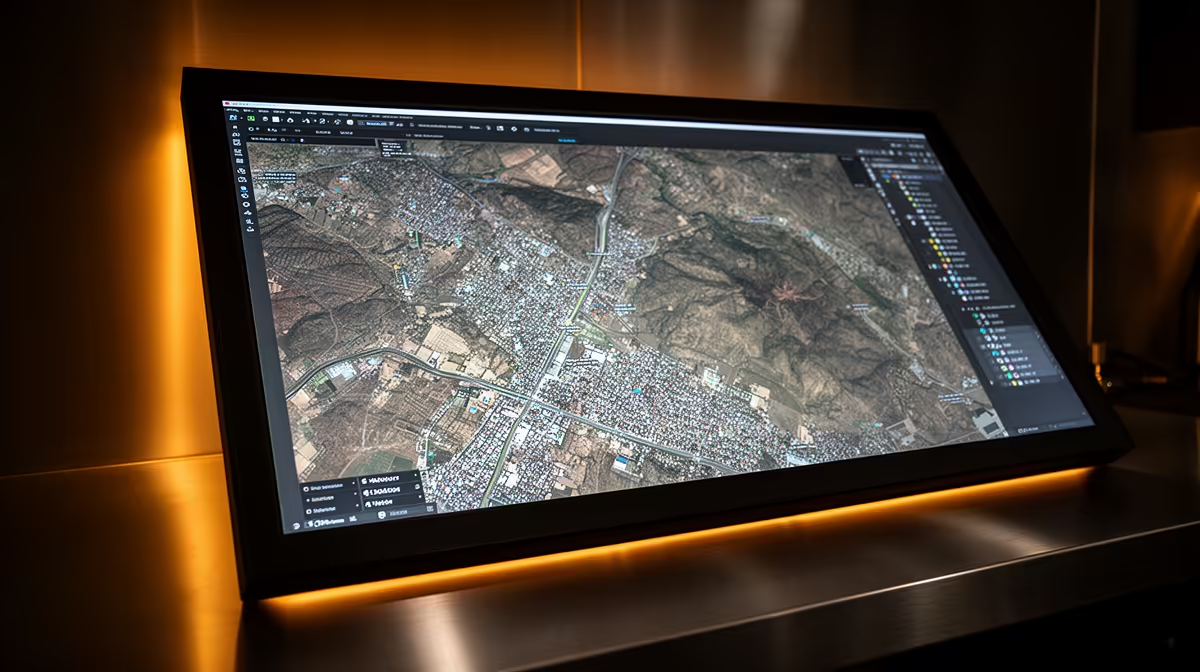
Dell SE2726H 27in FHD 144Hz at R1,797 suits a South African mapping desk where QGIS needs a bigger, smoother monitor for layers, attribute tables, and browser reference windows. USB-C is useful when it carries display, charging, and fewer cables, but on a tight budget the bigger win is often screen size, refresh rate, and a clean desk layout.
What matters more than USB-C for mapping work
The Dell SE2726H 27in FHD 144Hz at R1,797 is the strongest value pick here because the 27in size gives maps, panels, and spreadsheets more breathing room. The 144Hz spec is not only for games; it also makes panning, zooming, and scrolling feel less tiring during long data-checking sessions.
The MSI PRO MP275W at R1,850 is a sensible alternative if the desk setup needs a more office-focused look while staying in the same affordable bracket. It keeps the recommendation firmly on a monitor upgrade rather than paying extra just for a port feature that may not change the actual workday.
SA student and GIS desk reality
For a res room, small home office, or shared study table, the Dell SE2426H 23.8in FHD at R1,532 makes sense when space is tight and the laptop already handles the main work. Its 23.8in FHD spec is enough for a second-screen layout where the map stays open while notes, references, or exports sit beside it.
The Dahua LM27 100Hz at R1,500 is the budget wildcard: it gives a 27in screen and 100Hz refresh at the lowest listed price. That makes it attractive for a practical study or small-office station where a larger view matters more than premium extras.
Ready to choose the right monitor?
Use Dell SE2726H 27in FHD 144Hz at R1,797 as the monitor shortlist benchmark, then check whether its listed spec matches the space, workload, and upgrade path.