Got a sleek new laptop but it's missing the ports you need? That tiny, reversible USB-C port is more powerful than you think. It’s your gateway to connecting everything from a massive 4K TV to your trusty old peripherals, without any fuss. This complete connectivity guide will show you how to master USB-C to HDMI and beyond, making dongle-drama a thing of the past and unlocking your machine's true potential.
Demystifying the Mighty USB-C Port ⚡
Before you grab the first adapter you see, it's crucial to understand that not all USB-C ports are created equal. The physical shape is universal, but what it can do varies wildly. This is the number one reason a USB-C to HDMI connection sometimes fails.
Here’s the lowdown:
- USB-C with DisplayPort Alt Mode: This is the magic ingredient. "Alt Mode" means the port can send a direct video signal (like DisplayPort) through the USB-C connector. Most modern laptops designed for productivity or gaming have this.
- Thunderbolt 3 / 4: Think of this as USB-C on steroids. Found on premium machines, a Thunderbolt port does everything—data, video, and power—at incredible speeds. It fully supports connecting to multiple high-resolution displays.
- Basic USB-C: Some entry-level devices might have a USB-C port just for data transfer and charging. These typically won't output video, so always check your laptop's specs before buying an adapter.
Check The Symbol! 🔌
Look for a small lightning bolt (Thunderbolt) or a 'D' symbol (DisplayPort) next to your laptop's USB-C port. This is the quickest way to confirm it supports video output, ensuring your USB-C to HDMI adapter will work flawlessly. No symbol often means it's for data charging only.
Your Guide to a Flawless USB-C to HDMI Connection
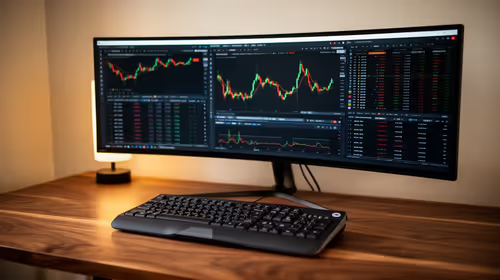
Connecting your laptop to a monitor or TV is the most common reason you'll need a USB-C to HDMI solution. It’s perfect for a bigger screen for work, streaming Showmax, or getting a competitive edge in your favourite game. A simple adapter or a dedicated cable can unlock stunning 4K resolution at a smooth 60Hz.
For gamers, this is huge. You can hook up a powerful machine, like one from our range of GeForce RTX gaming laptops on special, to a large, high-refresh-rate gaming monitor. This simple connection transforms your portable rig into a full-blown battle station. The right USB-C connectivity guide makes all the difference in achieving a lag-free, high-fidelity experience.
Expanding Your Arsenal: USB-C to Legacy Ports
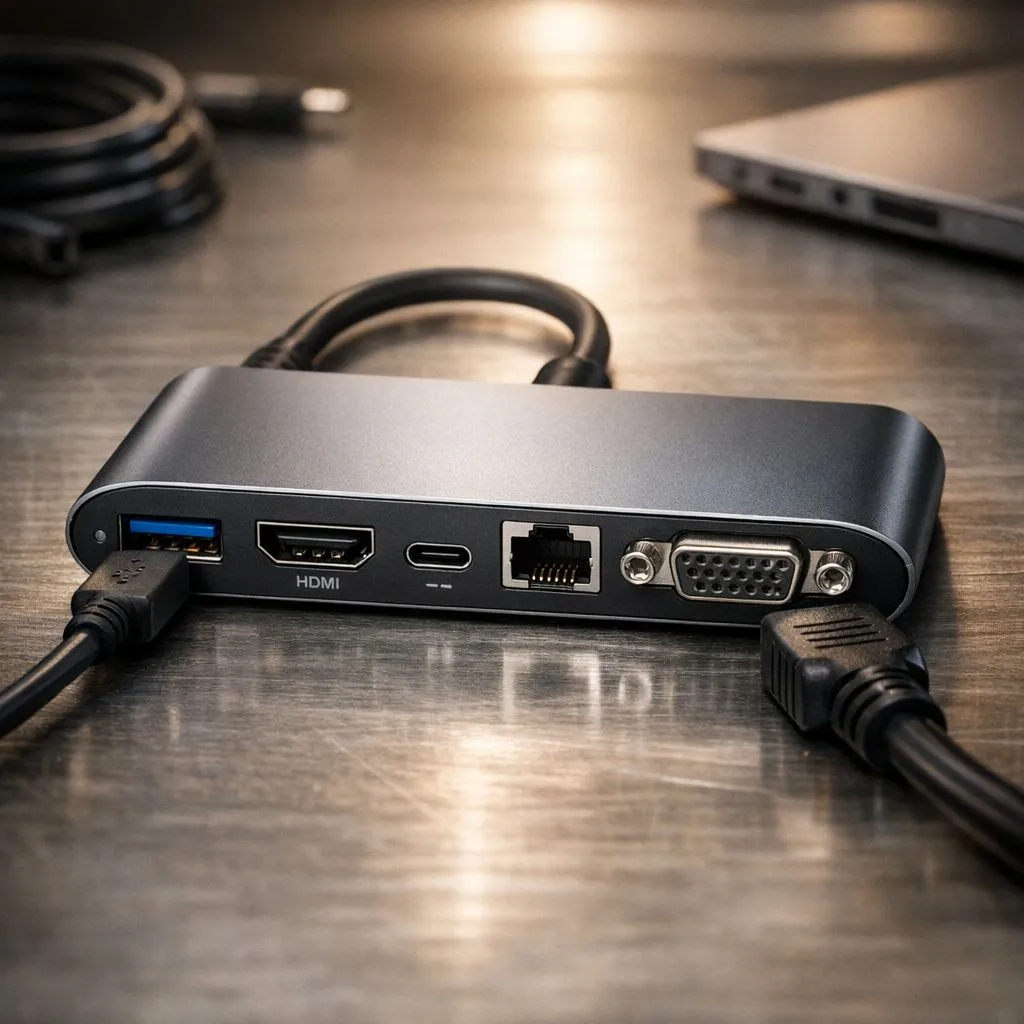
What about your old mouse, keyboard, or external hard drive? Modern laptops often ditch the classic rectangular USB-A ports, but a USB-C hub brings them all back. A single, compact hub can give you back multiple USB-A ports, an Ethernet jack for stable internet, and even SD card readers for your camera.
This versatility is a massive benefit across all platforms. Whether you're looking at the latest Intel laptops on special for their raw processing power or browsing incredible Ryzen laptop deals for their multi-core efficiency, a good USB-C dock turns any slim laptop into a productivity powerhouse. It’s the ultimate solution for a clean desk setup with just one cable to plug in.
Choosing the Right Adapter or Dock for Your Needs ✨
So, which one should you buy? It depends entirely on your setup.
- Simple Cable/Adapter: If you only need to connect to one HDMI display, a dedicated
USB-C to HDMI cable or a small, single-purpose adapter is your most affordable and portable option. - Multi-Port Hub: If you need to connect a monitor and other devices like a keyboard and external drive, a multi-port hub is the way to go.
- Full-Blown Docking Station: For a permanent desk setup, a docking station offers the most ports, often with its own power supply to charge your laptop and run everything simultaneously.
You don't need to break the bank to get a capable machine with modern connectivity. Many of the best gaming laptop deals feature powerful USB-C ports, and even our top-rated gaming laptops under R20k can become the heart of a multi-screen setup with the right, affordable adapter.
Ready to Power Up Your Setup?
Now that you know how to connect anything, the perfect machine is waiting. Whether you need an ultrabook for a clean desk or a powerhouse rig for a multi-monitor battle station, we've got you covered. Explore our massive range of laptop specials and find the perfect hub for your world.