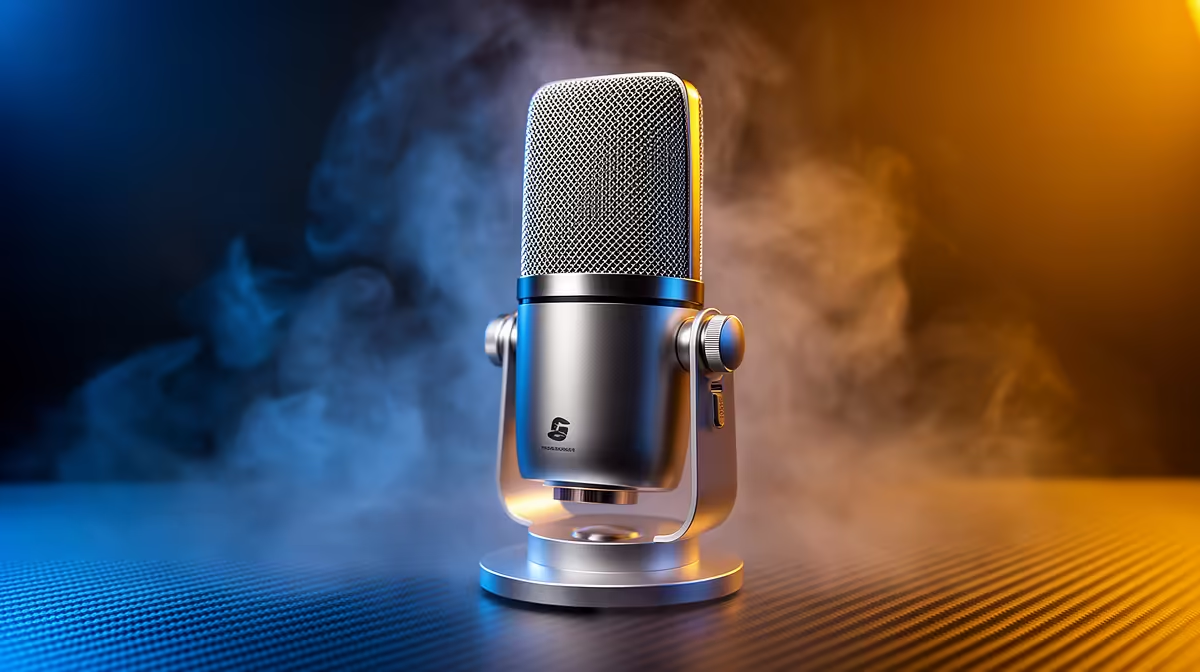
HyperX SoloCast 2 at R690 is the sensible microphone buy for a developer who wants cleaner calls while managing local containers from a student desk, home office, or shared workspace. It keeps the spend below many desk-upgrade extras while solving the main problem: laptop audio makes you sound distant when you are explaining an error log or walking someone through a config change.
Short answer for Docker calls
NearStream AM10X-P USB/XLR at R730 is worth considering if the desk setup may grow later, because USB/XLR gives it a more flexible connection path than a basic single-use mic. For Docker work, that matters most when you join stand-ups, record a quick walkthrough, or talk a teammate through a failed build without sounding like you are speaking from across the room.
MARVO MIC-07 at R351 is the budget pick when the goal is simply to stop relying on built-in laptop audio. The MIC-07 model at that price makes sense for a small desk where the mic only needs to handle meetings, short screen recordings, and occasional support chats.
Home server shelf or student desk in SA
If your machine sits beside a fibre router, mini server shelf, or cramped study desk, the HyperX SoloCast 2 at R690 is the tidy middle ground. It costs less than the NearStream AM10X-P USB/XLR at R730, but still feels like a proper desk mic choice rather than another disposable accessory.
For most people, yes, a USB mic is worth buying here. Docker itself does not need one, but remote debugging, team calls, tutorial clips, and client handovers all benefit when your voice is clear and consistent.
Ready to choose the right microphone?
Use HyperX SoloCast 2 at R690 as the home server shelf benchmark, then check whether its listed spec matches the space, workload, and upgrade path.