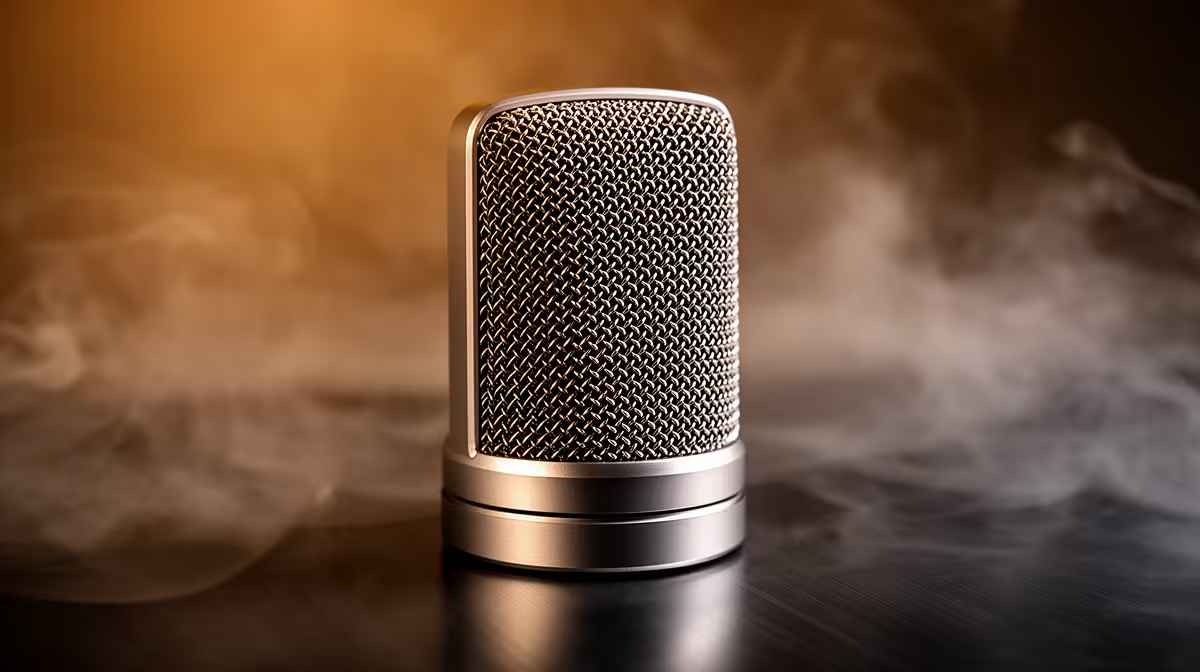
HyperX SoloCast 2 at R690 suits a student who needs a clearer microphone for thesis interviews, supervisor calls, voice notes, and recorded presentation drafts without turning the desk into a studio.
Best microphone picks for thesis work
For most thesis work, the HyperX SoloCast 2 at R690 is the sensible first look because it is a named SoloCast desk mic with a price that still fits a student accessory budget. It makes sense when the priority is cleaner spoken audio for long research calls, oral defence practice, or capturing notes that you can replay while editing chapters.
The NearStream AM10X-P USB/XLR at R730 is the more flexible option in this small group because the USB/XLR spec gives it two connection paths. That matters if you want a straightforward laptop connection now, but also want room to plug into a different recording setup later without replacing the mic.
The MARVO MIC-07 at R351 is the budget pick when you mainly need a dedicated MIC-07 desk unit for occasional recordings, online meetings, or quick spoken summaries after a writing session. At R351, it is easier to justify if the rest of the thesis budget is already going into printing, data, transport, or storage.
Student Desk Setup For Thesis Recordings
A USB mic is worth it if your laptop mic makes your voice sound thin, distant, or noisy during academic work. On a student desk, the real win is consistency: place the HyperX SoloCast 2 at R690 in the same spot, speak at a steady distance, and your recordings become easier to understand when you return to them after a long writing day.
Ready to choose the right microphone?
Use HyperX SoloCast 2 at R690 as the microphone shortlist benchmark, then check whether its listed spec matches the space, workload, and upgrade path.