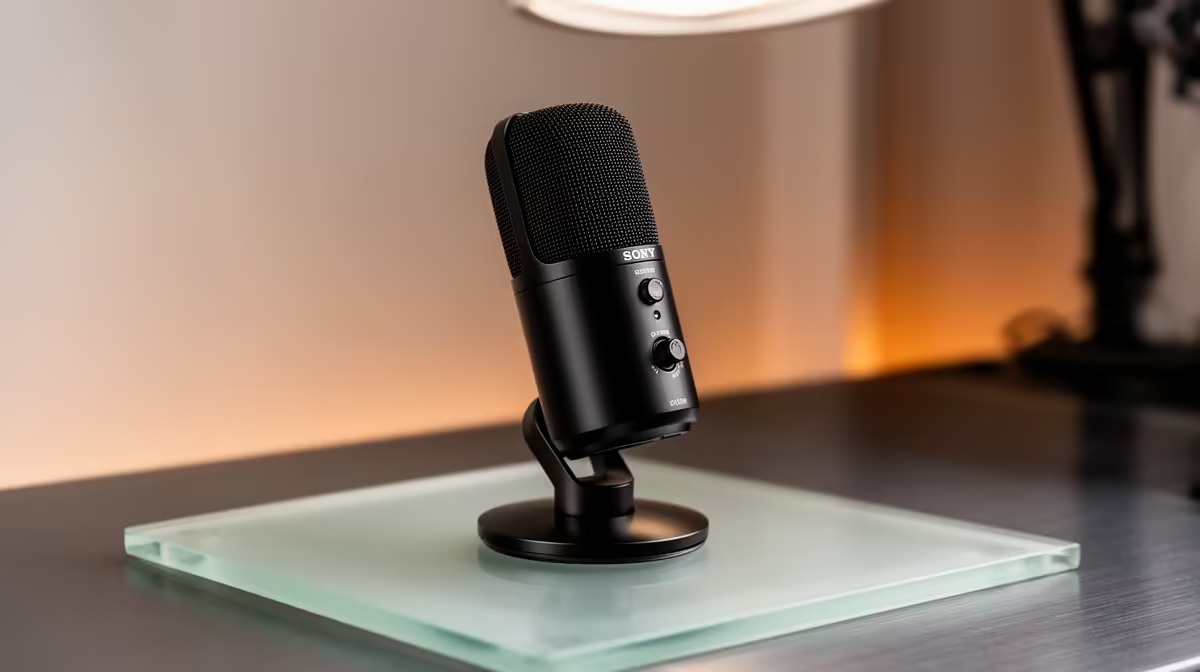
HyperX SoloCast 2 at R690 suits a parent who wants a simple USB microphone for clear calls, school meetings, family voice notes, and light content recording without building a complicated audio setup. A USB model makes sense when the priority is easy connection, tidy desk space, and better voice pickup than a laptop mic.
What to consider first
The HyperX SoloCast 2 at R690 is the straightforward pick because its USB connection keeps the setup simple for a home desk. For a parent managing online meetings, tutor calls, or a child recording a school presentation, that matters more than chasing a studio-style chain.
NearStream AM10X-P USB/XLR at R730 is better for a parent who wants room to grow. The USB/XLR spec means it can start as a direct computer mic, then later fit into a more advanced audio setup if the desk becomes a podcast, church media, or small creator station.
MARVO MIC-07 at R351 is the budget-conscious option when the main need is basic voice clarity at a lower price. It is still a microphone option, but the lower R351 spend makes the most sense for occasional calls, homework recordings, or a secondary family computer.
Parent Desk Setup In A South African Home
A shared family desk needs gear that is easy to explain, easy to reconnect, and not fussy when someone moves the laptop. The HyperX SoloCast 2 at R690 keeps that USB path simple, while the NearStream AM10X-P USB/XLR at R730 is the more flexible choice if the same desk also handles recordings or livestream-style tasks.
Ready to choose the right microphone?
Keep HyperX SoloCast 2 at R690 on the list for microphone right choice parent; its listed spec is the detail to test against that brief.