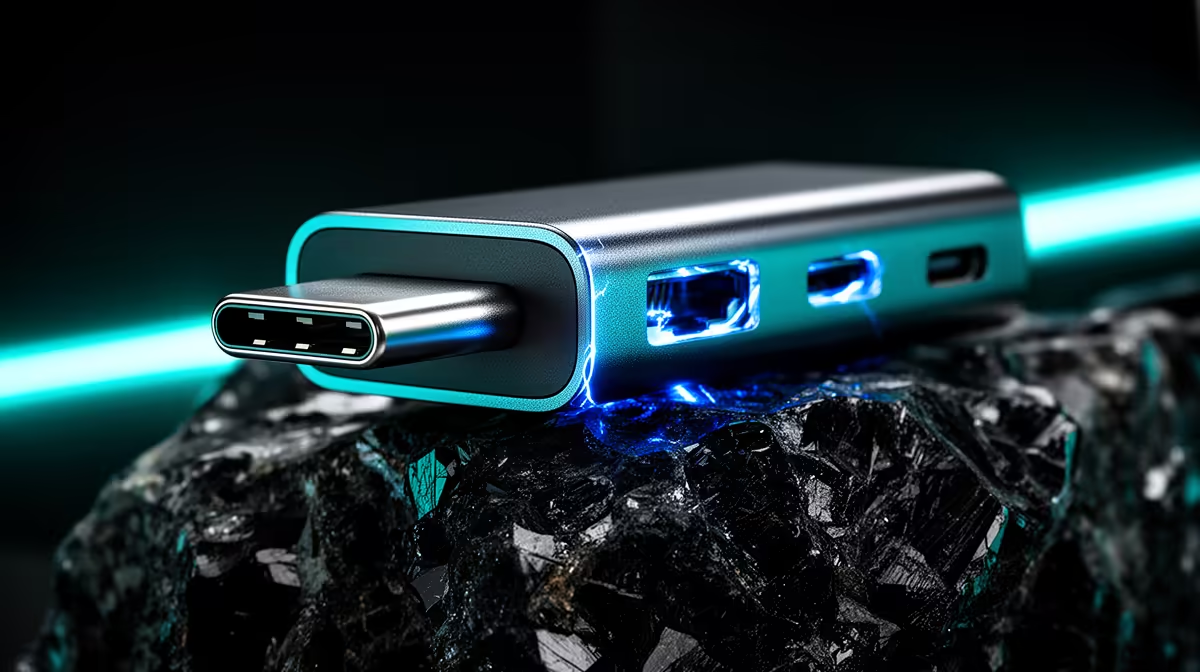
Two ports, two entirely different broadcast philosophies. USB plug-and-play and RJ45 network connections both carry your camera feed to a streaming PC, but they do so through completely different paths, with different cabling, different software requirements, and different ceilings for what they can do in a production. Choosing between them is not a matter of one being better than the other in absolute terms. It is a matter of which one fits the physical and technical reality of your setup.
Quick Answer
USB is the right call for a single camera at the desk. You plug it in and stream, with no configuration and no extra hardware. RJ45 justifies itself when distance is a problem, carrying a network feed up to 100m across rooms or floors that a USB cable could never span.
🔌 How USB Plug-and-Play Actually Works
A USB webcam that follows the UVC standard registers with the operating system automatically. No driver installation, no capture device in the signal chain, no manual configuration. The moment the cable seats, software like OBS or Teams sees the camera as a recognised source. For a single-person setup at a desk, that simplicity is the product.
The signal travels as compressed video data. USB 3.0 handles 4K at 30 frames per second cleanly, which covers most streaming and conferencing needs. The cable length is the binding constraint. Standard USB runs start degrading past roughly 5 metres, and while active extension cables push that to 10 to 15 metres, the port was never designed for long-distance cabling.
For the overwhelming majority of home streamers, hybrid workers, and content creators in South Africa, those cable limits are irrelevant. The camera sits on a desk or monitor, the PC is within arm's reach, and the setup works from the first plug-in.
USB Limits Worth Knowing
Beyond cable length, USB is a point-to-point connection. One camera feeds one PC. Splitting a USB signal to multiple destinations or routing it across a room gets complicated quickly, requiring hubs and extenders that add potential failure points. For a simple solo setup, none of that matters. For a growing studio, it eventually does.
🌐 What RJ45 Network Streaming Changes
An RJ45 port on a camera means the device has onboard network streaming capability. Instead of sending video down a cable to a single PC, the camera encodes its feed and transmits it as a data stream over standard Ethernet wiring. Software on the receiving end, typically an NDI-compatible tool or an RTSP decoder, catches that stream and hands it to the broadcast application.
The distance Ethernet can cover before the signal needs any intervention is around 100 metres on standard Cat5e or Cat6 cabling. That is a completely different scale from USB. A camera mounted above a stage, at the far end of a conference room, or in a separate part of an office can send its feed back to a central streaming PC without a single extender or repeater.
On a wired South African fibre setup with properly terminated Ethernet runs, a network-connected camera feed is stable and predictable. The camera essentially disappears from the local desk environment and becomes part of the network infrastructure.
The Encoding Trade-off
Network streaming requires the camera to encode the video before sending it. That encoding step adds a small processing delay. For most live streaming applications, a frame or two of additional latency is acceptable. For scenarios where monitor confidence feeds are critical, such as a presenter watching a delayed return, that gap is worth measuring before committing to a network-only workflow.
Pro Tip ⚡
Before running Ethernet to a permanent camera position, check whether your streaming PC's network port is on the same switch as the camera drop. A camera and a PC that route through different floors of network infrastructure add unpredictable jitter. On a single managed switch, even a modestly specced one, the feed is smooth.
🧠 Multi-Camera Considerations
A single-camera desk setup does not meaningfully test either connection type. The differences show at scale. Running three USB cameras from one PC means three separate USB ports under load, with each camera competing for bus bandwidth. USB 3.0 ports have headroom, but high-resolution multi-camera setups can strain them.
Three RJ45 cameras on a managed network switch each carry their own encoded stream independently. Adding a fourth camera means plugging into the switch, not into the PC. The PC receives however many streams the software can handle, and the network does the routing. For a studio build with multiple fixed positions, this architecture scales cleanly in a way that USB simply cannot.
In a South African context, a Joburg-based YouTube studio or a Cape Town corporate event broadcast where cameras cover different angles from different positions is exactly the scenario where RJ45 justifies the added configuration complexity.
🎯 Matching the Connection to the Job
The decision should start with honest assessment rather than spec comparison. A solo streamer or hybrid worker with a single camera at the desk benefits from USB in every measurable way. Zero setup, zero extra hardware, reliable performance within the cable limits of a desk environment.
An expanding creator who needs a second angle, or a business running a permanent broadcast setup with cameras in fixed positions away from the encoding PC, reaches the point where RJ45 pays for its setup overhead. That configuration cost is a one-time investment. Once the Ethernet runs are in and the software is configured, the setup is repeatable and robust.
Frequently Asked Questions
For a solo streamer at a desk, which connection removes the most friction?
USB every time. The camera is recognised as a UVC device the instant the cable connects, with no software configuration, no capture card, and no network setup required. For one camera close to the PC, the simplicity of plug-in-and-stream is not just convenient, it actively reduces the number of things that can go wrong before a session.
How far can a network-connected camera transmit its feed over RJ45?
Standard Ethernet carries a reliable signal up to 100 metres on Cat5e or Cat6 cabling without active signal boosting. That covers cameras in separate rooms, across a large office, or mounted at height covering a venue. USB active extension cables max out around 15 to 20 metres before reliability drops.
Does routing video over a network add noticeable delay to the stream?
A small amount, yes. The camera encodes the feed before transmission, which adds a frame or two compared to a direct USB connection. For a standard live stream where the output goes to viewers, this is imperceptible. For setups requiring a confidence monitor with the same latency as the primary feed, measure the actual delay before finalising the signal chain.
Can a USB webcam handle 4K resolution for a live stream?
USB 3.0 carries 4K at 30 frames per second over a standard short cable run. At the cable lengths a desk setup involves, there is no meaningful limitation. Where 4K USB gets constrained is in very long cable runs, at which point the signal needs active extension hardware that introduces its own variables.
Is it worth running Ethernet to a camera just for a two-camera desk setup?
Probably not. Two cameras close to the PC are more conveniently handled with USB, keeping the setup simple and the hardware cost low. RJ45 earns its place when cameras need to be positioned more than a few metres from the encoding machine, or when a permanent multi-room studio layout makes centralised network infrastructure the tidier long-term choice.
Ready to choose the right camera connection for your setup?
Browse the streaming webcam range built for South African creators, from plug-and-play USB models for solo streamers to network-capable cameras for growing studios.