


RTX 4060 Ti Throttling Under Load: SA Temperature Guide
RTX 4060 Ti Throttling Under Load: Temperature. Everything you need to know with SA pricing, step-by-step instructions & expert recommendations.
Read moreA head-to-head look at USB4: real-world performance, ZAR pricing and which option delivers better value for SA builders. The clear answer — no fluff.
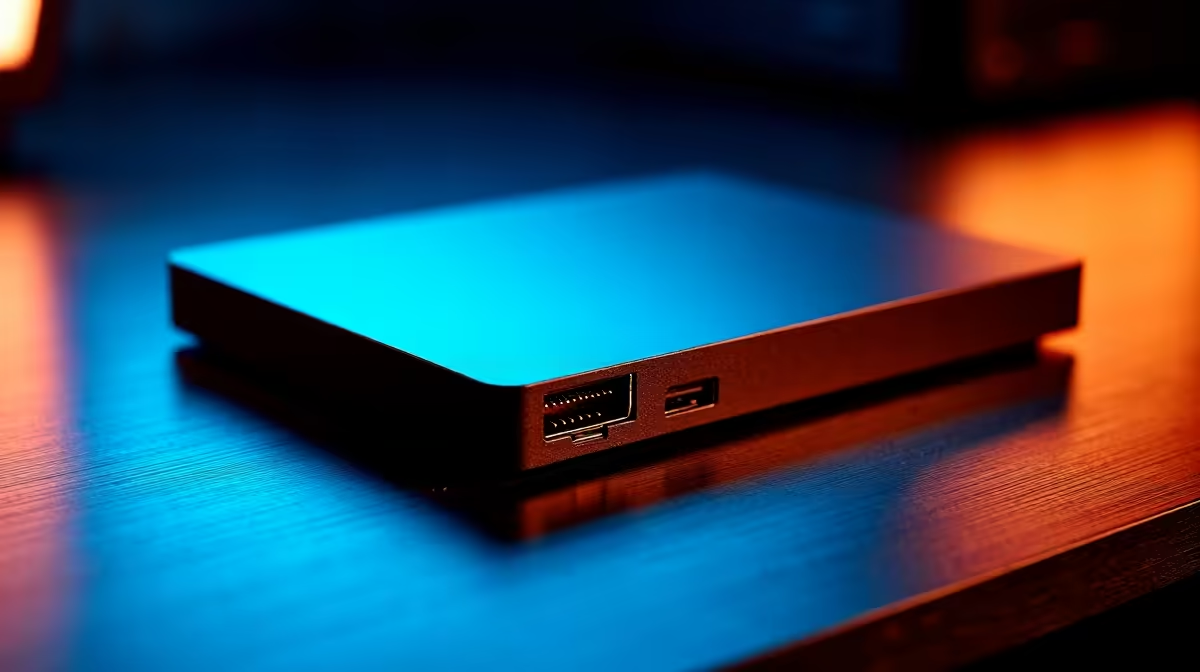
Staring at a modern spec sheet can feel like reading a foreign language. You are probably wondering whether you need USB4 or USB 3.2 for your setup. If you are dropping hard-earned ZAR on new hardware, picking the right connection is crucial. It dictates how well your gear will actually perform. Let us clear up the port standard confusion so you can build the ultimate workstation.
The tech world loves confusing naming conventions. USB 3.2 comes in several different flavours. You get Gen 1, Gen 2, and the ultra-fast Gen 2x2. The latter pushes data speeds up to 20Gbps. That is plenty of bandwidth for most everyday tasks and casual gaming.
Then we have USB4. This newer standard is a massive leap forward 🚀. It offers a staggering 40Gbps of bandwidth. It is also built on Thunderbolt protocol technology. This means it can handle massive data transfers and video output simultaneously without breaking a sweat. When browsing the latest laptops, you will often see USB4 featured on premium models. It is the absolute gold standard for future-proofing your mobile setup.
If you transfer massive video files, speed is everything. A USB 3.2 Gen 2x2 port handles external NVMe drives beautifully. You will see transfer rates hovering around 2000MB/s. Imagine moving a 100GB Warzone folder in just a few minutes. That is incredibly fast for backing up massive game files before loadshedding hits.
However, USB4 takes the crown for heavy-duty docking stations 🔧. Because it supports 40Gbps, you can daisy-chain multiple devices effortlessly. You can run a high-speed external drive, a gigabit ethernet connection, and all your peripherals through one single cable. If you are building one of our custom gaming PCs, having a motherboard with USB4 ensures maximum versatility for years to come.
Always check your cables before blaming your ports. A cheap cable will bottleneck a high-speed USB4 port down to basic USB 2.0 speeds. Look for cables officially certified for 40Gbps to ensure you get the maximum performance out of your premium hardware.
South African gamers and creators love multiple monitors. Both standards support DisplayPort Alternate Mode. This allows you to send video signals directly through the Type-C port to your screen.
USB 3.2 is perfectly fine for a single 4K display. It will run your games smoothly at 60Hz. But what if you want dual 4K monitors or a massive 8K screen? This is where the USB4 or USB 3.2 differences become obvious. USB4 allocates bandwidth dynamically. This dynamic allocation means your monitor never flickers when you plug in a flash drive. It guarantees enough data flows to your screens while keeping your external drives running fast.
Upgrading your setup does not have to drain your wallet. You can often find fantastic motherboards and premium accessories in our tech specials section. Choosing the right standard right now saves you from buying expensive adapters later.
For basic peripherals and single drives, USB 3.2 is an excellent choice. For ultimate multi-monitor setups and premium docks, USB4 is the undisputed winner.
Ready to Upgrade Your Connectivity? The USB4 or USB 3.2 debate comes down to your workflow, but for maximum power, choice, and value in South Africa, Evetech has you covered. Explore our massive range of laptop specials and find the perfect machine to conquer your world.
USB4 is available at Evetech.co.za with local SA warranty, Rand pricing and nationwide delivery. Stock and pricing is updated in real time on the product page.
It depends on your workload and budget. We break down the key performance differences, SA pricing gap and the scenarios where each one is the smarter buy.
Real-world gaming performance varies by title and settings. The article covers head-to-head FPS benchmarks and the resolutions where the gap actually shows up.
We compare current Rand pricing from trusted SA retailers and show which option delivers more performance per Rand for your build tier.
Each option has clear wins and compromises covered in the article — from power draw and thermals to platform cost, upgrade path and feature set.
RTX 4060 Ti Throttling Under Load: Temperature. Everything you need to know with SA pricing, step-by-step instructions & expert recommendations.
Read more
Apex Legends Max Settings on RTX 4080. Tested & verified settings for best FPS and visual quality on SA hardware budgets.
Read more
GPU Buying Guide. Everything you need to know with SA pricing, step-by-step instructions & expert recommendations.
Read more
GPU Terms Guide. Everything you need to know with SA pricing, step-by-step instructions & expert recommendations.
Read more
AMD Adrenalin Download & Setup Guide: GPU. Clear setup instructions with SA-specific considerations, troubleshooting tips & recommended components.
Read more
Back-to-School GPU Buying Guide. Everything you need to know with SA pricing, step-by-step instructions & expert recommendations.
Read more
Snapdragon X2 NPU Explained: How 80 TOPS Changes. Plain-English explanation of what it means, why it matters & how it affects your buying decisions in SA.

HBM? High Bandwidth Memory Used in GPUs and AI. Plain-English explanation of what it means, why it matters & how it affects your buying decisions in SA.

How much should you spend on sim racing accessories in South Africa for a realistic setup? We break down budgets by quality tiers, so you buy smart gear and avoid overspending 🎮💸

G-Sync and FreeSync? Variable Refresh Rate. Plain-English explanation of what it means, why it matters & how it affects your buying decisions in SA.

AMD Laptop: Value. SA-focused analysis with local pricing data, real-world insights & actionable buying advice.

How MacBook Neo Handles 30+ Chrome Tabs with Only. SA-focused analysis with local pricing data, real-world insights & actionable buying advice.

Why Apple Put 8GB RAM in MacBook Neo: The A18 Pro. SA-focused analysis with local pricing data, real-world insights & actionable buying advice.

Upgrade your work laptop with a New Motherboard. Step-by-step instructions with SA-specific tips, common pitfalls to avoid & expert recommendations.

Maintain wired headset — Checklist: • inspect cables • clean earpads • store properly 🔧🎧 Practical steps to preserve sound quality and avoid premature replacements.

Fix crackling headset fast: step-by-step checks for cables, connectors, drivers, and settings to remove static or distorted audio on wired headsets 🎧⚙️

Stereo vs mono headsets: learn which delivers clearer calls, better spatial music, or simpler mono voice performance — pick the right headset for meetings, music, or gaming 🎧💬

- Compare gaming headset vs studio headphones; - Assess comfort, mic and sound; - Recommend best daily picks. Gaming headset vs studio headphones: learn which suits work, music and casual gaming. 🎧⚖️