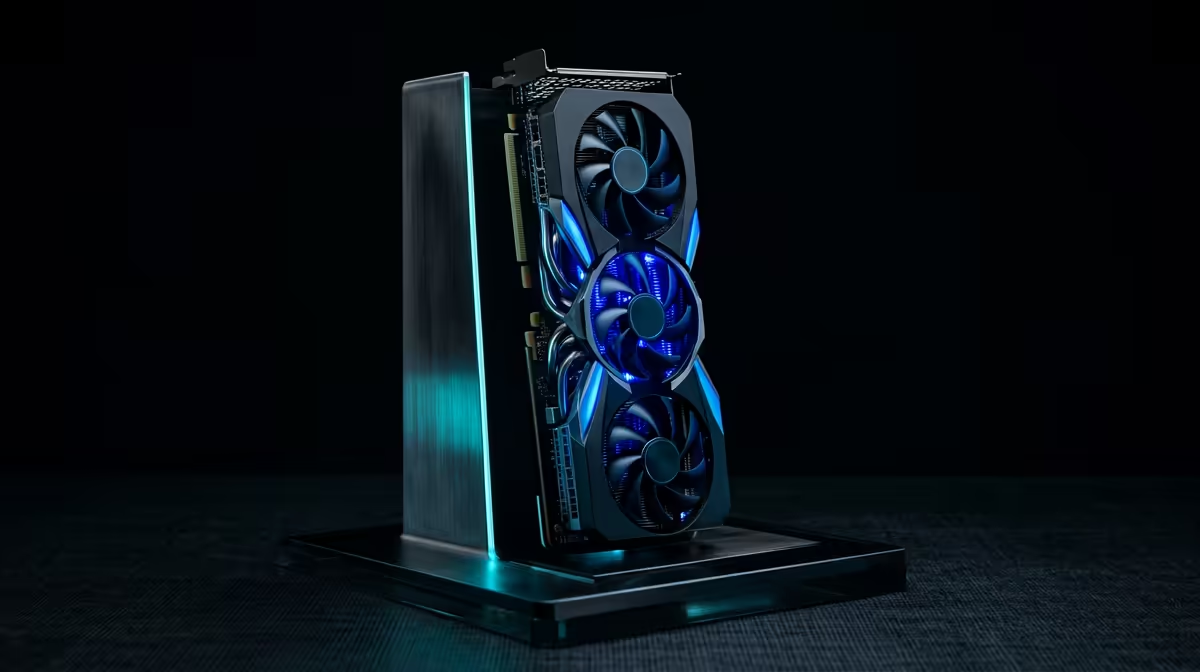
Vertical GPU mounting comes up constantly when SA gamers plan a build, so here is the honest read.
Quick Answer
Cutting to the chase: Vertical GPU mounting shows off your card through the side panel but can raise GPU temps by 3-8 degrees if airflow or PCIe riser clearance is poor. It looks great in glass cases; only do it if your case has the bracket and at least 60-70mm of glass-to-card clearance.
Doing it right in SA builds
Use a case designed for vertical mounting with deep clearance, and confirm the riser matches your GPU's PCIe generation. Monitor temps for the first week and adjust the fan curve if needed. If clearance is tight, a horizontal mount keeps the card cooler. It is easy to miss but cheap to get right up front. Get it right and the rest is straightforward.
The thermal and fit catches
Too close to the glass starves the fans and can add 3-8 degrees under load. You also need a quality PCIe 4.0 or 5.0 riser; a cheap one can drop the card to a slower link. Check that the bracket fits your case and that the card still clears the PSU shroud. It is the difference between a smart buy and an expensive lesson. Locally, this is what separates a good buy from a poor one.
The appeal of going vertical
Mounting the GPU face-out turns the card and its RGB into the centrepiece of a glass-panel build. It also frees the horizontal PCIe slots for tidy cable runs. In the right case it transforms the look without touching performance much. It is easy to miss but cheap to get right up front. That detail decides whether the spend pays off.
Should you buy vertical GPU mounting?
For most South African gamers, vertical GPU mounting only makes sense when it matches the parts you already own and the way you actually play. Shortlist two options, check they fit, and pick the one with the best value and support. A balanced setup always beats overspending on one component. It quietly drives how happy you are a month after buying. Keep it front of mind when you compare options.
FAQ
What riser cable do I need for vertical mounting?
Match the riser to your GPU - PCIe 4.0 for RTX 40-series, PCIe 5.0 for the newest cards. A cheap or wrong-gen riser can force the card to a slower link and lose performance. Worth weighing against your actual games rather than benchmarks alone. That detail decides whether the spend pays off.
Will vertical mounting fit any case?
No - the case needs a vertical bracket and enough depth between the card and the glass. Check both before buying a riser or planning the build. The savings or headache both start with this decision. Treat it as the deciding factor, not a footnote.
Is vertical GPU mounting worth it?
Purely for looks in a glass-panel build, yes. If you value the lowest temperatures and simplest setup, a standard horizontal mount is the safer choice. This is the detail that does not show on a product page. This is the part that shapes real-world satisfaction.
Find a vertical-mount case
Use Evetech's case range to pick a chassis with a proper vertical bracket and clearance for your graphics card.
A quick compatibility check now saves a return later.