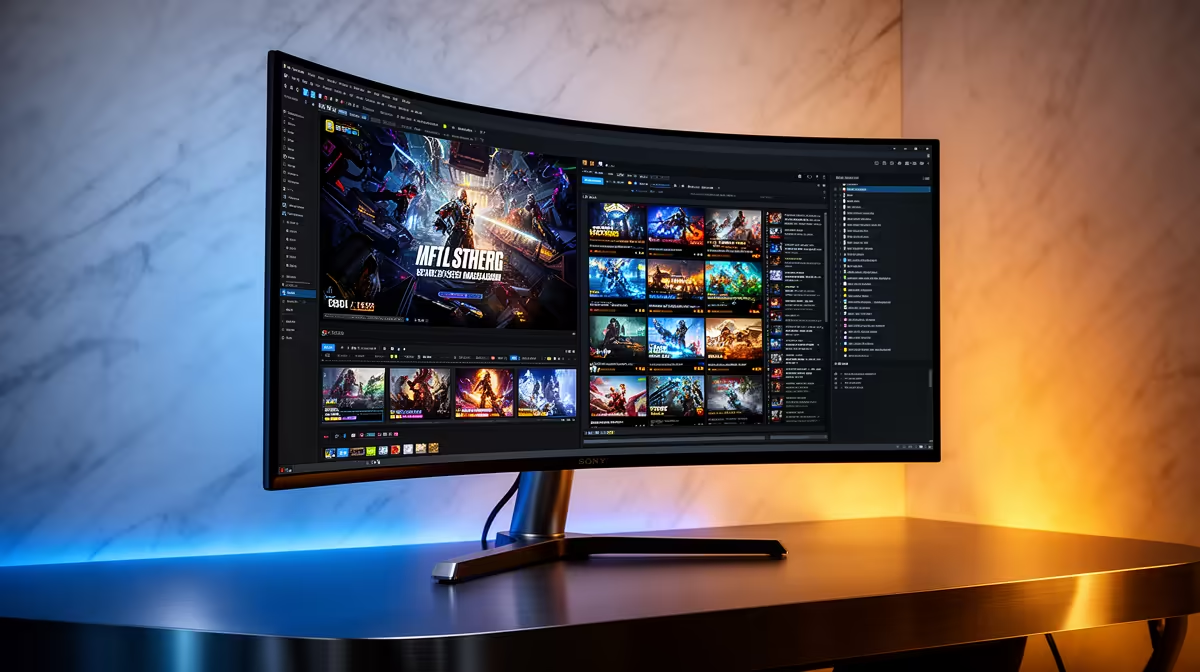
MSI MAG 274F at R3,006 suits a creator-gamer who wants a fast 200Hz gaming monitor for play, timeline work, and a second-screen portrait layout. A vertical screen makes sense when it is not your only display: keep the main panel landscape for matches and previews, then rotate the second one for bins, scopes, chat, scripts, or long browser research.
Best monitor choice for a mixed setup
The MSI MAG 274F is the strongest balanced pick here because its 200Hz refresh rate gives gaming enough speed while still feeling responsive for editing panels in DaVinci Resolve. At R3,006, it is best treated as the main landscape screen or as a premium portrait companion beside a larger preview display.
ViewSonic VX2779A at R2,350 is the better value-speed option if gaming comes first. Its 240Hz spec is the highest listed, which makes it attractive for shooters and fast desktop movement, while portrait use still works well for media bins, notes, and vertical timelines when desk space is tight.
Creator desk use in South Africa
For a local student, streamer, or freelance editor working from a compact creator desk, the Dell SE2726H at R1,797 is an affordable 144Hz way to add a vertical side screen without spending main-monitor money. It makes less sense as the only display for editing, because a single portrait screen can feel cramped for preview, timeline, and controls.
The AOC 27in QHD 200Hz at R3,200 is the cleanest pick when sharper workspace matters. QHD gives more room for editing panels than a basic side display, and 200Hz still keeps the screen firmly in gaming territory.
Dahua LM25 at R1,850 is the budget-speed wildcard: 200Hz at that price is appealing if you want a smaller side monitor for chat, file lists, and tools without giving up refresh rate.
Ready to choose the right gaming monitor?
Use Dell SE2726H 144Hz at R1,797 as the gaming room benchmark, then check whether its listed spec matches the space, workload, and upgrade path.