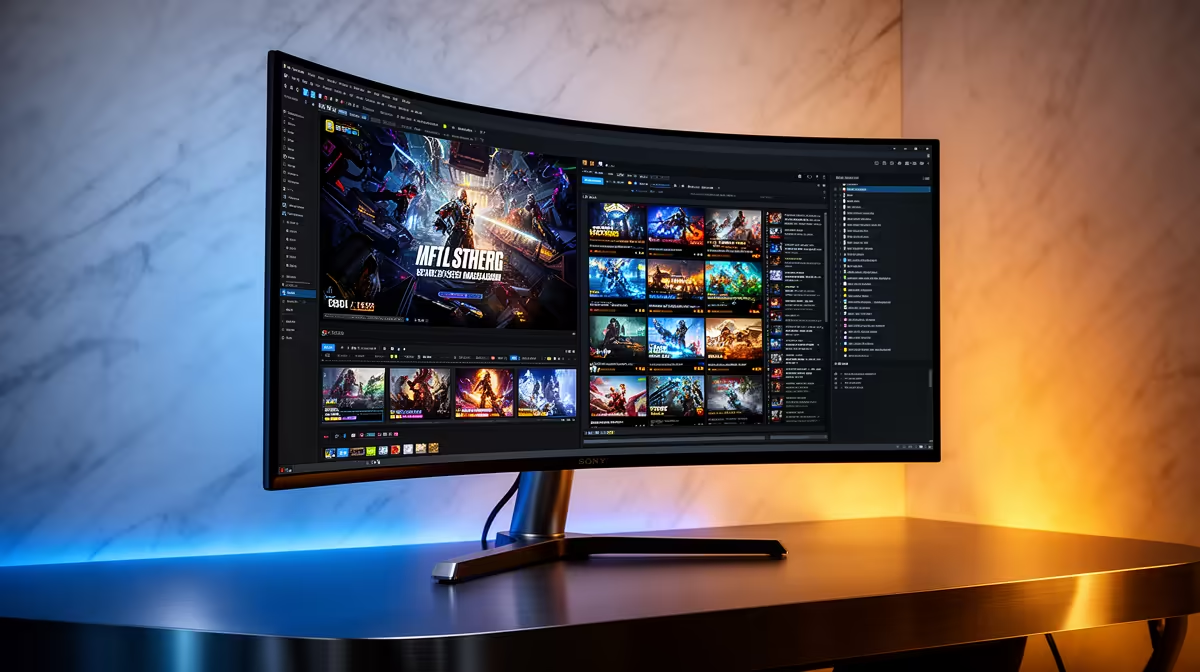
Yes, the AOC 27in QHD 200Hz at R3,200 suits a creator who wants a sharper vertical workspace for photogrammetry lists, previews, and reference panels while still keeping fast gaming smooth after hours. A vertical screen is not a replacement for a good main display, and it will not improve a RAM kit, but it can make the desk feel much more efficient when you are sorting images, checking folders, or keeping guides beside a game.
Best gaming monitor picks for a mixed desk
The AOC 27in QHD 200Hz at R3,200 is the strongest listed option if detail matters, because the QHD spec gives more room for dense panels and image sets than a basic screen. In portrait mode, that extra height is useful for file browsers, long settings menus, and export queues while the 200Hz refresh rate still keeps gaming responsive.
If budget matters more, the Dell SE2726H 144Hz at R1,797 makes sense as a secondary vertical display. Its 144Hz spec is still quick enough for casual gaming, and the lower price makes it easier to add beside an existing main screen without turning the whole setup into an expensive creator station.
Creator desk practicality in South Africa
For a small home creator desk, the MSI MAG 274F 200Hz at R3,006 is a sensible middle option because the 200Hz spec gives the setup a gaming-first feel while still being useful for tall timelines, image lists, and browser research. The ViewSonic VX2779A 240Hz at R2,350 leans harder into speed, so it suits someone who games more often but still wants a portrait screen for that workload.
The Dahua LM25 200Hz at R1,850 is the value pick when desk width is tight and you want high refresh without paying QHD money. For a dual-use layout, keep the sharper or faster screen in landscape for play, then rotate the support display for project folders, notes, and export checks.
Ready to choose the right gaming monitor?
Use Dell SE2726H 144Hz at R1,797 as the gaming room benchmark, then check whether its listed spec matches the space, workload, and upgrade path.