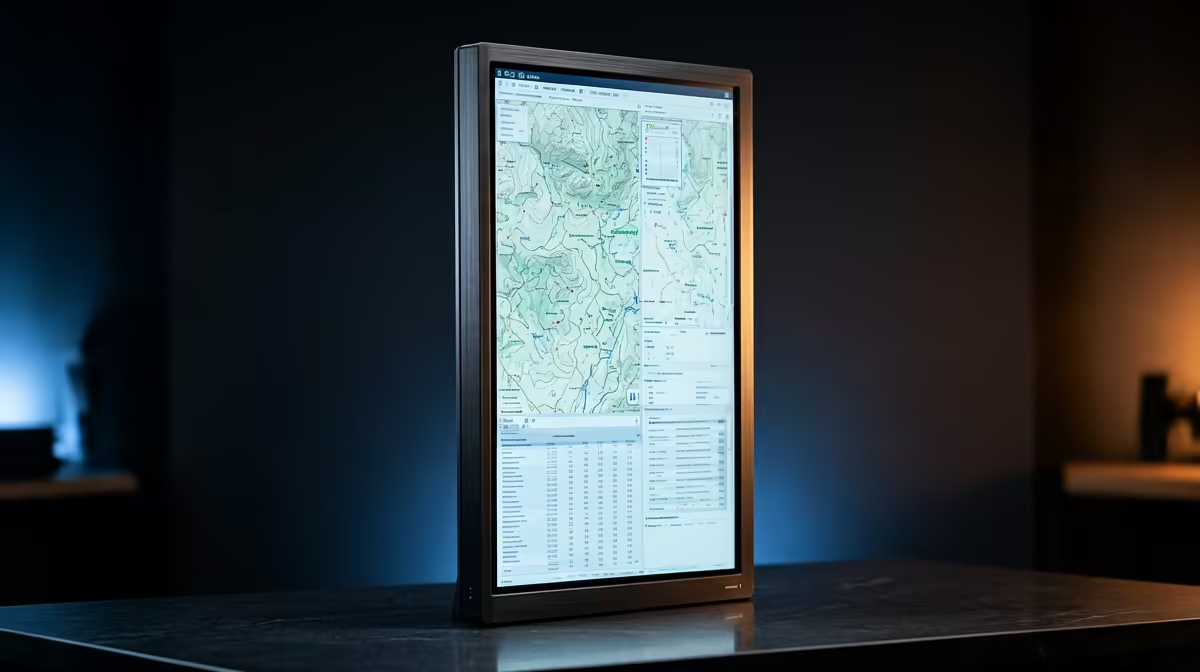
Dell SE2726H 27in FHD 144Hz at R1,797 suits a mapping desk that needs a large, affordable monitor for QGIS panels, layer lists, and reference maps without using anything close to a the stated budget.
Practical monitor picks for a mapping desk
The Dell SE2726H 27in FHD 144Hz at R1,797 is the easiest first pick here because the 27in screen gives more room for toolbars and side panels, while FHD keeps the setup simple and affordable. The 144Hz spec is not essential for mapping, but it does make pointer movement and scrolling feel smoother during long sessions.
The MSI PRO MP275W at R1,850 is also worth shortlisting if the desk needs a cleaner office look with enough screen space for spreadsheets, maps, and browser references. It keeps the spend low enough that a second display or better stand can still fit inside the wider budget.
SA mapping desk setup
For a student desk, municipal planning table, or small surveying office, the Dell SE2426H 23.8in FHD at R1,532 makes sense as a secondary portrait-style screen beside a larger main display. Its 23.8in FHD panel is compact enough for notes, attribute tables, or project folders while the main screen stays focused on the map canvas.
The Dahua LM27 100Hz at R1,500 is the budget play: 27in size, 100Hz refresh, and a very low price. It is a sensible option when the desk needs more visual room for that workload, but the money should stay available for a proper mount, keyboard, or storage.
Ready to choose the right monitor?
Keep Dell SE2726H 27in FHD 144Hz at R1,797 on the list for which vertical monitor qgis mapping; its listed spec is the detail to test against that brief.