Tired of that chaotic nest of wires dangling behind your desk? You’ve spent thousands on a beast of a rig, but the cable spaghetti underneath ruins the entire aesthetic. A clean, organised battle station isn't just for pro streamers; it's an achievable upgrade that boosts your focus and your pride. Crafting one of the best wall-mounted cable setups is easier than you think, transforming your space from cluttered to clinical in just an afternoon. 🚀
Why a Wall-Mounted Cable Setup is a Serious Upgrade
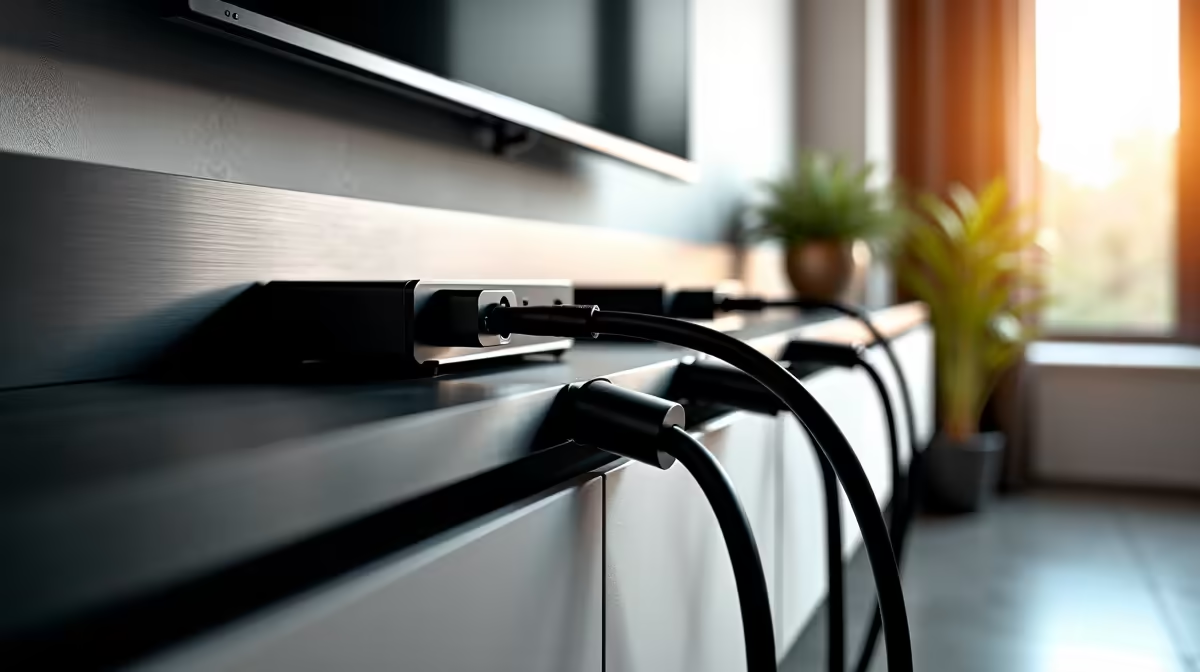
Let's be honest, nobody enjoys untangling a dusty web of cables just to plug in a new peripheral. Moving beyond basic cable ties to a fully wall-mounted cable setup offers massive benefits. Firstly, the visual appeal is undeniable. It creates a floating, minimalist look that puts your hardware, not your wiring, on full display.
Secondly, you reclaim valuable floor and desk space. This makes cleaning a breeze and reduces the risk of accidentally kicking a vital power cord during a clutch moment in Warzone. A tidy space promotes a tidy mind, helping you focus better whether you're gaming or working. Finally, it simplifies maintenance and upgrades, as every cable has a clear, accessible path.
Planning Your Perfect Wall-Mounted Cable Layout
A great setup doesn't happen by accident; it requires a bit of planning. Before you drill a single hole, map out your strategy for the ultimate clean cable setup.
Step 1: Blueprint Your Battle Station
Grab a piece of paper and sketch your desk, PC, monitor(s), and key peripherals. Mark where each device is and trace the path its cables will need to take to be hidden. This simple drawing will be your guide, helping you figure out the exact lengths of cable raceways and wires you'll need. This is the foundational step for any sleek wall-mounted cable setup.
Step 2: Choose Your Tools & Cables
This is where the magic happens. You'll need cable raceways (also called trunking) to hide the wires against the wall. To ensure your display looks crisp, investing in reliable HP display cables of the correct length is crucial. Don't forget Velcro ties or cable sleeves for bundling wires together neatly inside the raceways.
Pro Tip: Match Your Wall Colour
For a truly invisible look, choose cable raceways that match your wall colour. Most are available in white, black, or grey. If you can't find a match, you can easily paint the plastic raceway with a small tester pot of paint for a seamless, professional finish! ✨
Step 3: The Execution 🔧
Measure twice, cut once. Use a spirit level to ensure your raceways are perfectly straight—nothing screams "amateur job" like a crooked line. Install the raceways first, then carefully run your cables through them. Start with power cables, followed by display cables (like HDMI or DisplayPort), and finish with USB and audio. Using quality gear, like Promate's versatile accessories, can make this process much smoother.
Essential Gear for a Flawless Finish
To nail your wall-mounted cable setup, having the right components is key. You don't need a massive budget, just the right tools for the job. Your shopping list should include:
- Cable Raceways/Trunking: The backbone of your setup.
- High-Quality Cables: Ensure they are long enough for your planned route.
- Velcro Ties or Sleeves: For bundling cables neatly.
- Mounting Hardware: Screws and wall plugs suitable for your wall type.
Pairing these with quality GIZZU cable management gear will give you a robust and stylish result that lasts for years. It's a small investment for a massive improvement in your gaming environment.