Quick Answer
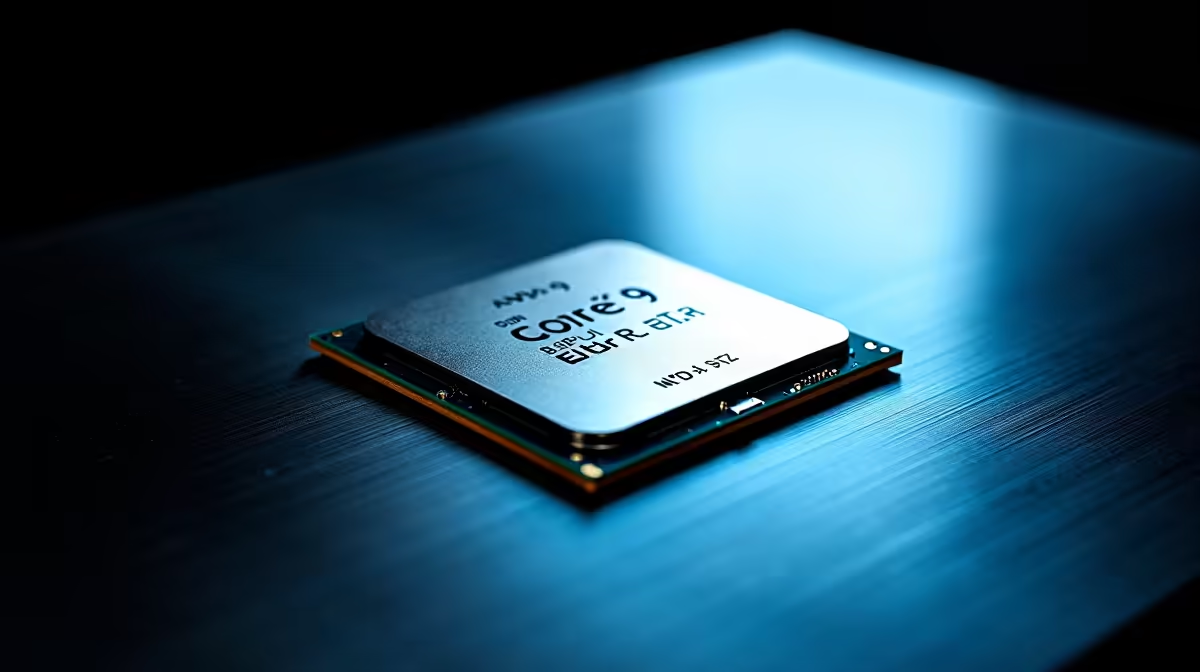
For the Core Ultra 9 285K, a Z890 board is the natural pairing for this 24-core flagship, but a strong B860 board around R5,000-R6,000 still runs it fully for gaming. Z890 (R7,000-R13,000) unlocks overclocking, extra PCIe 5.0 lanes and the strongest VRMs; pick it if you render heavily, otherwise B860 spends your rand more wisely on the GPU.
Z890 Versus B860 For The 285K
The Core Ultra 9 285K is a 24-core, 24-thread chip built for heavy multitasking and gaming. Its sustained all-core power benefits from a robust VRM, so a higher-tier B860 or any Z890 board with a 16-phase-plus VRM is wise. For pure gaming, B860 already delivers the frame rates; Z890 earns its premium with multiple Gen5 NVMe drives, memory overclocking and richer I/O for creator workloads.
Cooling And Memory Are Critical
The 285K runs warm under all-core loads, so a 360mm AIO is the sensible cooler. Pair it with DDR5-6400 CL32 (a 32GB kit around R2,500-R3,000, or 64GB for content work) on the QVL. Confirm a BIOS supporting Core Ultra Series 2 out of the box and at least two Gen5 M.2 slots if you run a fast OS drive plus a scratch disk.
Who Should Buy Which
Gamers can run a strong B860 board and put the saving into the GPU. Creators and tuners running multiple fast drives and overclocking the memory will use the Z890 features the 285K can exploit.
FAQ
Is Z890 worth it for a Core Ultra 9 285K?
For heavy multitasking, rendering and overclocking, yes. For pure gaming, a strong B860 board delivers the same frame rates at a lower price.
What cooler does the 285K need?
A 360mm AIO is the practical choice. The 24-core chip generates real heat under all-core loads, so air coolers can struggle to hold sustained clocks.
How much RAM should I run?
32GB DDR5-6400 covers gaming; step to 64GB for heavy video, 3D or large compile workloads where the 285K's core count shines.
Match the Core Ultra 9 285K with a 16-phase-plus board and a 360mm AIO at Evetech, then size your GPU to your target resolution.