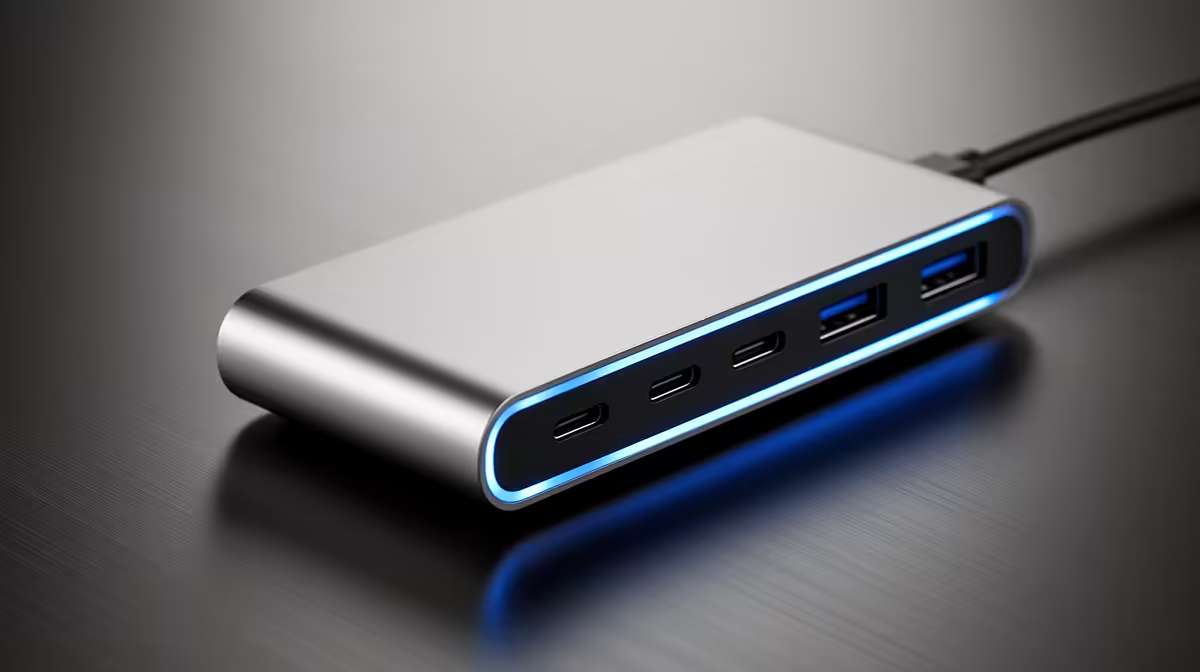
Moving from matric to a res desk usually means one laptop trying to do everything. A dock turns that single machine into a proper workstation, but only the right one, since overspending on ports a student never uses is wasted Rands.
Quick Answer
The easiest dock upgrade is a single Thunderbolt 4 unit that replaces a pile of adapters in one connection. For first-year student setup, a 40Gbps Thunderbolt 4 dock (around R3,000 to R5,500) with 90W charging and dual display outputs is the one-cable fix; a basic USB-C hub near R700 suits lighter needs.
What A Student Setup Actually Needs
Most res and digs desks need three things from a dock: an HDMI output for a borrowed or second monitor, two USB-A ports for a mouse and external drive, and pass-through charging so one cable runs the laptop. A R600 to R1,200 hub covers that. Spend up to a Thunderbolt 4 dock only when you add a high-refresh monitor or fast external storage for editing coursework.
Named Docks And ZAR Bands
Three docks cover most South African desks. The Anker 555 USB-C hub (around R1,300) gives 8-in-1 connectivity with 4K30 HDMI and 65W pass-through for single-screen work. The UGREEN Revodok Pro 10-in-1 (roughly R2,000) adds 4K60 HDMI and Gigabit Ethernet for fuller desks. For dual-display and fast storage, a Thunderbolt 4 dock in the R3,000 to R5,500 band delivers 40Gbps bandwidth, 90W to 96W charging and two downstream display outputs.
How To Choose For First-year student setup
Write down the exact peripherals that live on the desk, then count the displays, the wired-network need and the charging wattage your laptop draws. A single-screen worker rarely needs more than the Anker 555 near R1,300. Add Gigabit or 2.5GbE Ethernet only if Wi-Fi is unreliable in your room. Step up to a Thunderbolt 4 dock when dual 4K, 90W charging and a fast SSD all have to run together. Buying for the workflow you repeat daily beats buying for ports you might use one day.
Tailored To First-year student setup
First-year and res setups start small and grow, so buy the part that lasts, the frame or the core, then add accessories each term rather than overspending in O-Week. For this use, match bandwidth and charging to the devices on the desk, with a capable hub from about R700 and a Thunderbolt 4 dock once dual 4K and 90W charging are needed.
FAQ
Is a Thunderbolt 4 dock worth it over a cheap USB-C hub?
Only when you need dual 4K at 60Hz, 90W charging or a fast external SSD at the same time. For single-screen work a R1,300 hub delivers the same daily experience for far less.
How much charging wattage should the dock supply?
Match it to your laptop: 65W suits thin 13 to 14-inch machines, while 16-inch creator laptops want 90W to 100W so the battery holds during heavy work. Under-spec power makes the battery drain even while plugged in.
Will any dock work with my laptop?
No. The laptop must support DisplayPort Alt Mode for video and Power Delivery for charging. Check the port icons or spec sheet first, because an unsupported machine will charge but refuse to drive an external display.
Map every cable on your desk first, then match a dock by display count, charging wattage and Ethernet need from Evetech's current docking station range.