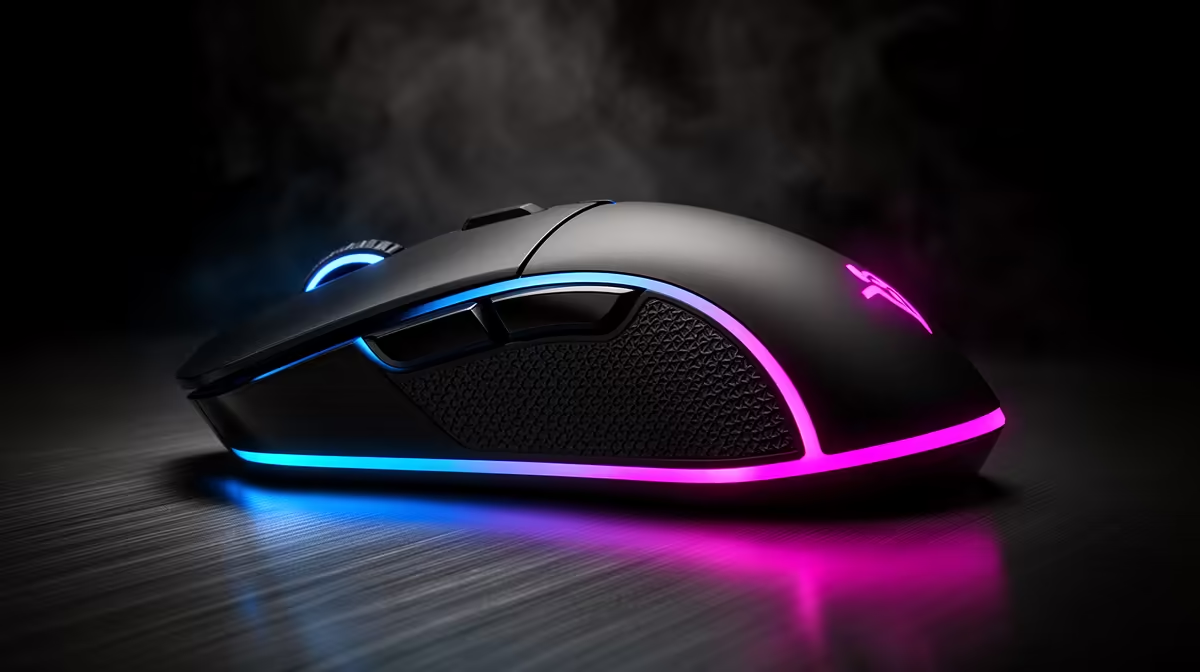
The easiest mouse upgrade is the one that fixes your single biggest complaint. For packing a rig for a LAN where reliability beats bragging specs, that is usually weight or a worn-out sensor and clicks.
Quick Answer
The easiest win is swapping a heavy old mouse for a sub-70 g model with a modern optical sensor and fresh switches; budget R600 to R1,400 wired or R1,200 to R2,500 wireless. It plugs in and works instantly, with no driver fuss for the core gaming functions.
Why this is the simplest upgrade
A new mouse needs no BIOS changes and no rebuild; it works the moment you plug it in. The felt jump from a heavy, double-clicking old mouse to a light one with crisp switches is immediate and obvious. Set DPI to 400 to 1,600 to taste and you are done, with software only needed if you want custom buttons.
Packing and using it for lan party preparation
For packing a rig for a LAN where reliability beats bragging specs, pick a light wired mouse if you carry your kit around, since there is no dongle to lose and no battery to die mid-session. A flexible paracord cable keeps a wired mouse feeling almost wireless. Bring a small mousepad too: a worn, slick surface undoes a good sensor, and a fresh cloth pad is the cheapest accuracy upgrade you can pack.
FAQ
Will a new mouse need software to work?
No, the core gaming functions work the instant you plug it in. You only need software to remap extra buttons, save DPI profiles or change lighting.
Wired or wireless for carrying to a LAN?
Wired is the safer travel pick: no dongle to lose, no battery to die mid-match. A flexible paracord cable keeps it feeling light and free on the pad.
What DPI should I set?
Most players sit between 400 and 1,600 DPI and adjust in-game sensitivity from there. Start at 800 DPI, which is a comfortable default for almost every shooter.
fresh cloth mousepad with the new mouse. A worn, slick surface wastes a good sensor, and a clean pad is the cheapest accuracy gain you can bring.