Quick Answer
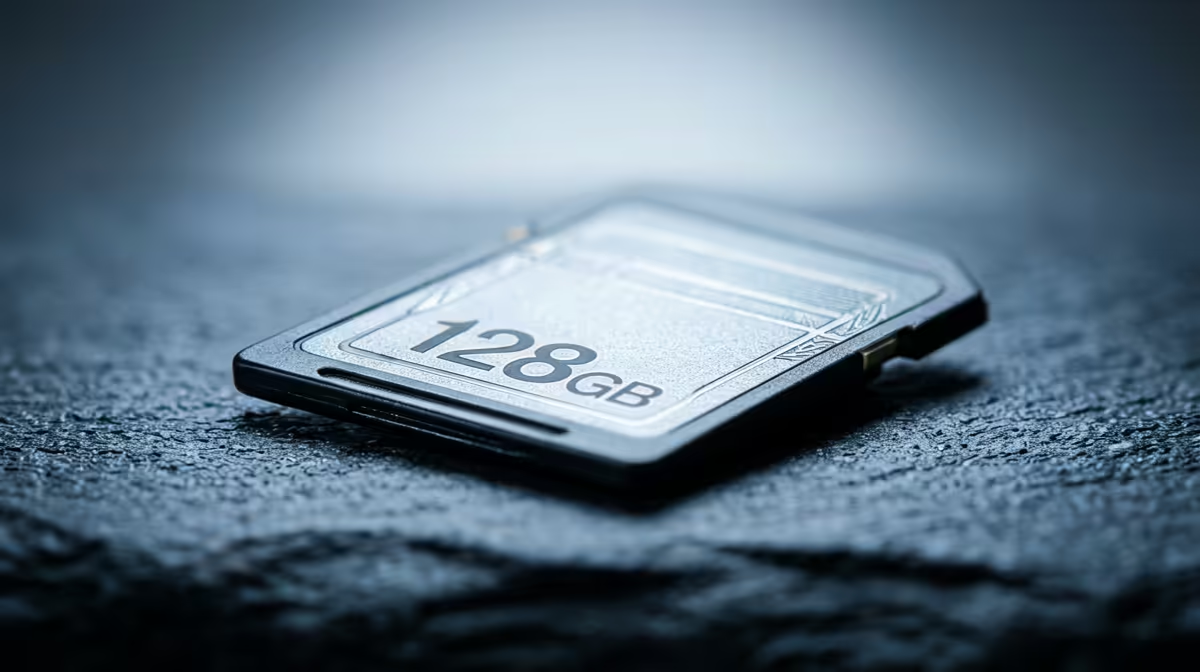
For most South African photographers and vloggers, a 128GB card is the sweet spot, handling roughly 3,000 RAW files or 90 minutes of 4K footage before you need to offload. Travellers shooting multi-day trips in the Drakensberg or on safari in Kruger should carry at least two 256GB cards rather than relying on one oversized card.
Matching Capacity to What You Actually Shoot 📸
RAW files from a 24-megapixel mirrorless body average around 28MB each, while 4K 60fps video from cameras like the Sony A7 IV or Canon EOS R6 Mark II chews through roughly 1.5GB per minute. A 64GB card fills up in under 45 minutes of continuous 4K recording, which is dangerously tight on a guided game drive. By contrast, a 256GB card gives you about 170 minutes of 4K or 9,000 compressed JPEGs, which comfortably covers a full-day Cape Town cityscape shoot without touching a laptop.
For vloggers producing daily content, two 128GB cards running in rotation keeps post-production flowing without waiting for a slow USB 2.0 reader to transfer files overnight.
Read and Write Speeds Matter as Much as Size 🚀
Capacity without speed causes real problems. Budget cards rated at 10MB/s write speed will bottleneck burst-mode shooting within seconds, forcing your camera buffer to stall. Look for UHS-I U3 or UHS-II V60 rated cards for 4K video; the V60 rating guarantees a minimum 60MB/s sustained write, which is necessary for high-bitrate footage. Cards branded as A2 application-performance class are better suited to drone controllers and action cameras, not traditional photo bodies. In SA retail terms, a reputable 128GB V30 card sits around R350 to R550, while a UHS-II 256GB card climbs to R1,200 to R1,800 depending on the brand.
Practical Card Strategy for SA Field Conditions 🌍
South African outdoor shooting environments add variables that city-based creators rarely face. Dust from gravel roads in the Karoo, humidity during Durban coastal shoots, and temperatures that spike past 35 degrees Celsius can all affect card reliability over time. Stick to cards rated for extended temperature ranges and carry them in a sealed case rather than loose in a kit bag. Never shoot with a single card as your only storage on a paid assignment; a two-card camera body writing simultaneously to both slots is standard practice for professional wildlife photographers working in the Greater Kruger region. If your camera only has one slot, back up to a portable SSD every evening without fail.
Format in Camera, Not on PC ⚡
Always format your SD card inside the camera rather than through Windows Explorer or Finder. In-camera formatting sets the correct file system for that body and clears residual data that can cause write errors mid-shoot. Do this before every major job, not just when the card feels slow.
FAQ
Is 64GB enough for a week-long South African road trip?
Only if you shoot JPEG exclusively and offload daily to a laptop or portable drive. Shooting RAW plus JPEG on a 24MP body will fill 64GB in two to three shooting days. For a week-long trip covering multiple locations, 128GB to 256GB with daily backups is the safer choice.
Do I need a UHS-II card if my camera only supports UHS-I?
No. A UHS-II card will work in a UHS-I slot but operates at UHS-I speeds, so you gain nothing from the premium price. Match the card standard to your camera body for best value; UHS-I U3 V30 is sufficient for any UHS-I camera shooting 4K.
How many SD cards should a vlogger carry to a multi-day event?
A minimum of three 128GB cards gives you a buffer while one is transferring, one is in the camera, and one is already backed up. If your event runs longer than three days without reliable Wi-Fi or laptop access, bump to 256GB cards or add a fourth card to your kit.
Need the right SD card for your next shoot?
Browse the full range of SD cards at Evetech and pick the capacity and speed class that matches your camera and workflow.