Quick Answer
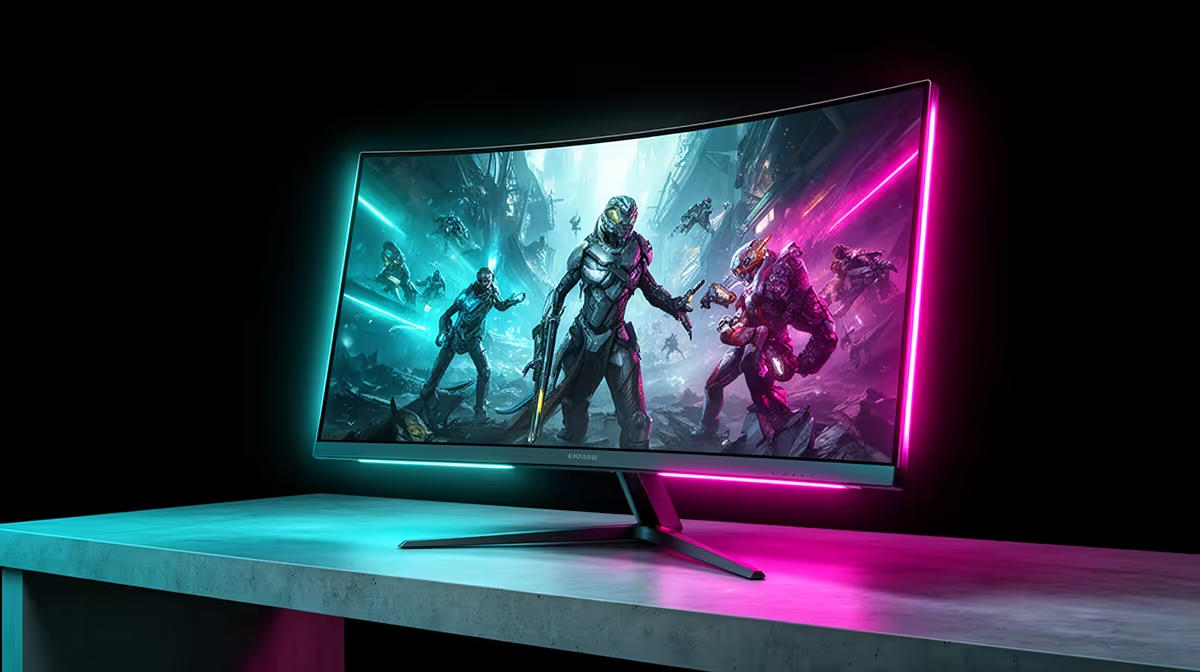
Before upgrading to a dual-mode 4K monitor, confirm your GPU can deliver at least 60fps at native 4K in your main titles (RTX 5070 class minimum) and that your DisplayPort cable is rated for DP 1.4 with DSC. Budget R12,000 to R18,000 for a model where both modes are genuinely useful rather than one being a marketing checkbox.
GPU Readiness: The Most Overlooked Pre-Upgrade Check 🔬
South African gamers sometimes buy a dual-mode 4K panel and then find they spend 90% of their time in FHD mode because their GPU cannot sustain playable 4K frame rates. An RTX 5060 Ti targets approximately 60 to 80fps at 4K in demanding titles with DLSS Quality enabled, playable but with little headroom. An RTX 5070 reaches 90 to 130fps at 4K with DLSS Quality in the same titles, giving genuine 144fps territory with frame generation enabled. If your GPU is below the RTX 5070 tier, the 4K 160Hz mode of a dual-mode panel will be underutilised; consider whether a standard 4K 144Hz monitor at R9,000 to R11,000 is a better fit for your current hardware.
Cable and Port Verification Before Unboxing 🔧
A dual-mode 4K 160Hz panel requires DisplayPort 1.4 with DSC to reach 4K 160Hz; this is not the cable that came with your previous 1440p monitor. Before powering on the new monitor, confirm: (1) the cable carries a DP 1.4 or UHBR10 badge, (2) your GPU has at least one DP 1.4 output (GTX 10-series and newer all do, but check the physical port count on your specific card), and (3) DSC is enabled in NVIDIA Control Panel or AMD Radeon Software. If the cable fails, the monitor will silently default to a lower resolution or refresh rate without displaying an error. SA hardware stores stock certified DP 1.4 cables locally; confirm the listing specifies UHBR10 bandwidth before purchasing online.
What to Expect from the FHD Mode in Practice 🎮
At 32 inches, FHD produces approximately 69 PPI, noticeably soft for text and desktop use but acceptable for competitive gaming at 60 to 80cm viewing distance. In CS2 with competitive settings, FHD 320Hz mode delivers sharper tracking than 4K 160Hz because the frame rate ceiling is doubled. A common mistake SA gamers make is toggling to FHD mode in the OSD but leaving the Windows resolution at 3840x2160. Windows must be manually set to 1920x1080 after the monitor switches mode, or the output will be downscaled incorrectly. Confirm both the monitor and Windows match the target resolution after each mode change.
Set Windows Resolution After Each Mode Switch ⚡
After toggling to FHD mode in the monitor OSD, open Windows Display Settings and confirm the resolution reads 1920x1080. Some GPUs auto-detect the change; others do not. If games appear letterboxed or blurry in FHD mode, the Windows resolution has not updated and needs a manual correction before launching the game.
FAQ
Can I return a dual-mode monitor if the FHD mode does not look good enough?
Most SA retailers offer a return window of seven to fourteen days for opened hardware with no physical damage, though policies vary. Viewing the FHD image in person at a store before buying is the most reliable way to set correct expectations for image softness at 32 inches.
Will a dual-mode monitor last longer than a standard 4K monitor as an investment?
A dual-mode panel addresses both current and future use cases: it handles 4K gaming as GPU power increases and provides a high-refresh FHD fallback. For SA gamers who upgrade GPUs every three to four years, the dual-mode capability becomes more useful over time as 4K frame rates improve.
Are dual-mode monitors available at Evetech with local warranty?
Yes. Evetech stocks dual-mode 4K gaming monitors with full South African warranty coverage. All units sold locally are import-compliant and eligible for warranty claims through local service infrastructure.
Ready to make the jump to a dual-mode 4K monitor?
Evetech carries a range of dual-mode 4K 160Hz gaming monitors stocked locally, with South African warranty and technical advice before you buy.