Quick Answer
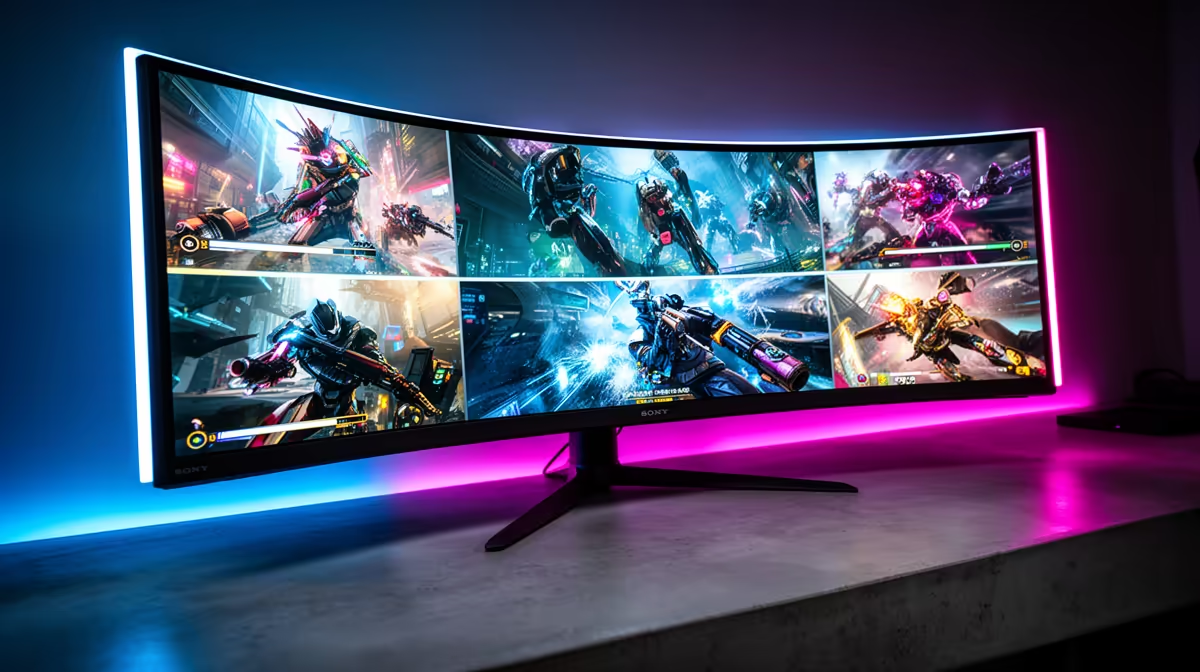
A G-Sync Compatible and FreeSync Premium Pro monitor is worth it for South African buyers in every scenario where screen tearing or stuttering bothers you in gaming, which means virtually any gaming use case. The combined certification means the monitor works seamlessly with both Nvidia and AMD GPUs, making it the smart choice for a display you plan to keep through multiple GPU upgrades.
What G-Sync Compatible and FreeSync Premium Pro Actually Deliver 📡
Both certifications deliver adaptive sync: the monitor's refresh rate synchronises to the GPU's frame output rate in real time, eliminating the visual tearing that occurs when the GPU's frame rate does not align with the monitor's fixed refresh intervals.
Practically, both work the same way: no tearing, no stutter, smooth frame pacing across the variable frame rate range.
When Is This Feature Most Impactful in South African Gaming Setups? 🎮
Adaptive sync is most impactful in three scenarios common to SA gamers.
Third, the transition period when a new GPU is installed. As a new GPU settles into your system and drivers are updated, frame rates vary more erratically in the first days of use. Adaptive sync handles this gracefully during the adjustment period.
G-Sync vs FreeSync Premium Pro: Choosing for Your GPU 🔧
If your current and planned future GPU is Nvidia, G-Sync Compatible is the relevant certification to verify. If you have an AMD card or switch between both (as many SA enthusiasts do when comparing value), FreeSync Premium Pro confirmation matters. Since virtually all current OLED gaming monitors carry both certifications, GPU brand should not influence your monitor choice in this regard.
The practical difference between G-Sync Compatible and full G-Sync hardware (which adds a dedicated scaler module inside the monitor) is minimal for OLED panels because OLED's own processing pipeline is already extremely fast. Full G-Sync hardware monitors are typically R2,000 to R5,000 more expensive and the benefit is not worth the premium on OLED technology. G-Sync Compatible certification is the appropriate tier for OLED gaming monitors.
Set VRR Range Correctly for Best Adaptive Sync Results ⚡
In Nvidia Control Panel or AMD Software, set your adaptive sync range minimum to 48Hz or the monitor's LFC threshold and maximum to the panel's rated refresh rate. In games that dip below 48 fps, enable Low Framerate Compensation in the monitor's OSD if available. This prevents adaptive sync from disengaging during heavy scenes and causing the tearing it is designed to prevent.
FAQ
Does G-Sync Compatible work as well as dedicated G-Sync hardware on OLED panels?
Yes, effectively. Dedicated G-Sync hardware adds a proprietary scaler designed for LCD panels. OLED panels' inherent processing speed makes the dedicated module's advantages negligible. G-Sync Compatible OLED monitors deliver adaptive sync quality essentially indistinguishable from dedicated G-Sync units.
Is FreeSync Premium Pro worth it for console gaming on an OLED monitor?
VRR over HDMI (which is a separate standard from FreeSync) is what consoles use for adaptive sync. FreeSync Premium Pro refers specifically to the AMD PC adaptive sync certification. The two systems coexist on modern monitors, meaning your console can use HDMI VRR and your PC can use FreeSync or G-Sync Compatible over DisplayPort simultaneously on the same monitor.
Does adaptive sync work in all games for SA gamers?
Adaptive sync is handled at the GPU driver and monitor level, not the game level. It works across all games regardless of whether the game itself has VSync or frame rate cap settings. Games that cap frame rates above the monitor's maximum will simply run at the max refresh rate; games with variable output will benefit from adaptive sync throughout.
Buying a gaming monitor that works for both Nvidia and AMD GPUs now and in the future?
Evetech stocks G-Sync Compatible and FreeSync Premium Pro certified monitors with full local warranty. Future-proof your display investment today.