Quick Answer
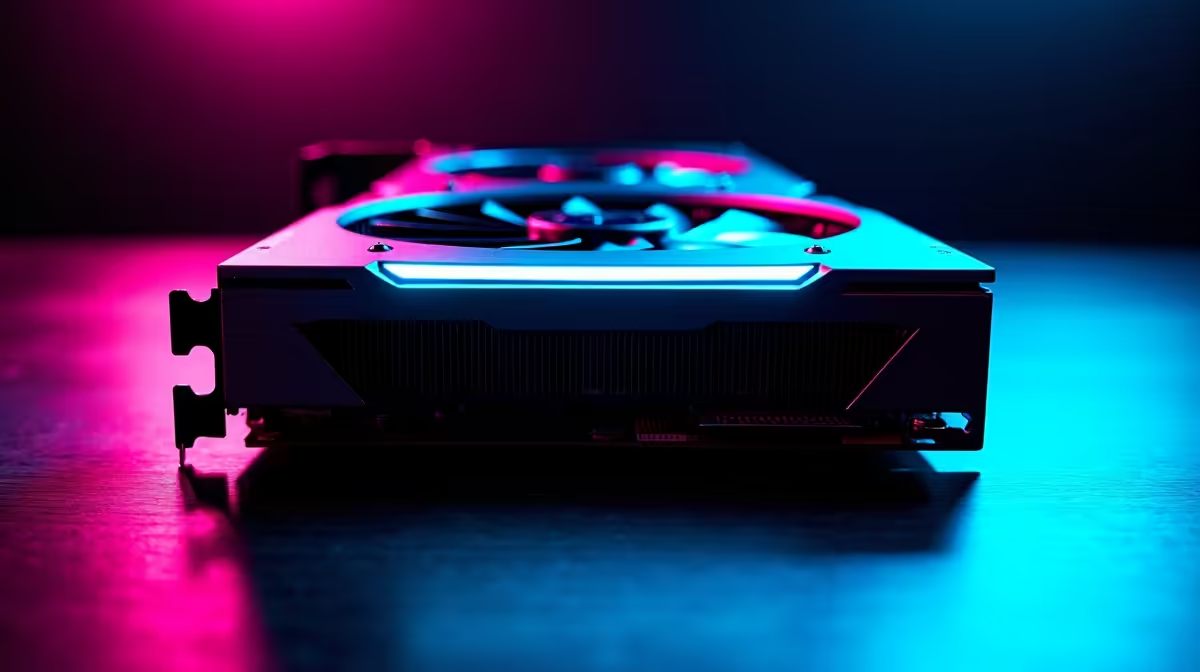
For a 32-inch 4K 240Hz gaming monitor you need at minimum an RTX 5080 or RX 9070 XT to sustain 200-plus fps at high settings in demanding titles. An RTX 4090 or RTX 5090 is the practical choice for consistently hitting 240Hz in all conditions. Budget R18,000 to R35,000 for a GPU at this performance tier.
Why 4K 240Hz Demands Top-Tier GPUs 🖥️
4K at 240Hz represents 3840x2160 pixels refreshed 240 times per second, which is roughly 1.99 billion pixels per second of raw rasterisation throughput. That is more than three times the pixel throughput of 1440p 240Hz and over twice that of 4K 144Hz. Current mid-range GPUs like the RTX 4070 or RX 7800 XT, which handle 4K at 60 to 80 fps in demanding games, fall well short of the 200-plus fps required to exploit a 240Hz panel meaningfully. The RTX 4080 Super delivers 4K 240Hz in esports titles and lighter games, but drops to 120 to 160Hz in demanding open-world and simulation titles. Only the RTX 5080, RTX 5090, or equivalent top-tier AMD parts sustain close to 240Hz across a broad game library.
Practical GPU Options and Their 4K 240Hz Reality 🎮
The RTX 5080 (approximately R22,000 to R28,000 at Evetech) is the most accessible GPU that sustains genuine 4K 240Hz performance across a mixed game library. It averages 200 to 240 fps in esports titles at 4K and 150 to 200 fps in demanding AAA games at high settings, meaning FreeSync Premium Pro or G-Sync fills the gap smoothly. The RTX 5090 (above R35,000) is the only current GPU that sustains 200-plus fps at 4K in virtually all titles at max settings. For South African gamers who want 4K 240Hz without spending R35,000 on the GPU alone, a hybrid approach works well: run esports titles at 4K 240Hz and use DLSS 4 or FSR upscaling in demanding AAA titles to maintain frame rate targets.
DLSS 4 and FSR as Frame Rate Enablers 💡
NVIDIA's DLSS 4 Multi Frame Generation on RTX 50-series GPUs can multiply rendered frames, enabling a weaker underlying rendering resolution to output at 4K 240Hz-equivalent smoothness. An RTX 5070 Ti with DLSS 4 can approach 4K 240Hz performance in supported titles that would otherwise demand an RTX 5090. AMD's FSR 4 performs similarly on RX 9000-series GPUs. Both technologies introduce minor latency overhead and subtle visual artifacts but are transparent enough for most gaming scenarios. For a 32-inch 4K 240Hz OLED monitor, the combination of a mid-high GPU plus AI upscaling is a genuinely viable and more affordable path than raw GPU performance alone.
Use DLSS or FSR at Quality Mode for 4K 240Hz ⚡
When using upscaling to hit 4K 240Hz targets, select Quality mode (rendering at 2160p native equivalent) rather than Performance mode. Quality mode preserves enough detail on a 32-inch 4K OLED that the upscaling is imperceptible at normal 60 to 80 cm desk viewing distances, while still delivering the frame rate boost you need to exploit the 240Hz panel.
FAQ
Can an RTX 4090 drive a 32-inch 4K 240Hz monitor?
Yes, better than any current GPU except the RTX 5090. The RTX 4090 averages 180 to 240 fps in most modern titles at 4K high settings and remains the most capable single GPU for this resolution-refresh combination from the previous generation. Second-hand RTX 4090 units at Evetech represent strong value for this use case.
Does VRAM matter for 4K 240Hz gaming?
Yes, significantly. At 4K with high-resolution texture packs, some modern games consume 14 to 16 GB of VRAM. GPUs with 16 GB or more (RTX 5080, RTX 5090, RX 9070 XT) avoid VRAM overflow stuttering. 12 GB GPUs can struggle in heavily-modded open-world titles at 4K max textures.
What DisplayPort version do I need for 4K 240Hz?
DisplayPort 2.1 is required for native 4K 240Hz at 10-bit HDR without Display Stream Compression. Confirm your GPU and monitor both carry DP 2.1 ports. DP 1.4 can carry 4K 240Hz only with DSC enabled, which works well but adds minor encoding overhead.
Pairing a high-end GPU with your 4K 240Hz monitor?
Evetech stocks RTX 50-series and RX 9000-series GPUs ready for 4K 240Hz gaming, browse the GPU range online or visit the Evetech store.