Loadshedding's over, the fibre's back, but your game is still a laggy mess. Why? Your neighbour's WiFi is probably shouting over yours on the same crowded channel. It’s a digital traffic jam. But what if your network could automatically find an open lane? Modern WiFi 6E boosters that auto-choose the best channel do exactly that, giving you a private expressway for your data, right here in South Africa. 🚀
Unlocking the 6GHz Advantage
For years, our devices have competed for space on the 2.4GHz and 5GHz WiFi bands. They've become like the N1 highway at 5 PM… congested, slow, and frustrating. This is especially true in apartment complexes or dense suburbs where dozens of networks overlap, causing interference that kills your ping and makes 4K streaming stutter.
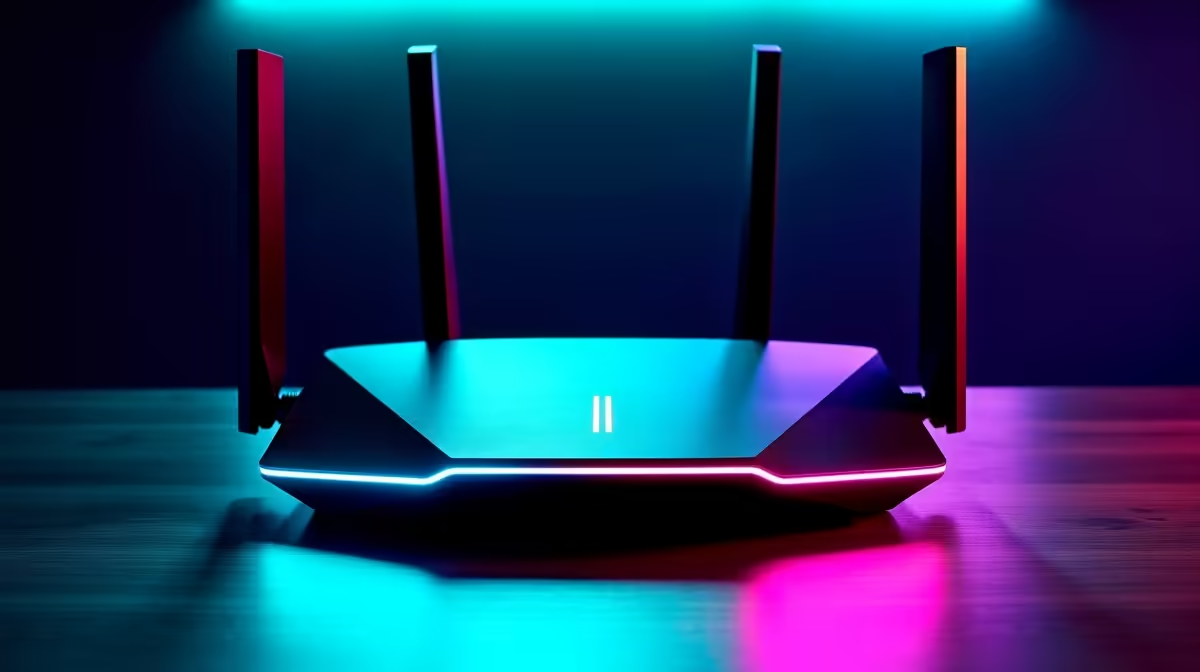
WiFi 6E is the first real solution. It introduces the 6GHz band—a brand-new, exclusive superhighway for your data. It’s wider, has more channels, and is completely free from interference from older WiFi devices. To take full advantage, your network's foundation must be solid, starting with high-performance wireless routers capable of handling these new speeds.
How Smart Channel Selection Banishes Lag
So, what makes these new boosters so special? It's the "auto-choose" intelligence. Instead of you having to manually log into your settings and guess which channel is best, these devices do the work for you.
A WiFi 6E booster that auto-chooses the best channel constantly scans the airwaves in your home. It identifies which channels are clear and which are congested by your neighbours' networks. Then, it automatically and seamlessly shifts your connection to the fastest, cleanest lane available. ✨ Think of it as Waze for your WiFi, dynamically routing your gaming traffic away from digital gridlock.
The result?
- Drastically Lower Latency: Your in-game ping becomes more stable and lower.
- Consistent Speeds: No more random buffering when streaming from the far side of the house.
- Zero Hassle: The system optimises itself, so you can focus on the win.
Position is Everything 🔧
For the best results, place your WiFi booster halfway between your router and the dead zone. Ensure it's in an open area, not tucked away in a cabinet or behind the TV, to give its signal the best possible path.
This intelligent network management is the key to unlocking flawless performance. To get started, you can explore our curated range of next-gen wireless range extenders designed for modern South African homes.
Is Your PC Ready for the 6GHz Leap?
Upgrading your network with a smart booster is a huge step, but it's only half the battle. To actually connect to the new 6GHz band, your computer or laptop needs to be able to "speak" WiFi 6E. It's like having a Formula 1 track but still driving a go-kart… you won't feel the speed.
Most new high-end motherboards and laptops come with WiFi 6E built-in. But if your rig is a year or two old, you'll likely need an upgrade. Thankfully, it’s an easy and affordable fix. You can get powerful PCIe or USB wireless adapters that equip your machine with full 6GHz capability. It’s a small investment for a massive performance boost. ⚡
A complete, optimised setup ensures every piece of your network works in harmony. For a truly seamless experience, every component matters, which is why it pays to view your setup as a single system. You can find everything you need to build out your network in Evetech's complete wireless networking section.
Ready to Conquer Connection Chaos?
Stop fighting for bandwidth and give your gaming the stable, low-latency connection it deserves. Explore our range of intelligent WiFi 6E boosters and leave lag in the dust for good.