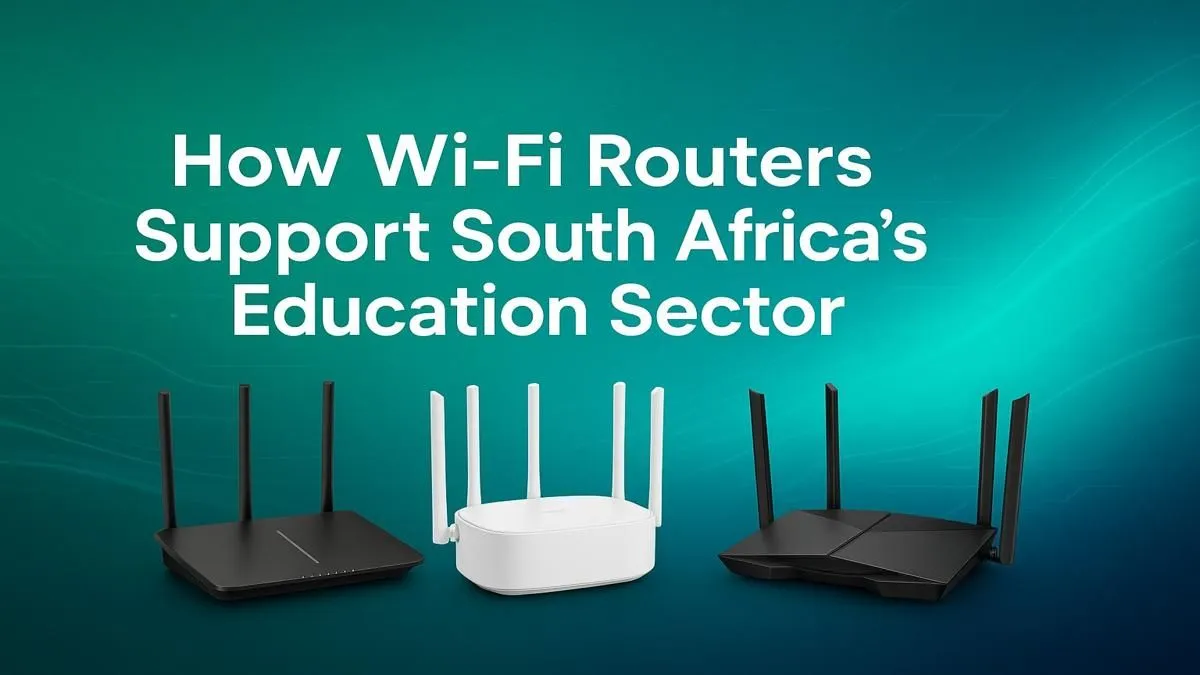
Slow internet, buffering videos, and dropped connections... sound familiar? For too many South African schools, this is the daily reality. But it doesn't have to be. A reliable, high-speed network isn't a luxury anymore; it's the backbone of modern learning. Providing effective Wi-Fi for schools in South Africa is the first step toward unlocking digital textbooks, online research, and collaborative projects, giving our students the tools they need to succeed in a connected world. 🏫
Planning Your School's Wi-Fi Network
Before you buy a single piece of hardware, you need a plan. A school environment is one of the most demanding places for a wireless network. You're dealing with thick walls, multiple floors, and hundreds of simultaneous users, all streaming, downloading, and learning. The goal is to provide seamless coverage everywhere, from the Grade R classroom to the library and the admin office.
Start by mapping out your school's layout. Identify high-traffic areas like computer labs and media centres, as well as notorious dead spots. This blueprint will determine the type and number of devices you need. The foundation of any great network is a powerful connection to the outside world, which is where high-speed fibre routers come in, ensuring your school's internet pipe is big enough to handle the load.
Choosing the Right Hardware for the Job
With a plan in place, you can select the core components. Don't make the mistake of using a basic home router for an entire school... it simply won't cope.
The Core: Routers and Access Points
The router is the brain of your operation. For a school setting, you need robust wireless routers that can manage dozens, if not hundreds, of connections without breaking a sweat. Look for features like MU-MIMO (Multi-User, Multiple Input, Multiple Output) and Quality of Service (QoS), which help prioritise educational traffic over less important data. In larger schools, a central router works with multiple Access Points (APs) spread throughout the buildings to create a single, unified network.
Network Security Pro Tip 🔒
Always create separate Wi-Fi networks (SSIDs) for different user groups. A network for administrators, one for teachers, and a separate, more restricted one for students. You can even have a public one for guests. This simple step, called network segmentation, dramatically improves security and allows you to control bandwidth for each group, ensuring critical systems always run smoothly.
Eliminating Dead Zones ✨
Every school has them: those frustrating corners where the Wi-Fi signal just disappears. Classrooms at the end of a long passage or older buildings with thick concrete walls are common culprits. This is where wireless range extenders or a mesh Wi-Fi system become essential. These devices pick up the existing signal and rebroadcast it, effectively eliminating dead zones and ensuring consistent coverage across your entire campus.
Connecting Every Device 💻
What about the older desktop PCs in the computer lab that don't have built-in Wi-Fi? Running long, messy Ethernet cables to every machine isn't always practical or affordable. A simple and cost-effective solution is using USB wireless adapters. These plug-and-play devices give any PC or older laptop instant access to your new, super-fast wireless network. This small investment can breathe new life into existing hardware.
Building a powerful Wi-Fi solution for a South African school is a critical investment in our children's future. By planning carefully and choosing the right components, you can create a reliable, fast, and secure network that truly powers modern education.