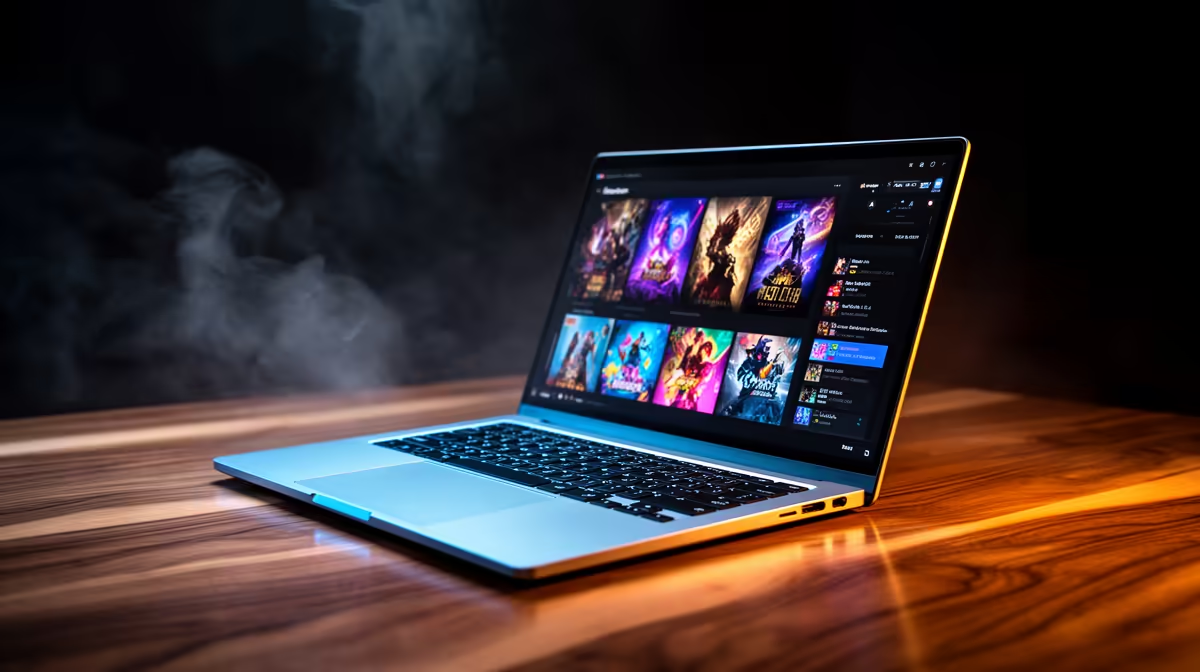
Yes, the Lenovo LOQ RTX3050 at R9,500 suits a beginner streamer who wants a Windows 11 laptop with dedicated RTX3050 graphics for smoother broadcast headroom. Entry-level streaming is not only about going live; it is also about keeping chat, browser tabs, camera settings, and the streaming app responsive while the stream is running.
Best value picks for first streams
The Lenovo LOQ RTX3050 at R9,500 is the most obvious first look because the RTX3050 spec gives it a stronger graphics angle than a plain office notebook. For a starter channel, that matters when the machine is handling a game, capture preview, overlays, and basic editing after the stream.
The ASUS ExpertBook P1503 i5 at R9,858 is a more work-focused option if the stream is light: talking-head sessions, screen sharing, browser demos, or school and office content. Its i5 spec is sensible for a tidy Windows 11 setup where reliability and daily productivity matter as much as going live.
If you want more CPU comfort, the Lenovo IdeaPad Slim 3 i7 at R13,400 and ASUS Vivobook X1504VA i7 at R13,999 both bring an i7 spec into the conversation. They make sense for creators who expect to keep many tabs open, trim clips, and run streaming tools without turning the machine into a dedicated gaming rig.
SA creator desk setup
For a bedroom desk, student desk, or small creator corner, the ASUS Vivobook S14 OLED at R10,719 is attractive because the OLED spec helps when checking thumbnails, webcam framing, and colour on stream visuals. The ASUS ExpertBook P5405 at R12,700 is the cleaner business-style pick when the same desk also needs to handle meetings, admin, and content planning.
Ready to choose the right laptop?
For windows laptop entry level streaming, put ASUS ExpertBook P1503 i5 at R9,858 first and judge the setup around its listed spec.