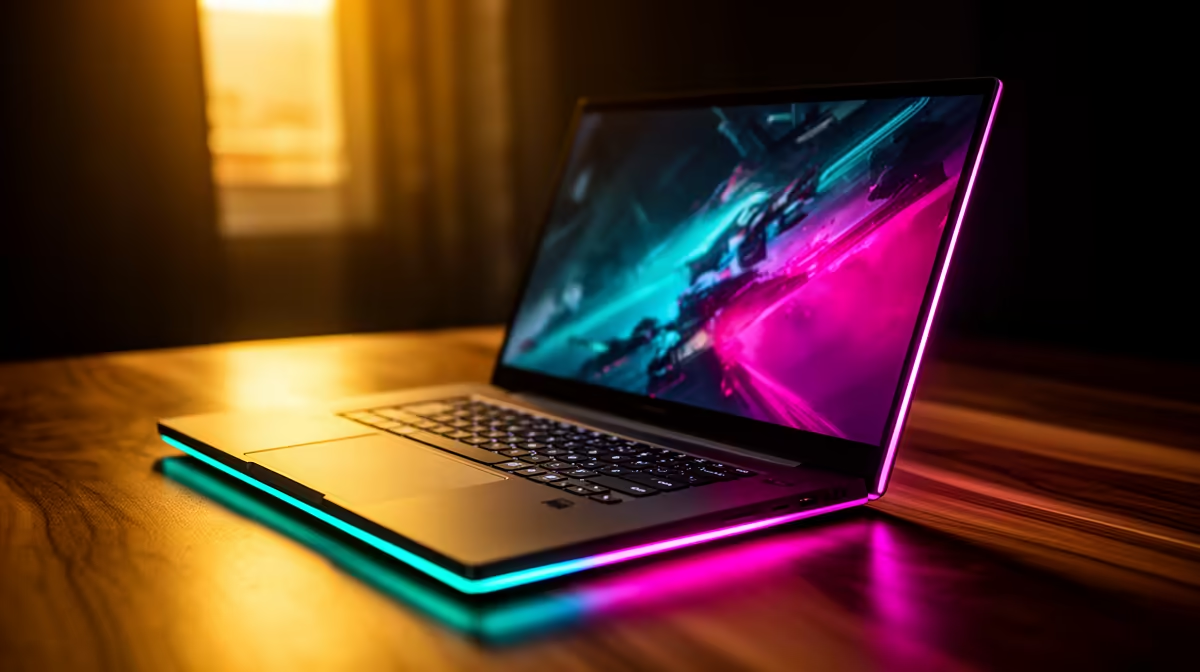
Yes, the Lenovo LOQ RTX3050 at R9,500 suits a starter creator who wants a Windows 11 laptop with dedicated graphics for smoother video editing without jumping into a premium budget. For short-form uploads, school projects, channel intros, and regular 1080p timelines, it gives you the clearest editing-focused value from this list.
Best first pick for video editing
The Lenovo LOQ RTX3050 at R9,500 is the strongest first look because RTX3050 graphics matter when you are scrubbing timelines, previewing effects, and exporting clips. It is the most editing-aware option here for creators who would rather spend on performance than a thinner daily-use machine.
The Lenovo IdeaPad Slim 3 i7 at R13,400 is a better fit if your work is mostly cutting, trimming, browser research, scripts, thumbnails, and uploads. Its i7 processor gives it a strong general productivity base, while the ASUS Vivobook X1504VA i7 at R13,999 makes sense for a similar editing desk where CPU strength matters more than gaming-style graphics.
SA creator desk reality
A small creator desk in SA usually has one laptop, a phone full of clips, an external drive, headphones, and maybe a compact light. The ASUS Vivobook S14 OLED at R10,719 is useful for that kind of setup because the OLED screen helps when checking colour, thumbnails, and final previews before publishing. The ASUS ExpertBook P5405 at R12,700 is the more business-like choice when the same machine must handle editing, admin, and client notes.
The ASUS ExpertBook P1503 i5 at R9,858 is still worth considering for lighter creator work, especially if the workload is basic cuts, upload management, and writing descriptions. Its i5 spec keeps it sensible for everyday content tasks, but heavier effects and longer projects point back to the Lenovo LOQ RTX3050 at R9,500.
Ready to choose the right laptop?
Keep ASUS ExpertBook P1503 i5 at R9,858 on the list for windows laptop actually editing youtube; its listed spec is the detail to test against that brief.