


RTX 4060 Ti Throttling Under Load: SA Temperature Guide
RTX 4060 Ti Throttling Under Load: Temperature. Everything you need to know with SA pricing, step-by-step instructions & expert recommendations.
Read moreChoosing a wireless gaming mouse under R1000 in South Africa? Focus on latency, sensor quality, battery life, and shape comfort. Get the right pick for FPS and MOBA play with fewer compromises. 🎮🔋
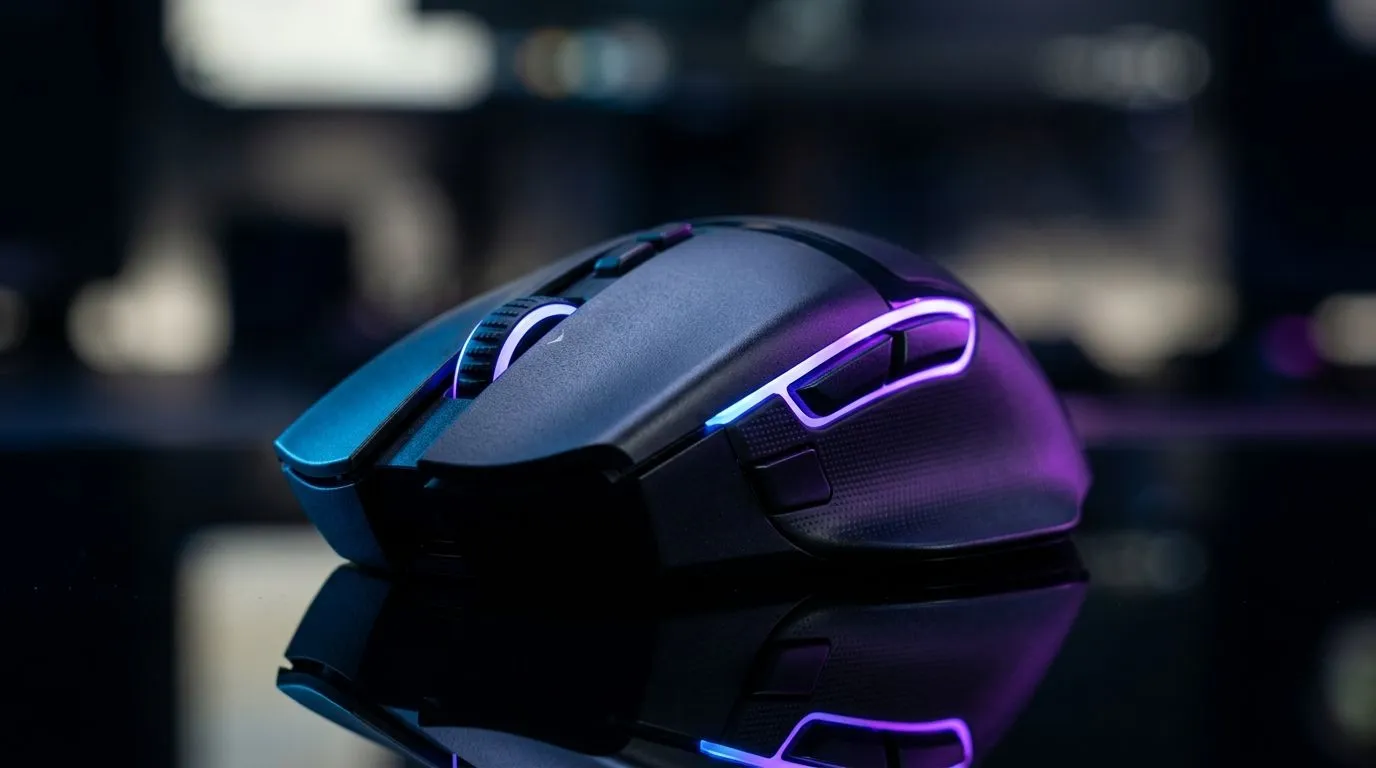
Buying a wireless mouse under R1000 in South Africa sounds simple… until you realise latency, sensor quality, and battery life can make or break your aim. If you play Valorant, Fortnite, or Warzone on PC, small grip and click issues become big problems fast. So what should you check before you tap “add to cart”? Let’s make your next purchase feel like an upgrade, not a compromise. 🎮
Your mouse needs to track smoothly at your usual DPI. In this budget tier, the “feel” is often better explained by sensor consistency than by marketing DPI numbers. If the spec page lists a sensor model, that’s your best clue for accuracy and tracking stability. Start by filtering to mice with proper sensor specs on Evetech’s product listings, then compare those to reviews and user feedback.
Wireless mice can be fast… but only if they use modern wireless tech and a decent polling rate. If you see terms like “low latency” or “2.4GHz”, look for a stated polling rate in product details. If it’s missing, treat it as a yellow flag.
Battery life is where cheap wireless products often disappoint. For long gaming nights, aim for a model with clearly stated battery life (or at least a charging/usage method you can live with). A mouse that dies mid-game is not “wireless”, it’s “intermittently wired” 😅.
On Windows, keep mouse settings consistent between games by saving profiles in-game and adjusting DPI in one place. Then, test a small training routine for 10 minutes before ranked. It stops you from blaming recoil when it’s actually DPI mismatch.
Grip changes everything. A budget mouse can be “good” on paper but wrong in hand. If you claw-grip, you’ll want a shape that supports your middle fingers. Palm-grip players should prioritise comfort curves and a taller back hump. Fingertip grip usually wants a lighter mouse and a slimmer body.
Most FPS players prefer lighter mice for quick turns. But ultra-light can feel twitchy if you have a relaxed grip. Aim for a weight that matches your play style, and check Evetech’s specs on each model page so you’re not guessing.
Even under R1000, click tactility matters. If Evetech lists switch type or click ratings, use that as your anchor. If you can, look for return-friendly listings or deals so you’re not stuck.
Start with the right category, then narrow by what you care about: wireless features, sensor info, and weight. If you already own a mouse and want to refresh your setup, accessories and mouse mats can improve control more than people expect. ✨
You can browse:
If you want the best odds of finding a strong deal under R1000, use current promos:
If you’re unsure, start with a wireless model that has strong published specs. Then tune DPI and in-game sensitivity to lock your aim in. Consistency beats “almost-right” every time. ✅
Ready to Find Your Perfect Match? The Mac vs Windows debate is complex, but for maximum power, choice, and value in South Africa, Windows is hard to beat. Explore our massive range of laptop specials and find the perfect machine to conquer your world.
Prioritize low-latency 2.4GHz performance, a reliable sensor, comfortable shape, and good battery life to avoid stutter during ranked matches.
Yes. 2.4GHz generally delivers lower latency and more consistent tracking than Bluetooth, which matters for fast FPS flicks and strafing.
Look for at least several days of real playtime (often 20–60 hours claims depending on settings). Faster recharge helps too.
Absolutely. A strong optical sensor with consistent DPI and tracking quality improves aim stability and reduces lift-off and glide issues.
Aim for higher polling support (commonly 1000Hz) and smooth DPI steps. Higher DPI isn’t everything, but flexible DPI helps in different games.
Weight affects control and speed. Many players prefer lighter mice for flicks, but comfort and balance are more important than a single number.
It can, depending on the model and environment. Choose a solid 2.4GHz design and avoid weak range or poor receiver placement.
Check compatibility, warranty, charge method, included cable, button mapping options, and reviews that mention wireless stability and tracking.
RTX 4060 Ti Throttling Under Load: Temperature. Everything you need to know with SA pricing, step-by-step instructions & expert recommendations.
Read more
Apex Legends Max Settings on RTX 4080. Tested & verified settings for best FPS and visual quality on SA hardware budgets.
Read more
GPU Buying Guide. Everything you need to know with SA pricing, step-by-step instructions & expert recommendations.
Read more
GPU Terms Guide. Everything you need to know with SA pricing, step-by-step instructions & expert recommendations.
Read more
AMD Adrenalin Download & Setup Guide: GPU. Clear setup instructions with SA-specific considerations, troubleshooting tips & recommended components.
Read more
Back-to-School GPU Buying Guide. Everything you need to know with SA pricing, step-by-step instructions & expert recommendations.
Read more
Snapdragon X2 NPU Explained: How 80 TOPS Changes. Plain-English explanation of what it means, why it matters & how it affects your buying decisions in SA.

HBM? High Bandwidth Memory Used in GPUs and AI. Plain-English explanation of what it means, why it matters & how it affects your buying decisions in SA.

How much should you spend on sim racing accessories in South Africa for a realistic setup? We break down budgets by quality tiers, so you buy smart gear and avoid overspending 🎮💸

G-Sync and FreeSync? Variable Refresh Rate. Plain-English explanation of what it means, why it matters & how it affects your buying decisions in SA.

AMD Laptop: Value. SA-focused analysis with local pricing data, real-world insights & actionable buying advice.

How MacBook Neo Handles 30+ Chrome Tabs with Only. SA-focused analysis with local pricing data, real-world insights & actionable buying advice.

Why Apple Put 8GB RAM in MacBook Neo: The A18 Pro. SA-focused analysis with local pricing data, real-world insights & actionable buying advice.

Upgrade your work laptop with a New Motherboard. Step-by-step instructions with SA-specific tips, common pitfalls to avoid & expert recommendations.

Maintain wired headset — Checklist: • inspect cables • clean earpads • store properly 🔧🎧 Practical steps to preserve sound quality and avoid premature replacements.

Fix crackling headset fast: step-by-step checks for cables, connectors, drivers, and settings to remove static or distorted audio on wired headsets 🎧⚙️

Stereo vs mono headsets: learn which delivers clearer calls, better spatial music, or simpler mono voice performance — pick the right headset for meetings, music, or gaming 🎧💬

- Compare gaming headset vs studio headphones; - Assess comfort, mic and sound; - Recommend best daily picks. Gaming headset vs studio headphones: learn which suits work, music and casual gaming. 🎧⚖️